
Smartphone Unlock
Free Phone Unlock: How to Switch Carriers Without an Unlock Fee
TL;DR A free phone unlock is usually available through the carrier that locked your device once you meet its rules. Check your lock status, confirm payment and service requirements, then....
Passkeys When Switching From iPhone to Android: A Safe Guide
TL;DR Your passkeys can stay usable when switching iPhone to Android, but the route depends on where they are saved. Use the same compatible password manager, try a supported app-to-app....
How to Unlock Your Phone — 100% Tested
Quick Answer To unlock a phone for another carrier, check its lock status and contact the original carrier with your IMEI. You must meet its payment and service requirements before....
Recover WhatsApp and Restore Chats After Losing Your Phone—Tested
TL;DR To recover WhatsApp after losing your phone, get a replacement SIM or eSIM with the same number and register WhatsApp on your replacement phone. Restore chats from an existing,....
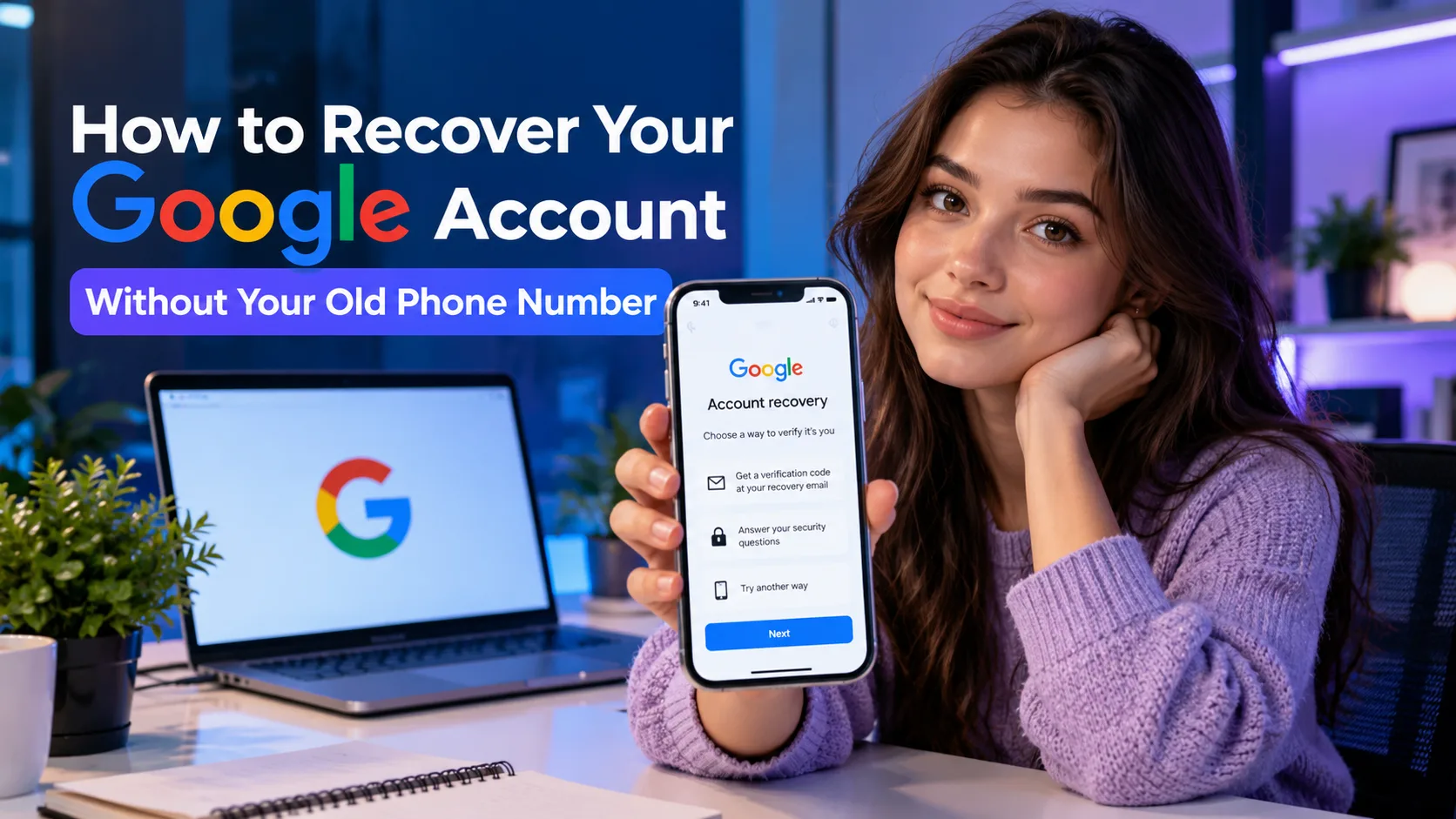
Recover your Google Account Without the Old Phone Number (100% Tested)
Key Takeaways Your old number is not your only option. A signed-in phone, existing passkey, saved backup code, or working Authenticator code may help you sign in. Use Google’s official....
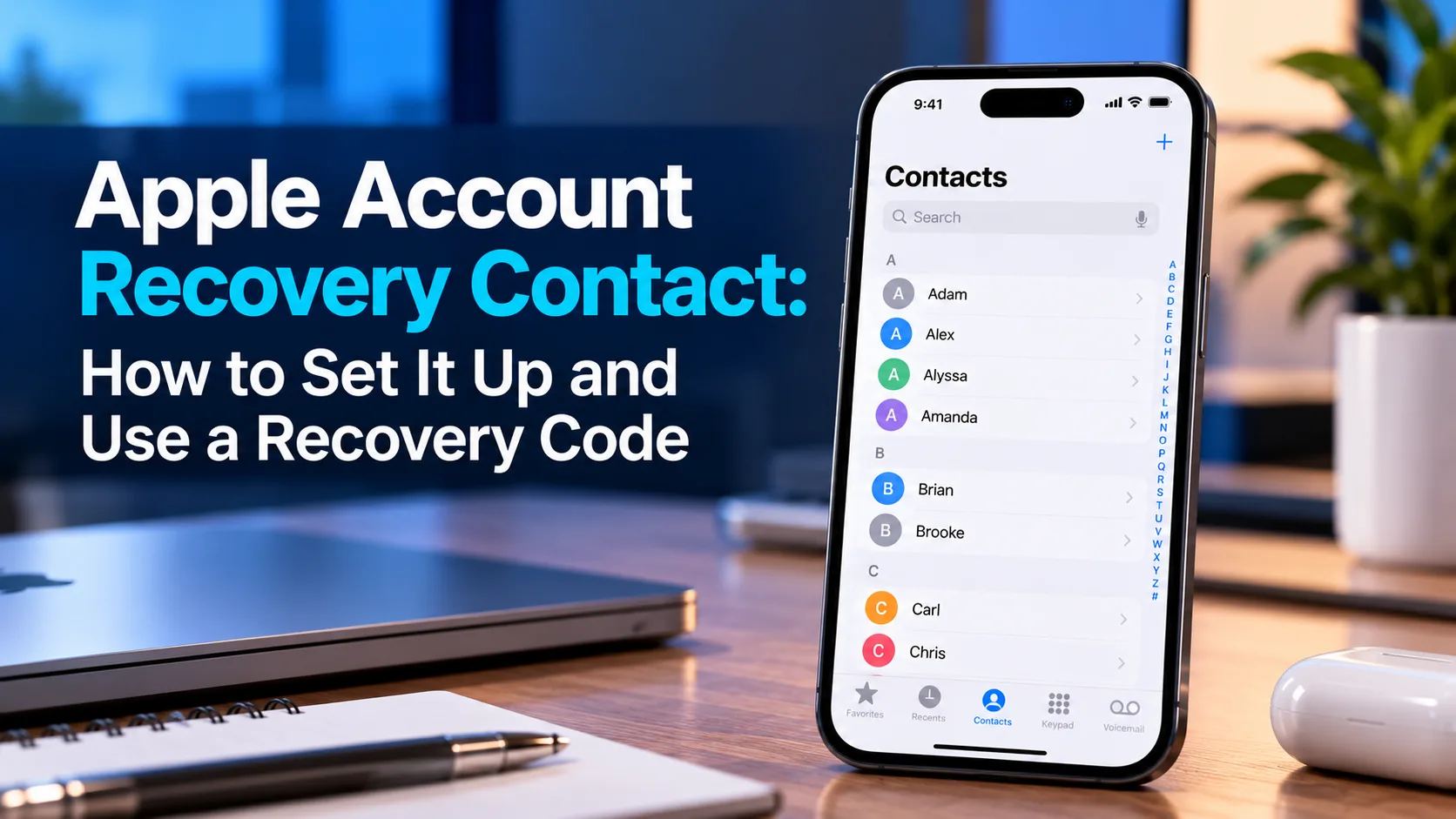
Apple Account Recovery Contact: How to Set It Up and Use a Recovery Code
Key Takeaways Set up a recovery contact before you lose access. Go to Settings > [your name] > Sign-In & Security > Recovery Contacts. Choose someone trusted and reachable. You....
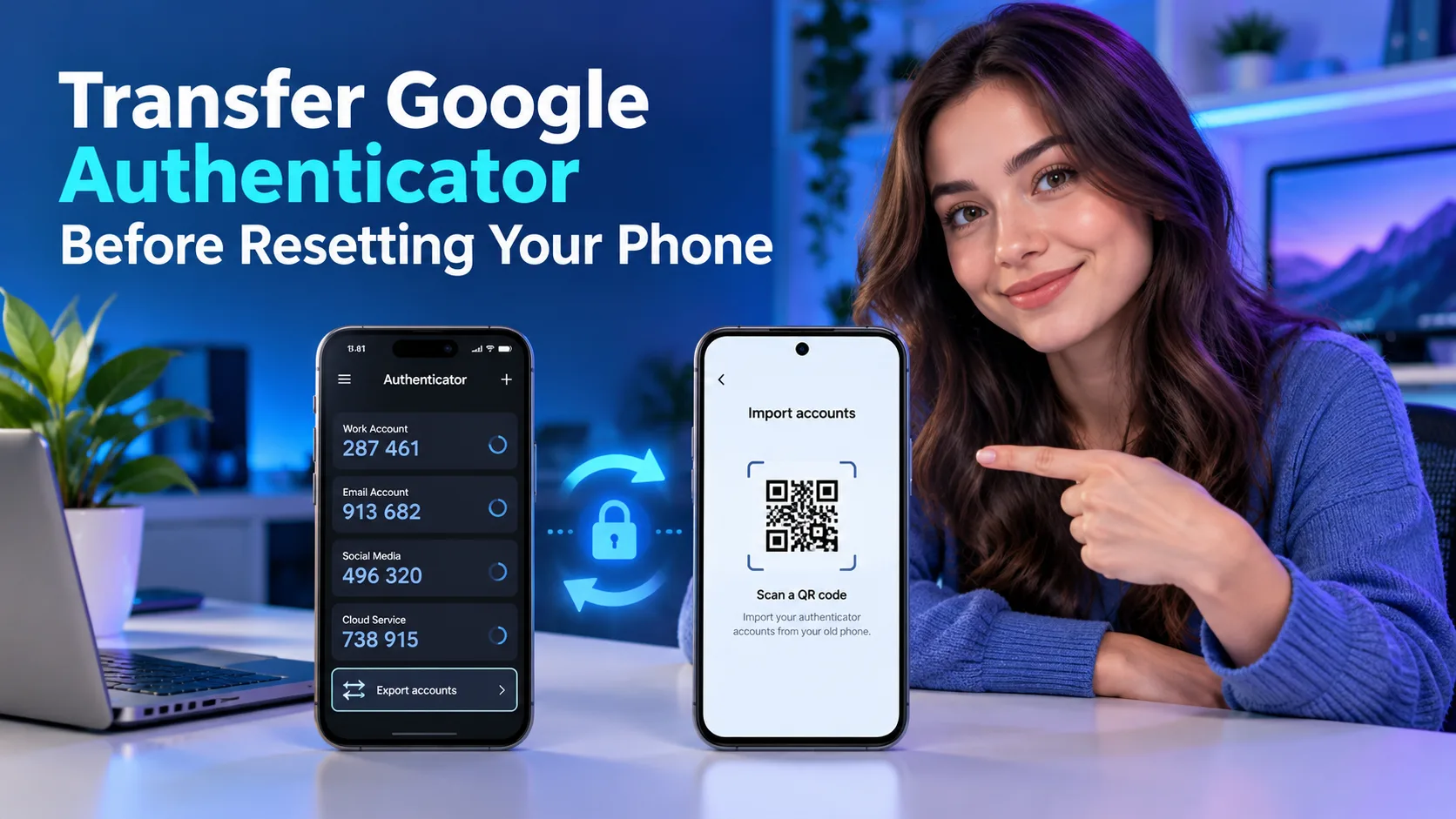
Transfer Google Authenticator Before Resetting Your Phone
Key Takeaways Use Google Account sync: Sign in to the same Google Account in Authenticator on your new phone to restore entries saved there. Transfer manually with QR codes: Export....
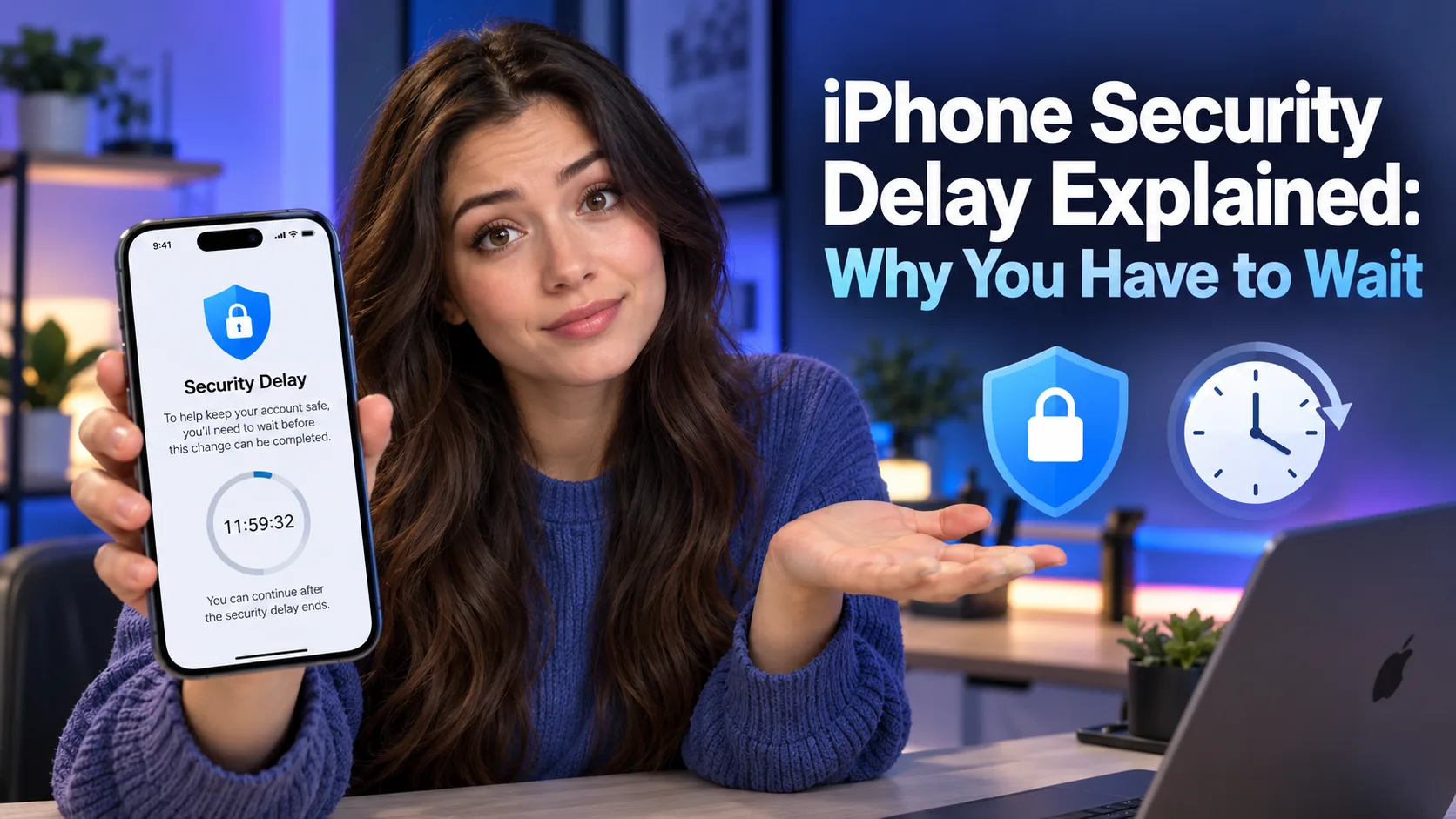
iPhone Security Delay Explained: Why You Have to Wait
Key Takeaways Security Delay protects sensitive changes. Stolen Device Protection adds safeguards before you change your Apple Account password, iPhone passcode, or other key settings. The usual wait is one....
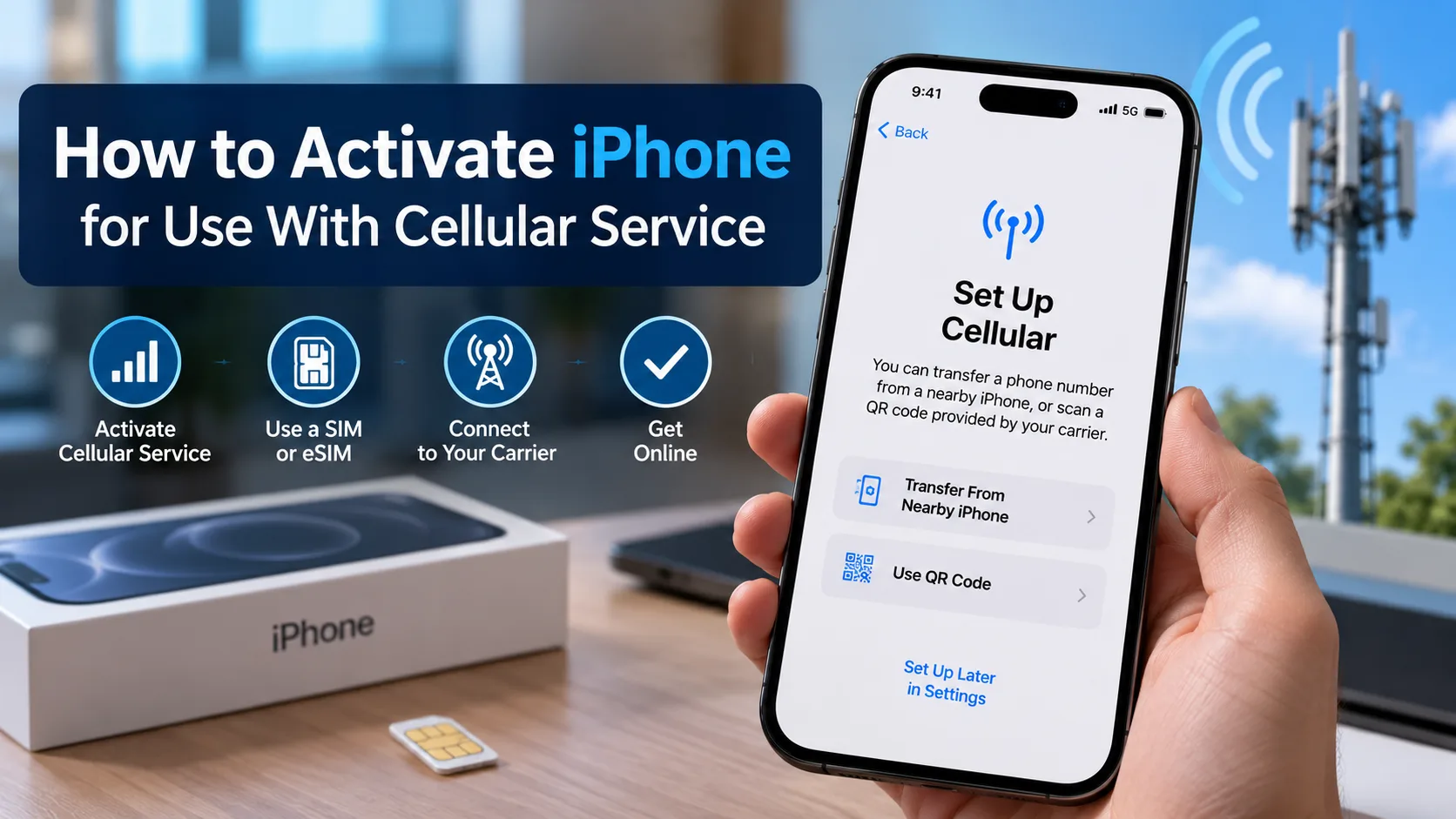
How to Activate Any iPhone for Use With Cellular Service [Super Easy]
Key Takeaways Check compatibility first. Your carrier must accept your exact iPhone model. Being carrier-unlocked does not guarantee that the device will work on every network. Choose the correct SIM....
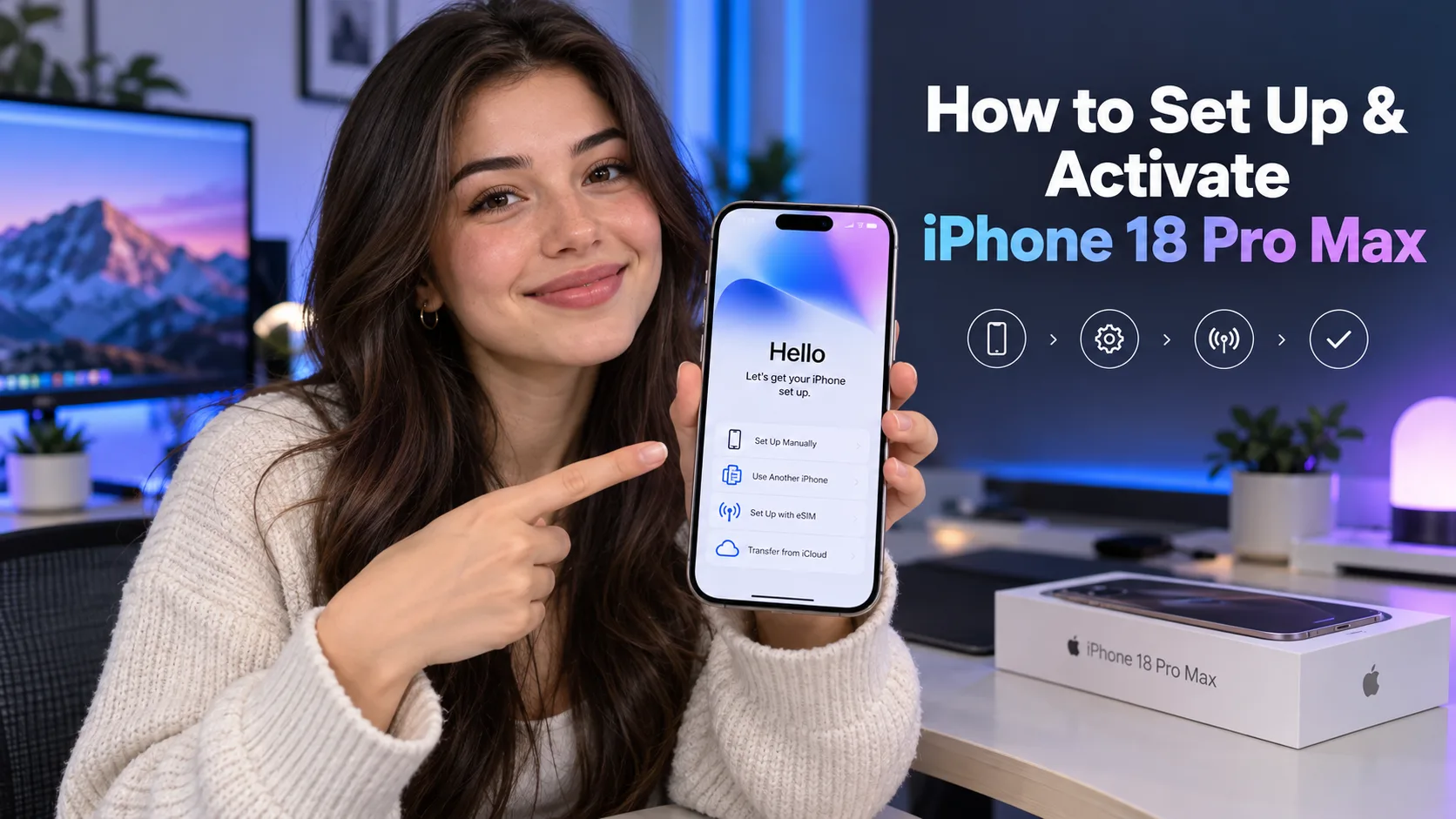
How to Set Up & Activate iPhone 18 Pro and Pro Max (Tested Method)
Key Takeaways iPhone 18 Pro and Pro Max use eSIM only. You cannot insert a physical SIM card; your carrier must activate or transfer your service digitally. Choose the right....