How to Unlock Samsung Galaxy S23 Ultra for Any Carrier

How to Unlock Samsung Galaxy S23 Ultra for Any Carrier

Unlocking your Galaxy S23 Ultra opens the door to cheaper plans, better travel options, and the freedom to switch networks whenever you want. In this guide, we’ll walk through every safe, legal method to get your S23 Ultra unlocked for use on any compatible carrier—without confusing jargon. You’ll learn how to check your lock status, … Read more

How to Unlock iPhone 16 Pro Max for Any Carrier

How to Unlock iPhone 16 Pro Max for Any Carrier

Unlocking your iPhone 16 Pro Max lets you choose the plan and price that fit you—whether that’s a big-three carrier, an MVNO with a cheaper monthly bill, or a local eSIM while you travel. The good news: the process is straightforward once you know who locked the phone and what each carrier requires. This guide … Read more

How to Unlock iPhone 12 Pro Max for Any Carrier

How to Unlock iPhone 12 Pro Max for Any Carrier

Unlocking your iPhone 12 Pro Max lets you choose the plan, price, and coverage that fits you—not your old provider. In this guide, you’ll learn exactly how to check your lock status, request an unlock from Verizon, AT&T, T-Mobile, and MVNOs, and confirm it worked with either a physical SIM or eSIM. You’ll also see … Read more

Activate a Verizon Unlocked Phone & APN Settings

Activate a Verizon Unlocked Phone & APN Settings

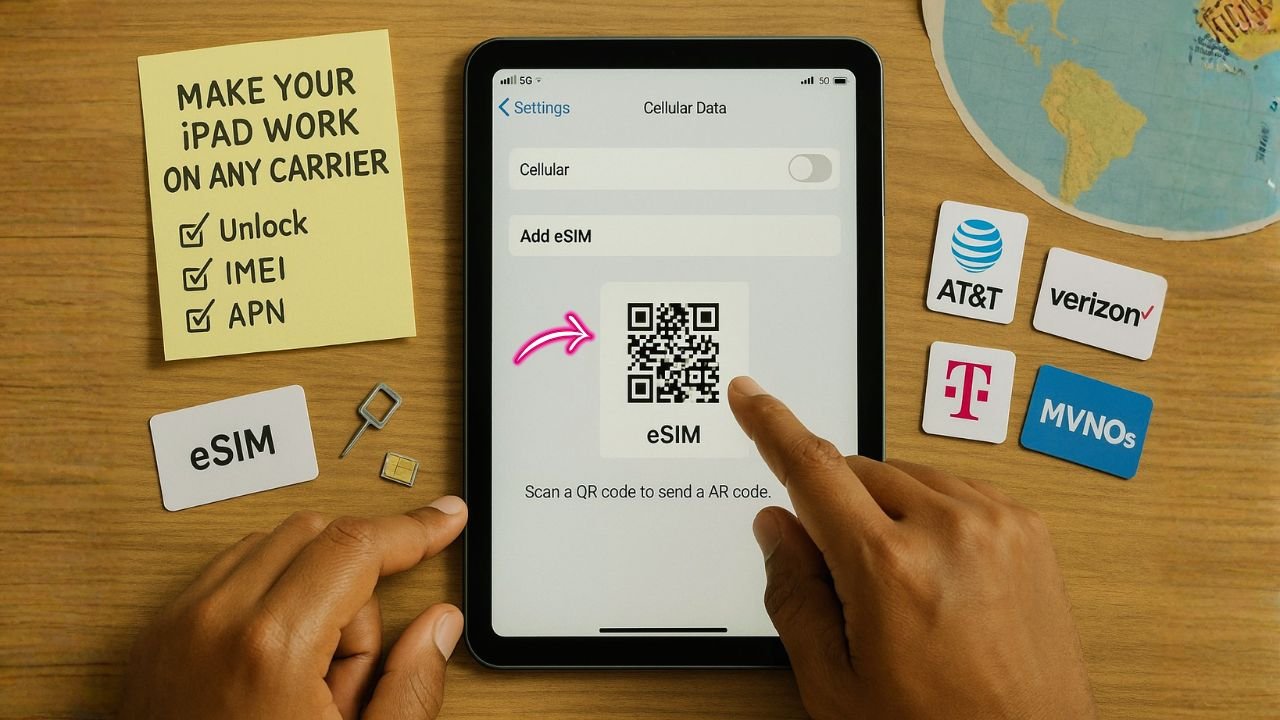
Insert a Verizon SIM (or activate eSIM in My Verizon), power on, and test data/MMS—most phones auto-load settings. If data or picture messages don’t work, you can add the APN manually. iPhone: APN is managed by Carrier Settings (not usually editable). Go to Settings > General > About to install any carrier update, or Settings … Read more