

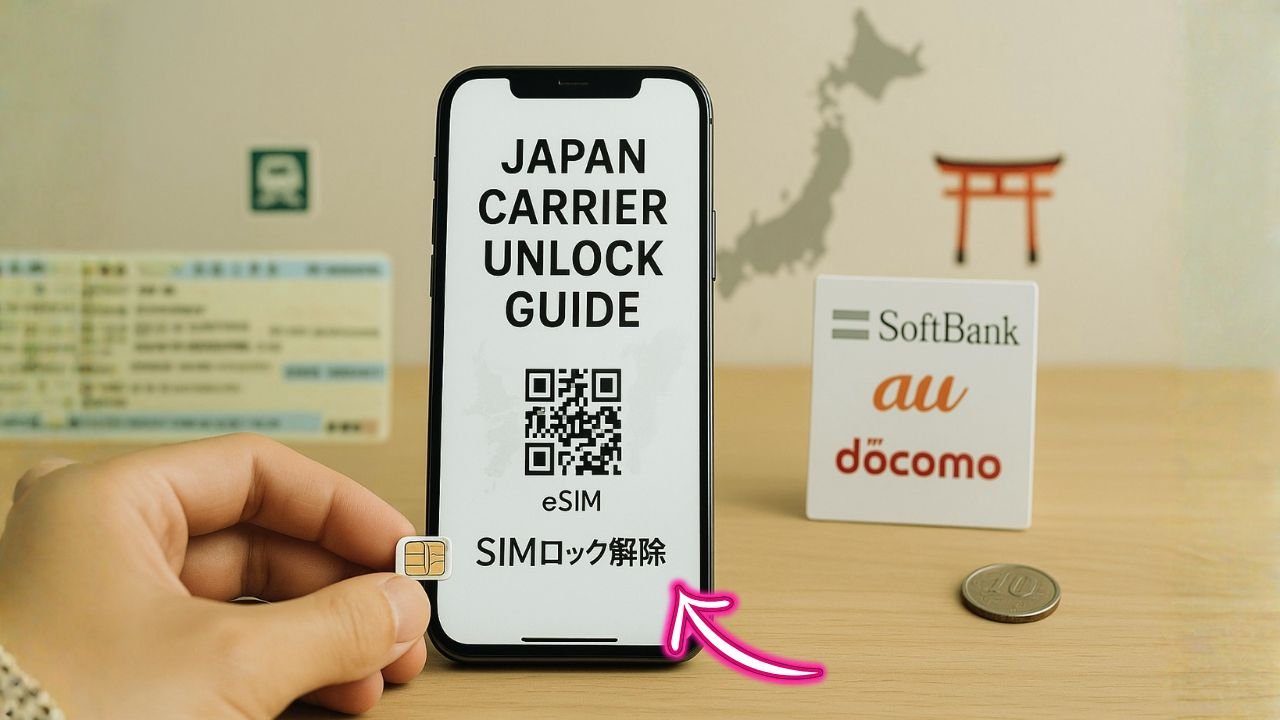
Heading to Japan with a phone that still says “SIM restricted”? Or maybe you’re moving carriers inside Japan and want to keep your number without surprises. Good news: Japanese carriers make it possible to convert many devices to SIM-free and switch lines with minimal fuss. The process is a little specific, though—there are tiny rules that matter.
Here’s a plain-English walkthrough that saves time, avoids store ping-pong, and keeps your number alive the whole way.
Key Takeaways
- Most recent phones on Docomo, au, and SoftBank can be made SIM-free online (My docomo / My au / My SoftBank) at no charge; shop requests may add a fee and are common for second-hand or flagged devices.
- Prep matters: have your IMEI and portal login, disable remote-lock tools (SoftBank users especially), clear any payment or “network usage limit” flags, and fix water/damage issues first.
- Keep your number with MNP: get a reservation number and finish your new signup within 15 days; aim to start online applications with 7–8 days of validity left to avoid hiccups.
- After going SIM-free, insert the new SIM/eSIM, set the correct APN, enable VoLTE, and test. On au models, tap Update SIM card status to finalize.
What “SIM-free” really means in Japan
Across Japan, “SIM-free” simply means your handset can accept SIMs (or eSIM profiles) from other providers—major carriers or MVNOs—once you complete the carrier’s official procedure. Japan’s regulator pushed for consumer choice years ago, and carriers provide a path to remove the restriction on eligible models. In practice, most recent phones can be converted online in a few minutes; older or unusual models may still need a shop visit. Reuters covered the 2015 policy push that required providers to support customer SIM unlocking upon request.
📖 Also Read: Using a Locked U.S. Phone in Canada: Unlock Steps + VoLTE/5G Compatibility
Carrier policies at a glance
- NTT Docomo — Online requests (My docomo) are available and free when conditions are met; shop requests can have a fee. Docomo’s English support page confirms online removal is free and notes edge cases like damaged devices needing repair first.
- au (KDDI) — You can check eligibility and complete the process via My au at no charge; there’s a clear, step-by-step English guide plus a detailed flow page.
- SoftBank — English support pages outline requirements: turn off services that control device functions (like Secure Remote Lock); devices with water damage or under “network usage limit” can’t be processed until resolved. SoftBank also shows the follow-up setting steps after you insert another carrier’s SIM.
Note: Third-party explainers often mention a “100–101 day” wait time after purchase—historically common, especially for SoftBank. Always rely on the official page for your model and contract status, since timing rules and online vs. in-store options can differ.
What to prepare before you request SIM-free conversion
A short prep list saves headaches:
- Account access for your carrier portal (My docomo / My au / My SoftBank). Official pages spell out the online route, which is usually quickest and free.
- Device status: no water damage; paid repairs completed; any remote-lock or anti-theft services disabled (SoftBank calls this out explicitly).
- PINs and passwords handy; Docomo may request your PIN/password for shop procedures.
- IMEI visible (dial *#06# or check Settings).
- A second SIM/eSIM you’ll use afterward to confirm the device accepts other networks.
A quick reality check
Bought second-hand? Some carriers process such devices only in-store (and may charge). Docomo’s English page indicates online is free when under contract, but in other cases you might need a shop visit with a fee.
Step-by-step — Docomo
Fastest path: My docomo → SIM lock removal → follow prompts → done. Docomo’s page emphasizes free online conversion when conditions are met; damaged devices must be repaired first. If you prefer the in-store route, there may be a fee.
After conversion: Insert another provider’s SIM/eSIM profile and check voice/data. If you’re bringing an overseas SIM, you may need to add the APN from that provider. Docomo also documents how to use non-Docomo phones on Docomo SIMs; those steps point to the same checklist mindset (proper IDs, settings, etc.).
Gotcha: Forgot your account PIN? Docomo notes that shop procedures can require it; reset before you go.
📖 Also Read: UK Unlocking Rules in 2025: EE, O2, Three, Vodafone (With BYOD & eSIM Tips)
Step-by-Step — au (KDDI)
Online: Log in to My au and look for the SIM locking procedure (English pages show the path and screens). The flow page confirms no processing fee for the online process and shows exactly where to click.
Model variations: au’s English help highlights that operations may differ by model. After inserting a different carrier’s SIM, connect to Wi-Fi, then in Settings → Device Information → SIM card status → Update SIM card status. That simple refresh often finalizes the change.
Older feature phones: Community reports suggest some legacy au flip phones tied to a single au IC card can’t be freed officially; this isn’t the norm for modern smartphones, but it’s a good reminder to verify by model. (Treat this as anecdotal guidance—always check the official page for your device.)
Step-by-step — SoftBank
Before anything: Disable device-control features like Secure Remote Lock. SoftBank’s English page is clear: if the product is wet or malfunctioning, handle repairs first; and if it’s flagged under network usage limit, SIM-lock removal can’t proceed until cleared.
Conversion + test: After processing, SoftBank’s guide shows the post-steps—insert another company’s USIM, power on, and you’ll see a key input / confirmation screen as part of deactivation steps. Follow the on-screen instructions to finish.
Timing quirks: Many third-party guides still cite a ~101-day period from purchase for full eligibility and “paid in full” status; shop staff can confirm the precise date for your unit if you don’t know it. Again, rely on the official SoftBank help for your model and account.
eSIM notes and APN basics
Once your device is SIM-free, adding an eSIM from a Japanese provider (or an international eSIM) is straightforward: scan the QR, install the profile, and set the correct APN if data doesn’t start right away. Carrier and tourist-oriented guides often remind you to configure APN manually if auto-provisioning fails.
Tip: When testing, toggle Cellular Data and Default Voice Line to the new profile, then reboot. If MMS or VoLTE seems flaky, re-check the APN and the “Enable VoLTE” switch in your device settings.
Keeping your number when changing carriers — MNP made easy
Japan’s Mobile Number Portability (MNP) lets you keep your current number when you move to another carrier or MVNO.
The standard flow
- Get your MNP reservation number from your current provider.
- Apply at the new carrier (shop or online) before it expires.
- Pop in the new SIM or download the eSIM; a brief cutover happens, and you’re live.
All three majors state that the MNP reservation number is valid for 15 days, counting the day it was issued—don’t let it expire. Docomo, au, and SoftBank all publish that 15-day window in English.
📖 Also Read: Keep your number while switching to T-Mobile, Verizon, or AT&T
One-Stop method (less hassle)
Docomo explains a newer one-stop path where, depending on the destination carrier, you may not need to get the reservation number yourself—the receiving provider handles it after you consent. This is gradually becoming more common and removes a lot of back-and-forth.
Small but important timing tips
- Some providers (e.g., Rakuten Mobile) ask that your reservation have at least 7 days remaining for online applications; if you’re going in-store, validity just needs to be unexpired.
- MVNOs often ask for 7–8 days remaining to be safe.
- Expect a brief service interruption at activation (minutes to an hour or so). Voice/SMS may blink; data usually reconnects quickly. Plan your switch during a calm hour. (General guidance sources summarize the timing.)
Fees and where you apply
- Docomo lists a contract handling fee (waived on the Docomo Online Shop) when you’re moving to Docomo; when moving away, follow the steps in their cancellation/MNP release page to request your reservation number online, by phone, or in-store.
- au provides an English MNP overview and even a current PDF that reiterates the 15-day validity.
- SoftBank explains the MNP steps and also lists English support contacts if you get stuck.
Common snags and how to avoid them
Your online request is rejected
- Check whether the device is flagged (e.g., installment not fully paid, “network usage limit,” or reported issues). SoftBank calls out conditions that must be cleared first.
- Try the shop route if you purchased second-hand or you’re not the original contract holder; Docomo notes that some non-contract cases require in-store processing (with a fee).
Everything processed, but calls/data don’t work
- On au models, make sure you completed the Update SIM card status step after inserting the new SIM; it’s right there in their English quick guide.
- Manually enter the APN from your new provider; tourist/eSIM guides show that manual APN entry is sometimes necessary.
You ran out the 15-day MNP clock
Simply request a fresh reservation number and re-apply. Carriers emphasize the validity window; don’t start a new application if your number is at risk of expiring mid-process.
Feature phone or very old smartphone
Some legacy au devices were tied to one au IC card and can’t be freed officially, per community notes. If you’re in this niche, ask a shop to confirm by model before spending time on forms.
Quick, non-technical checklist
- My carrier portal login works
- Device is healthy; any remote-lock tools turned off (SoftBank users, especially)
- IMEI noted, account PIN known (Docomo shop route may ask)
- I’ve read the specific English page for my carrier’s steps (Docomo / au / SoftBank)
- If switching carriers, I’ll request MNP and complete the new signup within 15 days; if possible, aim to have 7–8 days buffer remaining when applying online.
The Bottom Line
Japan’s big three—Docomo, au, and SoftBank—each provide a clear path to make your phone SIM-free, and they publish English help that walks you through the exact screens. The online route is usually free and fast; the shop route covers edge cases like second-hand devices or forgotten credentials. When you’re changing providers, the MNP flow keeps your number intact; just watch that 15-day clock and, if possible, keep a week of validity in hand for online signups.
Honestly, that’s the whole game: check the official page for your model, clear any device flags, request the change, test with a new SIM/eSIM, and port your number with time to spare. You know what? Once you’ve done it once, the process feels… simple.
If you’d like, tell me your carrier, device model, and whether you’re moving to an MVNO or a major—and I’ll map the exact clicks you’ll see on screen.


