

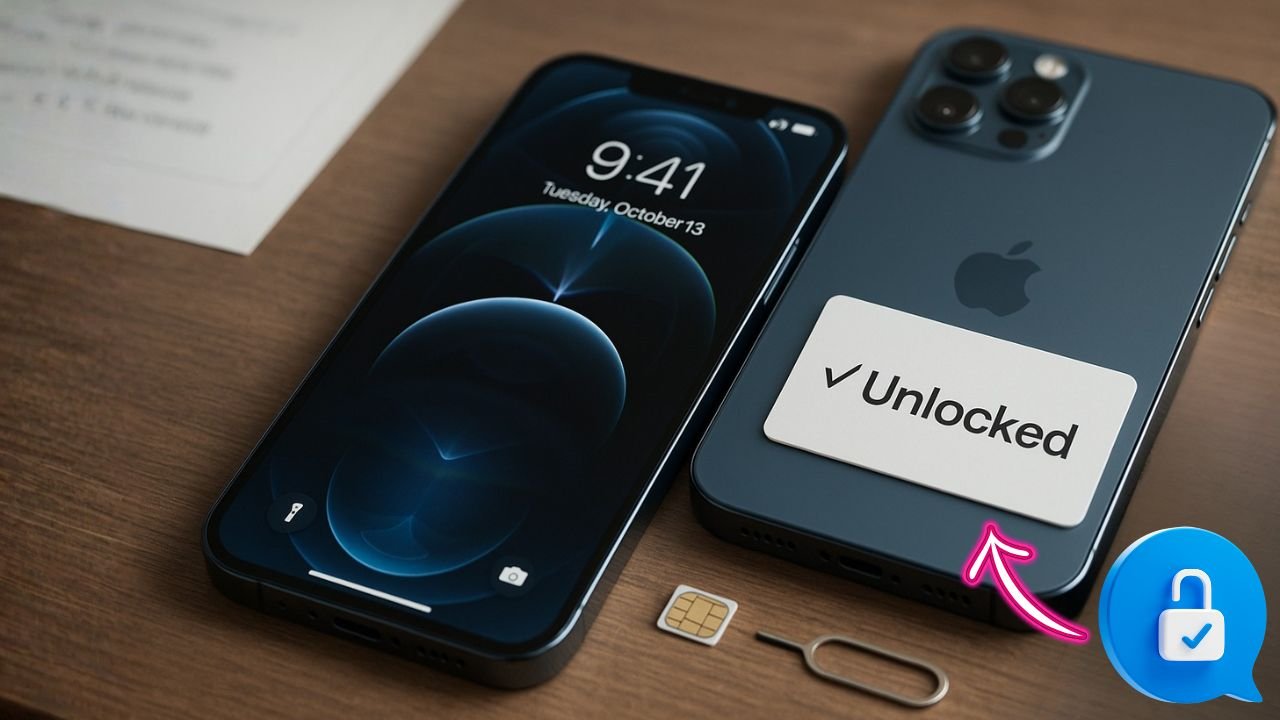
f you want a phone that just works with almost any SIM or eSIM—at home or while you travel—the iPhone 12 Pro Max unlocked is still a smart pick in 2025. It has a big, bright screen, great cameras, and 5G support that covers most carriers. The real win, though, is freedom: an unlocked iPhone lets you choose the plan you want, switch carriers for better deals, and pop in a local SIM on trips without stress. This guide explains what “unlocked” really means, how to check your device, legal ways to unlock it, how to set it up with any carrier, and how to fix common problems like “SIM Not Supported.”
Key Takeaways
- Truly unlocked for all major carriers: Works out of the box with AT&T, T-Mobile, Verizon, U.S. Cellular, plus MVNOs like Cricket, Metro, Spectrum, Xfinity, Visible, Mint, and more—just insert a SIM or add an eSIM and go.
- Quality & battery standards: Expect like-new condition with only faint micro-scratches (not visible from ~8–12 inches). Aim for battery health ≥80% (ideally 85–90%+) for solid all-day use.
- Real-world pricing snapshot (128GB): $899 new historically; refurb/used deals commonly $305–$475 (Apple Refurb ~$670+tax; Amazon Renewed ~$450+; Swappa ~$400–$450; eBay ~$400–$475).
- Buyer protections to look for: Many reputable sellers include free shipping, a 1-year warranty, and 30-day returns. Always verify Carrier Lock = “No SIM restrictions” and check a clean IMEI before you buy.
- Why it’s still a smart pick: Flagship build, excellent cameras, and 5G support; great for dual-SIM/eSIM travel and plan-hopping to save money—while keeping strong resale value.
What “Unlocked” Means (And What It Doesn’t)
An unlocked iPhone isn’t tied to one carrier. It can accept SIM cards and eSIM profiles from different providers as long as the network bands and technology match. That means you can use AT&T, T-Mobile, Verizon, plus most MVNOs (like Mint, Visible, Cricket, Boost, Spectrum Mobile, Xfinity Mobile, and others), and many international carriers.
What it doesn’t mean:
Unlocked is not the same as removing iCloud Activation Lock (“iPhone Locked to Owner”). Carrier unlocks and Activation Lock are separate. A phone can be carrier-unlocked but still blocked by Activation Lock if the previous owner didn’t remove the device from their Apple ID. Activation Lock can only be removed by the original Apple ID holder (or Apple with valid proof of purchase). Keep this difference in mind when buying used.
📖 Also Read: iPhone 13 Pro Max Unlocked: The Complete 2025 Buyer’s Guide
Quick Ways to Check if Your iPhone 12 Pro Max Is Unlocked
You don’t need special tools. You can confirm in settings in under a minute.
Method 1: Check in Settings
- Open Settings → General → About.
- Scroll to Carrier Lock (or Network Provider Lock in some regions).
- If it says “No SIM restrictions,” your phone is carrier-unlocked.
- If it lists a carrier or says “SIM locked,” it’s still locked.
Method 2: Test With Another SIM or eSIM
If you can, borrow a friend’s SIM or activate a cheap eSIM trial from a different carrier. If calls, texts, and data work, you’re unlocked.
Tip: If the phone is dual-SIM capable, you can run one line as an eSIM and the second as a physical SIM. That’s handy for travel or side gigs.
Why Unlocking Your iPhone 12 Pro Max Still Matters in 2025
- Switch for better deals: Move between carriers or MVNOs when promo pricing ends.
- Use both physical SIM and eSIM: Keep your main line and add a travel eSIM.
- International freedom: Buy a local plan abroad and avoid huge roaming fees.
- Higher resale value: Unlocked iPhones sell faster and often for more.
- Future-proof flexibility: If a local carrier upgrades plans or network tech, you can switch without buying a new device.
Is Unlocking Legal?
Yes. In the U.S. and many countries, carrier unlocking is legal once you meet basic requirements like paying off the device and finishing the contract or installment plan. Each carrier sets its own policy, but they must provide a pathway to unlock when you qualify.How to Carrier-Unlock an iPhone 12 Pro Max (Step-by-Step)
The cleanest unlock is always through the carrier. Third-party “codes” don’t apply to iPhones; Apple flips the unlock on their activation servers after the carrier approves your request. The general steps below are similar for most carriers.
1. Confirm Eligibility
- Paid in full? No remaining device balance or lease.
- Not reported lost/stolen? Blacklisted devices can’t be unlocked for legit use.
- Account in good standing? No overdue bills or fraud flags.
- Minimum service time met? Some carriers require a set number of days of active service.
2. Find Your IMEI
- Settings → General → About → IMEI.
- Or dial *#06# to display it.
- Write down the IMEI(s), especially if you’ve used multiple eSIMs/SIMs.
3. Request the Unlock
- Contact your carrier (app, website chat, or phone support).
- Provide your IMEI and confirm your account details.
- Ask for a factory unlock (Apple server unlock).
- Wait for confirmation the request was approved and processed.
4. Complete the Unlock
After approval, do one of these:
- Insert a non-original SIM and follow on-screen prompts, or
- Connect to Wi-Fi, go to Settings → General → Transfer or Reset iPhone → Reset → Reset Network Settings, or
- Back up and Restore the iPhone using iCloud or Finder (this forces activation with Apple’s servers).
You’ll see a message like “No SIM restrictions” once the unlock completes.
📖 Also Read: Buy iPhone 14 Pro Max Unlocked: How to Check, Activate, and Save on Service
How to Carrier-Unlock an iPhone 12 Pro Max
The cleanest unlock is always through the carrier. Third-party “codes” don’t apply to iPhones; Apple flips the unlock on their activation servers after the carrier approves your request. The general steps below are similar for most carriers.
1. Confirm Eligibility
- Paid in full? No remaining device balance or lease.
- Not reported lost/stolen? Blacklisted devices can’t be unlocked for legit use.
- Account in good standing? No overdue bills or fraud flags.
- Minimum service time met? Some carriers require a set number of days of active service.
2. Find Your IMEI
- Settings → General → About → IMEI.
- Or dial *#06# to display it.
- Write down the IMEI(s), especially if you’ve used multiple eSIMs/SIMs.
3. Request the Unlock
- Contact your carrier (app, website chat, or phone support).
- Provide your IMEI and confirm your account details.
- Ask for a factory unlock (Apple server unlock).
- Wait for confirmation the request was approved and processed.
4. Complete the Unlock
After approval, do one of these:
- Insert a non-original SIM and follow on-screen prompts, or
- Connect to Wi-Fi, go to Settings → General → Transfer or Reset iPhone → Reset → Reset Network Settings, or
- Back up and Restore the iPhone using iCloud or Finder (this forces activation with Apple’s servers).
You’ll see a message like “No SIM restrictions” once the unlock completes.
Carrier Snapshot: Typical Requirements (High-Level)
Rules can change, but these patterns hold:
- AT&T (postpaid & prepaid): Device must be paid off, not fraud-flagged, and active for a minimum period (varies). Use AT&T’s official unlock portal with the IMEI, or contact support.
- T-Mobile: Paid in full, recent usage on the network, and days-active requirements differ for postpaid and prepaid. Unlocks may be triggered in the T-Mobile app or by support.
- Verizon: Most consumer iPhones sold by Verizon unlock automatically after a short lock period when requirements are met (account in good standing, device not flagged). If not unlocked, contact support.
- MVNOs (Cricket, Metro, Boost, Spectrum, Xfinity, etc.): Often require a minimum service window (for example, ~60–180 days). Prepaid policies can be stricter than postpaid.
Tip: If you bought the iPhone 12 Pro Max directly from Apple at full price, it’s usually sold unlocked unless you chose a carrier-locked option during checkout.
eSIM on the iPhone 12 Pro Max (Dual-SIM Flex)
The iPhone 12 Pro Max supports one physical nano-SIM and one eSIM at the same time. That means you can run two numbers:
- Line 1 (eSIM): Your main number
- Line 2 (SIM): A short-term plan, travel data, or a bargain MVNO
Add an eSIM
- Go to Settings → Cellular (or Mobile Data) → Add eSIM.
- Choose Use QR Code or Transfer From Nearby iPhone (if supported).
- Follow your carrier’s steps to activate.
- Label your lines (e.g., “Personal” and “Travel”).
Choose Defaults
After activation, pick:
- Default line for calls and iMessage
- Data line for mobile data (you can switch this anytime)
- Roaming and Wi-Fi Calling options as needed
📖 Also Read: Unlocked iPhone: The Clear, Practical Guide for Everyday Buyers (2025)
Setting Up an Unlocked iPhone 12 Pro Max With Any Carrier
- Insert SIM or add eSIM.
- Connect to Wi-Fi and allow activation.
- If cellular data doesn’t work right away, toggle Airplane Mode on/off.
- If needed, enter or update APN settings (some MVNOs require manual APN).
- Power cycle the phone after big changes (SIM swap, eSIM add, APN update).
Note on 5G: The iPhone 12 Pro Max supports Sub-6 and, in some regions/models, mmWave. Actual 5G availability depends on your carrier plan and location. You can force LTE if 5G is unstable: Settings → Cellular → Cellular Data Options → Voice & Data → select LTE.
Buying a Used “iPhone 12 Pro Max Unlocked” the Smart Way
Unlocked listings can be confusing. Follow this quick checklist:
- Check Carrier Lock in Person: Go to Settings → About → Carrier Lock. Look for “No SIM restrictions.”
- Test With a SIM: Bring your SIM (or a cheap test SIM). Make a test call and load a webpage.
- Check Activation Lock: On the setup screen, the phone should not ask for someone else’s Apple ID. In Settings, make sure Find My is off before purchase, or have the seller remove the device from their iCloud account at iCloud.com → Find Devices.
- Match IMEI: Make sure the IMEI in Settings matches the box/receipt.
- Battery Health: Settings → Battery → Battery Health & Charging. A capacity much below ~80% may need replacement soon.
- Physical Inspection: Check the display, cameras, speakers, and charging port.
- Model Number/Region: U.S. models often include the most common LTE/5G bands for North America. If you travel often, verify your destination carriers use compatible bands.
Pro tip: Avoid listings that say “iCloud locked,” “MDM locked,” “carrier-clean but not unlocked,” or “for parts.” These are red flags.
Popular Long-Tail Use Cases (Why People Still Love This Phone)
- “iPhone 12 Pro Max unlocked for international travel” – Swap a local SIM in Europe or Asia and keep your main number on eSIM for iMessage.
- “Best MVNO plans for iPhone 12 Pro Max” – Try low-cost carriers for secondary lines or kid lines.
- “Dual-SIM iPhone 12 Pro Max work and personal” – Keep business calls separate without carrying two phones.
- “Unlocked iPhone 12 Pro Max for rural 5G” – Test multiple carriers to find the strongest signal at home.
- “Switch from carrier X to Y without buying new phone” – Save money by changing plans, not hardware.
Troubleshooting: Common Issues After Unlocking or Switching
“SIM Not Supported” or “SIM Invalid”
- Make sure the carrier actually completed the unlock. Reboot the phone and try activation again on Wi-Fi.
- Test with a different SIM/eSIM.
- Go to Settings → General → Transfer or Reset iPhone → Reset → Reset Network Settings.
- If still stuck, back up and Restore via iCloud or Finder to force activation.
No Data / MMS Not Working
- Confirm your plan includes data and hotspot.
- Update or enter APN settings from your carrier’s website.
- Toggle Cellular Data and Data Roaming (for travel SIMs).
- Reset Network Settings and reboot.
eSIM Transfer Fails
- Ensure both phones are on the latest iOS.
- Try scanning the QR code again or request a new eSIM from the carrier.
- Delete the old eSIM profile if the carrier issued a fresh one.
5G Is Spotty
- Switch to LTE for stability in weak 5G areas.
- Update carrier settings: Settings → General → About (wait for prompt).
- Check if your plan actually includes 5G access.
Calls Drop or No VoLTE
- Turn on VoLTE or Voice & Data → LTE + VoLTE if available.
- If your MVNO doesn’t support VoLTE on your device, try a different provider.
When a Phone Can’t Be Unlocked (And What to Do)
- Unpaid balance or lease: You’ll need to clear the balance with the original carrier.
- Reported lost/stolen (blacklisted): Carriers won’t unlock or activate it on their networks. Return it to the seller or request a refund.
- MDM/Corporate supervised device: Only the organization can release it from management.
If a deal looks too good to be true, it probably is. Ask for proof of unlock and check everything before paying.
Best Practices for Travel With an Unlocked iPhone 12 Pro Max
- Get a local eSIM in advance: Many travel eSIM providers let you buy and load a plan before you land.
- Turn on Wi-Fi Calling: Make calls over Wi-Fi when hotel or café signal is strong.
- Keep your home line on eSIM: Set the travel SIM as the data line so iMessage and WhatsApp keep your main identity.
- Download offline maps: Save data and avoid navigation issues.
FAQs: iPhone 12 Pro Max Unlocked
Q: Will an unlocked iPhone 12 Pro Max get all iOS updates?
A: Yes. Unlock status doesn’t affect iOS updates or Apple services.
Q: Do I lose warranty or AppleCare if I unlock?
A: Unlocking through the carrier/Apple server does not void AppleCare. Damage or unauthorized repairs are a separate matter.
Q: Can I unlock if I’m not the original owner?
A: Often yes, as long as the device is paid off, not blacklisted, and you meet the carrier’s usage rules. Some carriers require the account holder to request it.
Q: Do third-party “unlock services” work?
A: Be careful. iPhones don’t use unlock codes like many Android phones. Real unlocks are done on Apple’s servers after carrier approval. Avoid shady offers.
Q: Will an unlocked phone work on every network worldwide?
A: Not every single one, but most major carriers are supported if the bands match. Always check local band compatibility before travel.
Q: Is the iPhone 12 Pro Max still good in 2025?
A: Yes. It handles daily apps, photos, 4K video, and 5G just fine. Battery health is the main variable on used units; check it before you buy.
Tips for Shoppers (How to Find the Right Listing)
Search for clear, specific phrases like:
- “iPhone 12 Pro Max unlocked no SIM restrictions”
- “iPhone 12 Pro Max factory unlocked for any carrier”
- “iPhone 12 Pro Max dual SIM eSIM unlocked”
- “iPhone 12 Pro Max unlocked international bands”
Read the description and ask sellers for screenshots of Settings → About → Carrier Lock showing “No SIM restrictions.” Ask for the IMEI so you can check with a carrier if needed.
The Bottom Line
An unlocked iPhone 12 Pro Max gives you control. You’re free to switch carriers, chase better deals, and travel with confidence. If your device is still locked, a proper carrier request is the cleanest way to unlock. If you’re shopping used, double-check Carrier Lock and Activation Lock, test with a SIM, and make sure battery health is decent. Do these things and you’ll have a powerful, flexible phone that can follow you almost anywhere.


