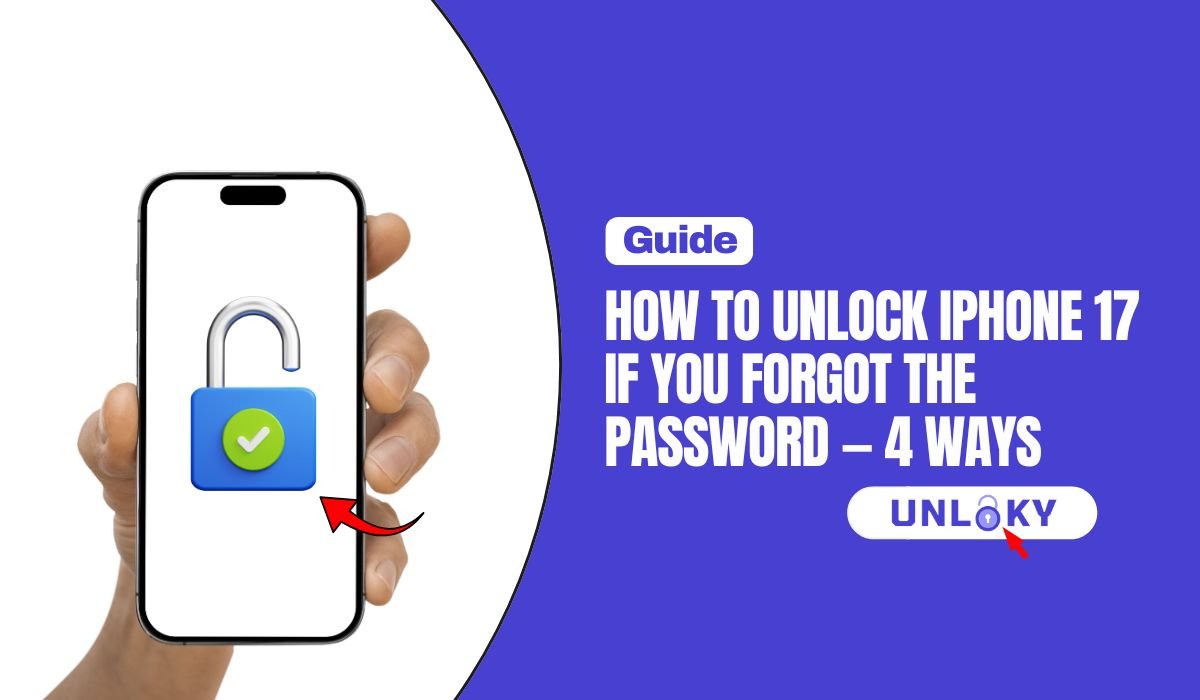
You picked up your iPhone 17 Pro Max, typed the passcode you were sure was right, and got it wrong. Then again. Now the screen says iPhone Unavailable — and the timer keeps getting longer.
Take a breath. If the phone is yours and you know your Apple Account password, you can get back in today. Apple has four official ways to do it, and they go from easiest to last resort. One of them takes about 30 seconds and doesn’t erase anything.
This guide walks through all four in the order Apple itself recommends, using the exact button steps for the iPhone 17 Pro Max. It also covers the one thing that stops most people cold — and how to avoid ending up here again.
TL;DR — The Honest Quick Answer
Before you start: the one thing that decides everything
Every method below ends the same way — at the setup screen, where your iPhone 17 Pro Max asks for the Apple Account email and password that were signed in before.
That’s Activation Lock. It’s Apple’s anti-theft system, and it turns on automatically the moment you enable Find My. It’s the reason a stolen iPhone is worth so little: wiping it doesn’t unlock it.
If you don’t know your Apple Account password, stop and reset it now at iforgot.apple.com before you erase anything. Account recovery can take 24 to 72 hours. If you wipe the phone first and then discover you can’t get into your Apple Account, you’ll be staring at a locked device with no data and no way in.
Good news: if you can log into your Apple Account, you’re fine. Everything below will work.
What “iPhone Unavailable” actually means
Your iPhone 17 Pro Max doesn’t lock you out all at once. It slows you down in stages, and the wait grows each time you guess wrong.
| What you see | What’s happening | Can you still try? |
|---|---|---|
| Normal lock screen | Face ID failed or you restarted the phone | Yes — unlimited |
| iPhone Unavailable, try again in 1 minute | You’ve hit five wrong attempts | Yes, after the wait |
| Longer timers — 5, 15, then 60 minutes | Each extra wrong guess doubles down | Yes, but wait times climb fast |
| Security Lockout | Too many failed attempts — no more guessing | No — you must reset |
| iPhone locked to owner | Phone was erased; Activation Lock is asking for the Apple Account | No — Apple ID password required |
Once you’ve missed twice, more guesses only make things worse. And if Erase Data is switched on in your settings, ten wrong tries wipes the phone automatically — no confirmation, no undo. Go straight to Method 01 instead.
The four official methods, compared
Apple lists these in a specific order for a reason: the first one might save your data, and the last one takes the longest. Work down the list, not up.
| Method | Computer? | You’ll need | Keeps data? | Time |
|---|---|---|---|---|
| 01 · Passcode Reset (old passcode) | No | Your previous passcode, changed under 72 hours ago | Yes | Under 1 min |
| 02 · Forgot Passcode? on the phone | No | Wi-Fi or cellular, Find My on, Apple Account password | No | 15–30 min |
| 03 · Erase from iCloud / Find My | Any device | Another phone or computer, Apple Account password | No | 15–30 min |
| 04 · Recovery mode restore | Yes | Mac or PC, USB-C cable, internet | No | Up to 60 min |
How to unlock your iPhone 17 Pro Max — 4 ways
Apple built a safety net into iOS for exactly this moment. When you change your passcode, the old one keeps working for 72 hours. If you changed your code recently and the new one won’t stick in your memory, this gets you straight back in.
Then you’re past the 72-hour window, or the old passcode was expired manually. Move on to Method 02 — and accept that a wipe is coming. Full details are on Apple’s Passcode Reset page.
This is the method most people should use. No cable, no Mac, no iTunes. Your iPhone wipes and rebuilds itself right where it sits — as long as it can reach the internet.
That button only appears when the iPhone has a live connection and Find My was already on. If it’s missing, your phone is offline or Find My was off — use Method 04 with a computer instead. Apple’s full walkthrough is at support.apple.com/105090.
If your iPhone 17 Pro Max is online and Find My is on, you can wipe it from any other device — a friend’s phone, a work laptop, a tablet. The result is identical to Method 02.
There’s a separate “Remove from Account” option. Don’t use it while you’re still holding the phone — it can leave the device stuck at Activation Lock and make setup harder, not easier. Erase This Device is the one you want.
No internet on the phone? Find My switched off? Screen partly broken? Recovery mode doesn’t care. It talks to the iPhone at a level below iOS, so it works when the on-device options don’t.
Press and hold the side button and the volume down button together until the power off slider appears. Drag it across and let the phone shut down fully.
Let go too early and you’ll just boot into iOS normally. Power off and try again — it takes most people two attempts.
The iOS download can take more than 15 minutes, and the iPhone sometimes exits recovery mode while it runs. Let the download finish on the computer, then power the phone off and start recovery mode again. Apple’s official steps live at support.apple.com/en-us/118430.
The 2026 change that catches people out
With iOS 26.4, Apple switched Stolen Device Protection on automatically for every iPhone instead of leaving it as an opt-in setting. Your iPhone 17 Pro Max almost certainly has it running.
What that means in practice: when you’re somewhere your phone doesn’t recognise as home or work, sensitive changes — like your Apple Account password — need Face ID, then a one-hour wait, then Face ID again. There’s no passcode fallback.
So if you’re resetting your Apple Account password from a café or a hotel, budget an extra hour. Doing it at home is usually instant.
This trips up a lot of people who assume something has gone wrong. Nothing has. The delay is the feature working exactly as designed — it exists so a thief who watched you type your passcode can’t take over your account before you notice the phone is gone.
What happens after the erase
Your iPhone 17 Pro Max restarts to the Hello screen and looks brand new. Three things come next.
Anything created since your last backup is gone permanently. Not recoverable by Apple, not recoverable by any tool, not recoverable for a fee. Photos, notes, messages — all of it. This is the real cost of a forgotten passcode, and it’s why Method 01 is worth trying even if you think it won’t work.
What doesn’t work (and what it’ll cost you to find out)
Search this topic and you’ll hit a wall of ads promising an instant unlock with no data loss. Here’s the honest breakdown.
If you want the fuller picture on which paid tools do what — and which ones are only free until checkout — we tested the market in our guide to free iPhone unlocker software.
How to make sure this never happens again
Five minutes of setup now saves you an afternoon later.
The Bottom Line
Try these in order — don’t skip ahead
Changed your passcode this week? Tap Forgot Passcode? → Enter Previous Passcode. It’s the only route that keeps your data, and it takes seconds.
Everyone else: tap Forgot Passcode? and reset the phone right on the lock screen. It’s the quickest full reset and needs no computer at all.
Phone offline or Find My off? Recovery mode with a Mac or PC. Slower, but it always works.
Whatever you do, confirm you can log into your Apple Account before you erase anything. That password is the difference between a working iPhone and an expensive paperweight.
Only through Passcode Reset — tapping Forgot Passcode? and then Enter Previous Passcode within 72 hours of changing your code. That’s the single exception.
Every other method erases the device, and that’s deliberate. Your passcode is the key that encrypts everything on the phone. If there were a way to remove it while keeping the data readable, the encryption wouldn’t be worth much. Any tool advertising a no-data-loss passcode removal is misrepresenting what it does.
Passcode Reset is under a minute. Resetting from the lock screen or through iCloud usually runs 15 to 30 minutes, most of it the phone restarting and setting itself up.
Recovery mode is the slow one — Apple says to allow up to an hour, mainly because your computer has to download a fresh copy of iOS. Restoring a large iCloud backup afterwards can add several more hours in the background, though you can use the phone while it finishes.
Reset it at iforgot.apple.com from any other device — you’ll need a trusted phone number, a recovery contact, or a recovery key.
If none of those work, Apple starts account recovery, which typically takes 24 to 72 hours while it verifies you’re the owner. Frustrating, but it’s the only legitimate path. Do this before you erase the phone, not after.
No. Neither has a way to remove a forgotten screen passcode — that’s a security boundary, not a customer service setting.
An Apple Store or Authorized Service Provider can run the recovery mode restore for you if you don’t have a computer, which is genuinely useful. But you’ll still hit Activation Lock afterwards and still need your Apple Account password. Carriers deal with network locks, which are a completely separate thing.
Go back to the seller. They need to either give you the original Apple Account credentials or remove the device from their iCloud account remotely — they can do it in seconds from Settings on any of their devices.
If the seller has vanished and you have a genuine receipt, you can submit proof of purchase to Apple to request Activation Lock removal. Without either, the phone can’t be legitimately unlocked, and no software will change that. Treat any listing described as “iCloud locked” as parts value only.
Every step in this guide was checked against Apple’s official documentation on August 19, 2026.
Apple — Use a computer to reset your iPhone and your passcode
Apple — Reset your device without a computer
Apple — Temporarily use your old passcode (Passcode Reset)
Apple — About Stolen Device Protection for iPhone
Apple — Apple Account password reset and account recovery
Last verified August 19, 2026 against Apple’s official support documentation, with the current public release being iOS 26.6.1. Apple changes these flows between iOS versions — always cross-check the steps on Apple’s own passcode support page if something on your screen looks different. This guide covers regaining access to a device you legally own. Attempting to bypass security or Activation Lock on a device belonging to someone else may be illegal where you live, and none of the methods here will accomplish it.