Everything you need to know about Apple’s security feature — legitimate removal methods, free status checks, and what to do when you’re locked out.
TL;DR – Quick Answer
iCloud Activation Lock is Apple’s anti-theft security feature that automatically activates when you enable Find My iPhone. It links your device to your Apple ID and requires your credentials to erase or reactivate the device. The only legitimate ways to remove it are: signing in with the original Apple ID, having the previous owner remove it via iCloud.com, or submitting a support request to Apple with proof of purchase. Third-party tools exist but come with significant limitations and risks.
Free official removal via Apple
Check status before buying used
!Proof of purchase required
⚠Third-party tools have limits
What is iCloud Activation Lock?
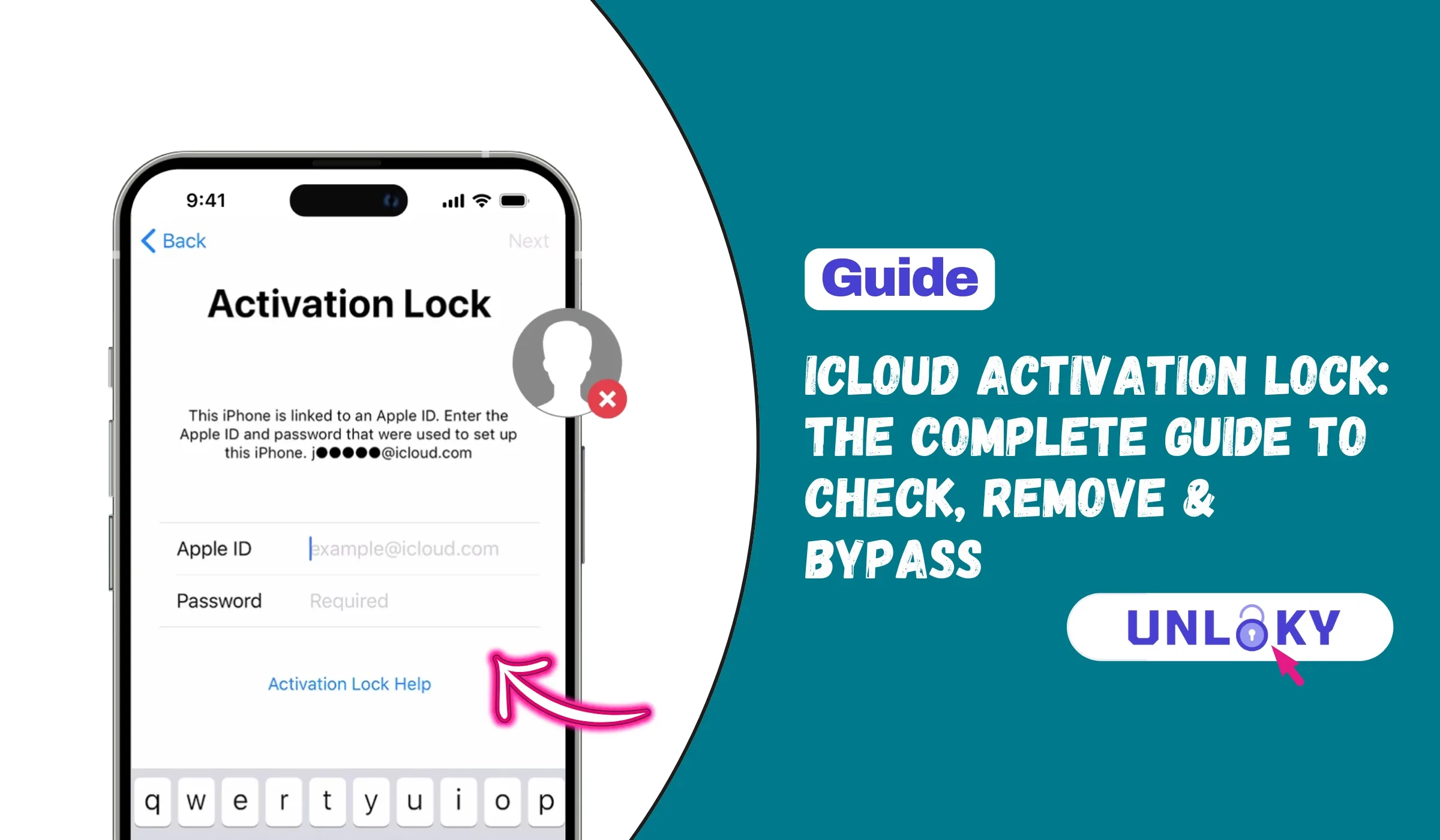
iCloud Activation Lock is a powerful security feature built into every iPhone, iPad, Mac, and Apple Watch. It’s designed to prevent anyone else from using your Apple device if it’s ever lost or stolen. When enabled through Find My iPhone, the lock ties your device directly to your Apple ID — making it virtually useless to thieves.
Every time an iPhone or iPad is activated or recovered, it contacts Apple’s servers to verify whether Activation Lock is enabled. If active, the device requires the associated Apple ID and password before anyone can turn off Find My, erase the device, or set it up as new. This happens automatically when you enable Find My on your device — no additional setup needed.
Key Things to Know About Activation Lock
Understanding how this security feature works can save you headaches whether you’re buying a used device or trying to recover access to your own. When you see “iPhone Locked to Owner” on an iOS 15 or later device, that’s the Activation Lock screen telling you the device is protected.
The feature protects devices running iOS 7 and later, macOS Catalina and later (on Macs with T2 chip or Apple Silicon), watchOS 2 and later, and even visionOS on Apple Vision Pro. Even if someone remotely erases your device, Activation Lock continues working — the thief still can’t use it without your credentials.
Never purchase a used iPhone or iPad that shows the Activation Lock screen. If the seller can’t remove it before you pay, walk away. A device stuck on Activation Lock is essentially a paperweight without the original owner’s Apple ID credentials. Always ask the seller to demonstrate that the device starts at the “Hello” welcome screen before making any purchase.
How to Check iCloud Activation Lock Status
Before buying any used Apple device, checking the Activation Lock status is absolutely essential. Apple removed their official online checker back in 2017, but several reliable methods still exist to verify a device’s status before you hand over your money.
Power on the device. If it shows “Hello” screen, it’s clear. If it asks for Apple ID, it’s locked.
Use free online checkers with the device’s IMEI or serial number for instant verification.
Go to Settings → [Your Name] → Find My to see if Find My iPhone is enabled.
Finding Your Device’s IMEI Number
To check Activation Lock status online, you’ll need your device’s IMEI (International Mobile Equipment Identity) — a unique 15-digit number assigned to every mobile device. Here’s how to find it:
Free iCloud Status Check Services
Several websites offer free Activation Lock status verification. These services query databases to tell you whether Find My iPhone is enabled on a device before you buy it.
Popular free checkers include IMEI24.com, iToolab’s iCloud Checker, IMEI.org, and IMEICheck.com. Most provide instant results showing whether the device has Find My enabled, its carrier lock status, and sometimes blacklist status. Keep in mind these services pull from databases that may have slight delays, so always combine online checks with a physical verification when possible.
iCloud Activation Lock Removal: All Methods Compared
There are several approaches to removing Activation Lock, ranging from official Apple methods to third-party software solutions. Each comes with its own requirements, costs, and limitations. Here’s a comprehensive comparison to help you choose the right path.
| Method | Cost | Type | Requirements | Full Functionality |
|---|---|---|---|---|
| Original Apple ID Login | Free | Official | Apple ID & Password | ✅ Yes |
| Previous Owner Removal | Free | Official | Owner cooperation | ✅ Yes |
| Apple Support Request | Free | Official | Proof of purchase | ✅ Yes |
| Checkm8 / iRemove Tools | $30-80 | Third-Party | Computer, Jailbreak | ⚠️ Limited |
| IMEI Unlock Services | $50-200 | Third-Party | IMEI number, 2-5 days | ✅ Yes |
| DNS Bypass | Free | Third-Party | Wi-Fi access | ❌ Very Limited |
Legitimate iCloud Activation Lock Removal Methods
Apple provides several official ways to remove Activation Lock. These methods guarantee full device functionality without any limitations — unlike third-party bypass tools.
The simplest solution if you know the Apple ID and password that activated the device. This completely removes the lock with zero limitations.
If you bought a used device and can contact the seller, they can remove the lock from iCloud.com without having the physical device.
Apple can remove Activation Lock if you provide valid proof of ownership. This is ideal for inherited devices or when you’ve lost access to your Apple ID.
If you have access to another Apple device signed in with the same Apple ID, you can remove the lock directly from the Find My app.
Third-Party iCloud Activation Lock Removal Services
When official methods aren’t an option, some people turn to third-party tools and services. While these can work, they come with important limitations you need to understand before proceeding.
Popular Third-Party Tools (Use With Caution)
Tools like CheckM8, iRemove, UltFone Activation Unlock, and EaseUS MobiUnlock use the Checkm8 exploit to bypass Activation Lock. They typically support iPhones from 5S through iPhone X (A7-A11 chips) with full bypass, and newer models with more limitations. Most require jailbreaking your device first and charge between $30-80.
IMEI-based unlock services claim to remove your device from Apple’s Activation Lock database entirely. These typically cost $50-200 and take 2-5 business days. If legitimate, they can provide full functionality, but many services are unreliable or outright scams. Always research reviews thoroughly before paying.
Third-party bypass tools are primarily useful for people who legitimately own a device but can’t access their Apple ID. Using them on a stolen device is illegal. Many advertised “free” iCloud removal services are scams designed to steal your money or personal information. If something sounds too good to be true, it probably is.
Frequently Asked Questions
Yes, but options are limited. If you have proof of purchase showing the device serial number, Apple can remove it through their official support request at al-support.apple.com. Third-party bypass tools can also work but typically disable cellular features and you won’t be able to sign into iCloud through Settings. The device may also re-lock after a factory reset.
The only truly free methods are official Apple options: signing in with the original Apple ID, having the previous owner remove it via iCloud.com, or submitting a support request with proof of purchase. DNS bypass methods are free but provide extremely limited functionality — essentially just basic Wi-Fi browsing. Be very skeptical of any service claiming to offer free full removal.
Apple typically requires the original purchase receipt from Apple or an Apple Authorized Reseller. The receipt must clearly show the device’s serial number, purchase date, and buyer information. Receipts from eBay, Craigslist, or other third-party sellers are generally not accepted. You may also need to provide photo ID matching the name on the receipt.
The best method is physical verification: a properly reset device should power on to the animated “Hello” welcome screen. If it shows an Activation Lock screen asking for an Apple ID, don’t buy it. You can also use free IMEI checkers online by entering the device’s IMEI number (found by dialing *#06# or on the SIM tray) to verify Find My iPhone status before purchase.
Most third-party bypass tools (like CheckM8 or iRemove) remove the lock screen but disable certain features. Typically you won’t be able to use cellular service for calls/texts, sign into iCloud through Settings, or use Apple’s activation servers normally. WiFi, App Store downloads, and basic features work. Premium IMEI unlock services claim to restore full functionality, but results vary and many are unreliable.
If you used a third-party bypass tool, factory resetting or updating the iOS will typically re-activate the Activation Lock. You’d need to run the bypass tool again. This is because bypass tools don’t actually remove your device from Apple’s servers — they just get around the lock screen locally. Only official Apple removal or legitimate IMEI database removal truly clears the lock permanently.
Bypassing Activation Lock on a device you legitimately own (forgot password, inherited, company reassignment) is generally legal. However, bypassing the lock on stolen devices is illegal and could result in criminal charges. Third-party services exist in a legal gray area. Apple’s official methods are always the safest choice legally. When in doubt, use Apple’s official support channels.
Processing times vary depending on your documentation and Apple’s workload. Some users report resolution within a few days, while others wait weeks. Having complete documentation (original receipt with serial number and matching ID) speeds up the process significantly. If your request is denied, Apple typically explains what additional documentation they need.
Final Thoughts
iCloud Activation Lock is one of the most effective anti-theft features in the smartphone industry. While it can be frustrating when you’re locked out of your own device, it’s protecting millions of Apple users from device theft every day.
If you’re locked out, always try official Apple methods first. They’re free, maintain full device functionality, and keep you on the right side of the law. Third-party bypass tools have their place for legitimate owners who can’t use official channels, but understand the limitations before you pay.
Most importantly, if you’re buying used Apple devices, always verify the Activation Lock status first. A few minutes of checking can save you hundreds of dollars and a lot of frustration. When in doubt, walk away — there are plenty of properly reset devices available from trustworthy sellers.
iCloud Activation Lock is Apple’s powerful anti-theft feature that protects millions of devices. If you’re locked out, always start with official methods. Third-party solutions exist but come with trade-offs. And most importantly—always check before you buy a used device.
This guide is for informational purposes only. We are not affiliated with Apple Inc. Bypassing Activation Lock on a device you don’t legally own is illegal. Third-party tools carry risks including scams, voided warranties, and limited functionality. Always use official Apple methods when possible and ensure you have legitimate ownership before attempting any removal.