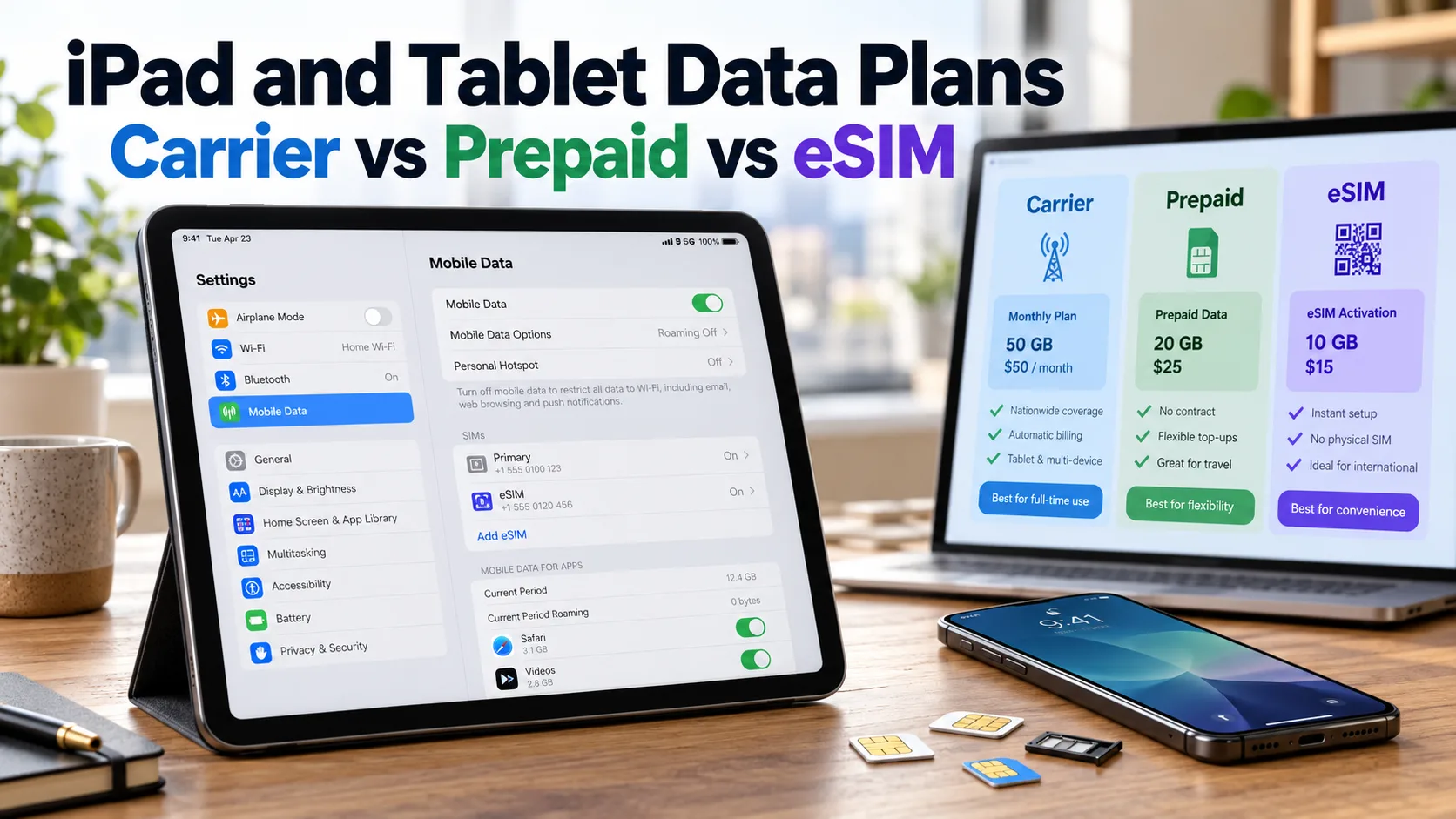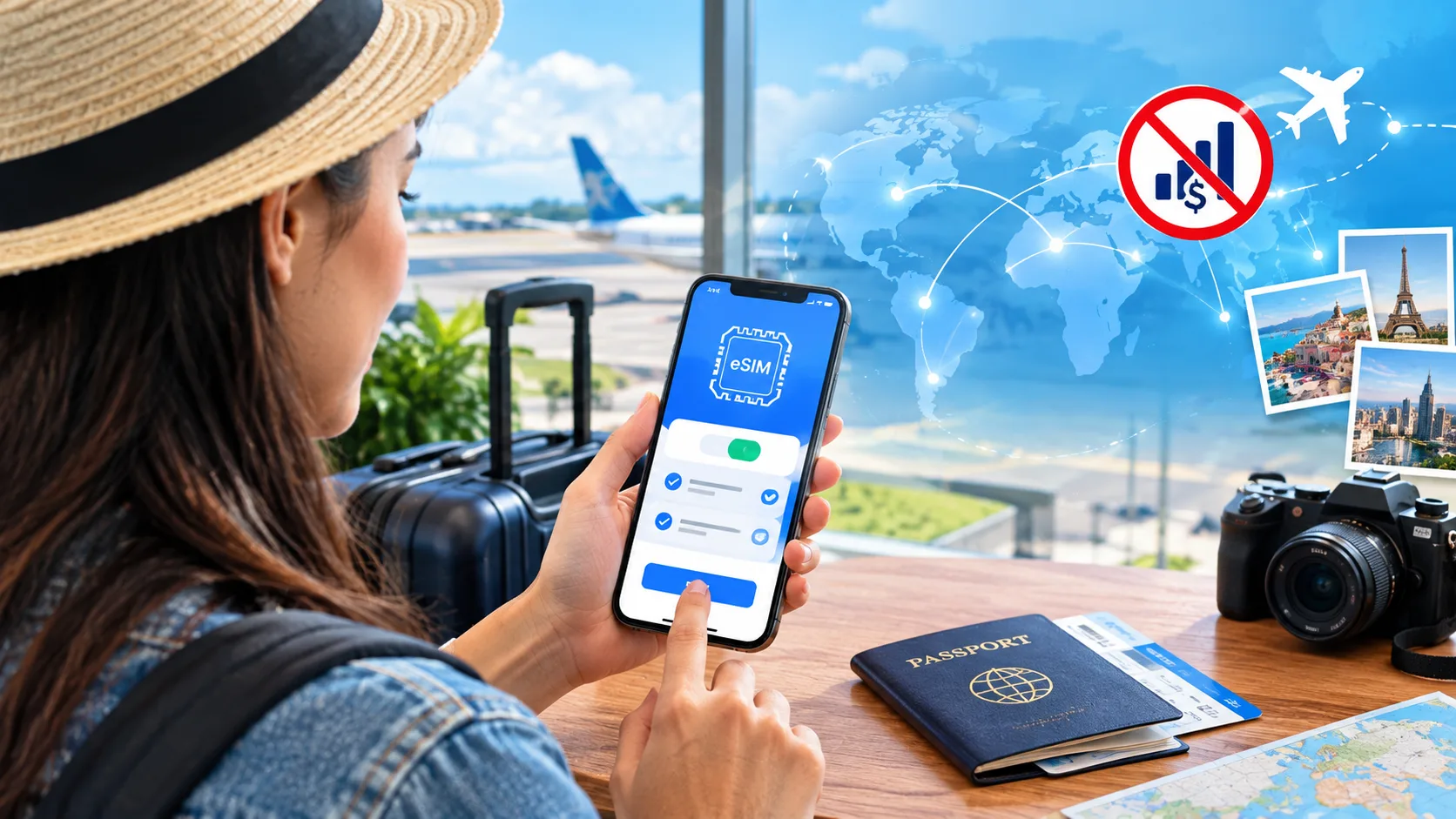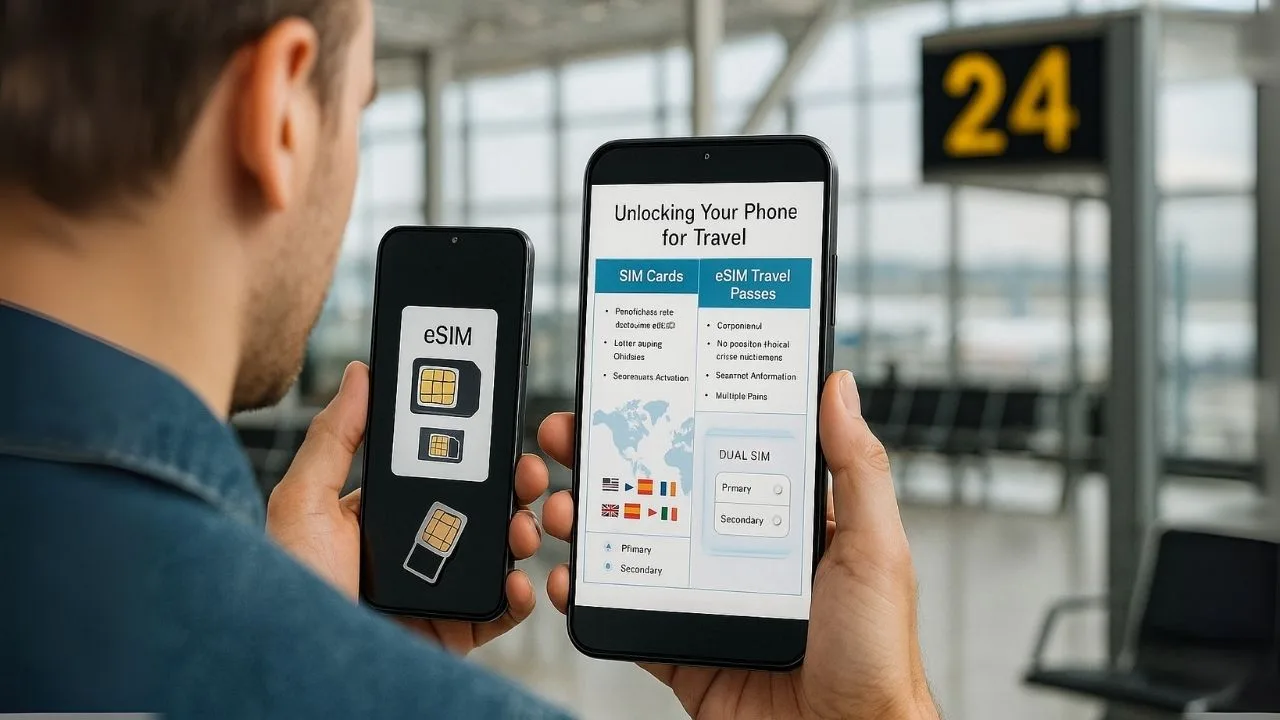
If you’re planning an international trip, one question always pops up: how do I get affordable, reliable mobile data and calls abroad? You’ll hear a lot about “unlocking your phone,” “local SIM cards,” and “eSIM travel passes.” They sound similar, but each option has different steps, costs, and trade-offs. This guide breaks it all down in plain language so you can pick the best setup for your trip, budget, and phone.
TL;DR
If your phone is unlocked, you can use local SIMs or eSIMs for the lowest cost in most countries. If your phone is locked, you can ask your carrier to unlock it before you travel, or you can use your carrier’s international day pass as a backup. Travelers who value speed and convenience often use eSIM travel passes because they work instantly without visiting a store. Travelers who want the absolute lowest price often choose local physical SIMs from a shop at their destination. A dual-SIM or dual-eSIM setup lets you keep your home number active for calls/texts while using cheap local data on the road.
What “Unlocking” Actually Means (and Why It Matters)
A locked phone is tied to a single carrier. It may work fine at home, but it won’t accept another carrier’s SIM or eSIM profile. Unlocking removes that restriction, allowing your device to use service from other carriers around the world. Unlocking doesn’t remove security, doesn’t wipe your data, and doesn’t change your plan at home. It only tells the phone to accept other networks.
Most major carriers will unlock a phone if you meet simple rules: the device is paid off, not reported lost or stolen, and has been active for a minimum time (varies by carrier). Start the unlock process at least two weeks before travel to avoid last-minute stress. After your phone is unlocked, you can mix and match local SIMs, local eSIMs, or global eSIM travel passes with no extra carrier hoops.
📖 Also Read: Does a Factory Reset Remove a Carrier Lock? (Myth Busted)
The Three Common Options for Travel Connectivity
1) Local Physical SIM Card (Bought in-country)
What it is: A small plastic card you insert into your phone. You buy it at an airport kiosk, carrier shop, convenience store, or electronics store after you land.
Why people like it: Lowest cost in many places. You can often get a lot of data for very little money, especially in regions with competitive pricing.
What to watch for: You may need your passport and a brief in-store registration. English support varies. You’ll also need an unlocked phone with a SIM tray. If you use iPhone 14/15/16 models in the U.S. (which may be eSIM-only), a physical SIM might not be possible—use eSIM instead.
2) eSIM Travel Pass (Prepaid data you add digitally)
What it is: A digital SIM you install by scanning a QR code. eSIM travel passes can be country-specific, regional (like Europe), or global. You can set them up before you fly or while you’re in the taxi from the airport.
Why people like it: Zero store visits. Quick setup. Great for short trips or multi-country itineraries. You can switch plans without swapping tiny cards. Many services provide simple apps with instant activation.
What to watch for: Plans can cost more per gigabyte than a local SIM, especially for heavy users. Most eSIM data plans are data-only (no traditional voice minutes), though you can use apps like WhatsApp, FaceTime, or Wi-Fi calling. Your phone must support eSIM (most newer iPhones, Pixels, and Samsungs do).
3) Your Home Carrier’s International Day Pass / Roaming Add-On
What it is: You keep your normal plan and number, and pay a daily roaming fee. You don’t swap SIMs or scan QR codes—just land and it works.
Why people like it: Maximum convenience. Your number stays the same, calls and texts work as usual, and support is from the carrier you already know.
What to watch for: Usually the most expensive option for longer trips, because fees are charged per day. It’s a great safety net, but many travelers only use it for short visits or as a backup when eSIM fails.
📖 Also Read: How to Unlock a Phone Without Wi-Fi or Mobile Data
Dual-SIM Strategy: The Best of Both Worlds
If your phone supports dual SIM or multiple eSIMs, you can keep your home number active while using a local data plan:
- Set your home line for calls and SMS only (or for two-factor codes).
- Set your travel eSIM for mobile data.
- Turn on Wi-Fi Calling if your home carrier supports it. This lets you receive calls to your home number over data without paying voice roaming.
This setup gives you cheap local data plus the comfort of your regular number for banking, work, or family.
Compatibility: Will My Phone Work Abroad?
Before you buy anything, check three things:
- Unlock status. Ask your carrier to unlock your device if it isn’t already.
- eSIM support. Many modern phones support eSIM, but older models may not.
- Bands and technology. Most recent phones are “world” devices. Still, it’s smart to check if your model supports the common bands used in your destination. You can find this in your phone’s specs or on the manufacturer’s site.
If your U.S. iPhone model is eSIM-only (no SIM tray), you’ll rely on eSIM travel passes or local eSIMs from in-country carriers. That’s fine—eSIM coverage is now widespread in most popular destinations.
How to Prepare: A Simple Pre-Trip Checklist
Unlock first. Don’t wait until airport boarding.
Update your phone. Install the latest iOS/Android updates to avoid eSIM bugs.
Save a QR code offline. If you’re using an eSIM pass, download the QR code to your Files/Photos in case you have no internet on arrival.
Print or screenshot plan details. Keep APN settings and customer support info handy.
Turn on Wi-Fi Calling. It’s useful for your home number and for calling support numbers without traditional voice.
Bring a SIM tool. If your phone has a tray and you plan to use a physical SIM, pack the ejector pin (or a paper clip).
📖 Also Read: What Is Your Network Unlock Code? for Android and iPhone
Activation: What It Actually Looks Like
Physical SIM
You land, find a carrier shop or kiosk, show your passport (if required), buy the SIM, and the clerk helps you activate. They may ask you to restart your phone. Once active, you’ll see local bars and data starts working. Keep the packaging and number in case you need to top up.
eSIM Travel Pass
Before you leave, buy a plan and get a QR code. On arrival, open your phone’s Settings → Cellular/Mobile → Add eSIM, scan the QR, and follow prompts. In many cases, data starts working right away. If not, add the APN values the provider gives you.
Carrier Roaming Add-On
Usually nothing to do. You land and your phone connects. You may get a welcome text about roaming fees. Data, calls, and texts work like home. If you want to avoid shock charges, confirm the pass is enabled before you fly.
Speed, Coverage, and Reliability
Local SIMs usually have the best speeds and coverage in the country because they run on a major domestic carrier.
eSIM travel passes often use partner networks. In many places, speeds are excellent, but in some rural areas they may be slightly slower than a top-tier local plan.
Carrier roaming connects to partner networks too, which can be great in cities. But the daily price can add up if you’re streaming or tethering often.
If your trip includes remote areas, check coverage maps—both local carrier maps and the eSIM provider’s listed partners. Cities and tourist zones are rarely a problem.
Cost: Who Pays More and When?
- Short trips (2–4 days): eSIM passes or carrier day passes are easiest. The cost difference isn’t huge for a weekend away.
- One-country, 1–3 weeks: A local SIM often wins on price, especially for 10–50 GB of data.
- Multi-country tours: A regional eSIM is usually the smoothest. One QR code covers many borders.
- Long-term stays (1–6 months): Local SIM or local eSIM from the country’s carriers is usually cheapest, flexible, and fast.
Remember that many eSIM travel passes are data-only. If you need traditional voice minutes to call local businesses, a local SIM with talk + text can be helpful. For everything else, apps (WhatsApp, FaceTime Audio, Telegram, Google Meet) handle calls just fine.
Keeping Your Number for Banking Codes and Family
Two-factor codes for banks, email, and social apps often arrive as SMS to your home number. If you remove your home SIM entirely, those codes may not arrive. That’s why the dual-SIM setup is so powerful: keep your home line active for SMS, but send all data over a cheap travel plan. If you can’t use dual-SIM, add your bank’s authenticator app or switch to email-based codes before your trip.
Tethering and Hotspot
Most local SIMs and many eSIM plans allow personal hotspot for your laptop or tablet. Some very cheap plans block hotspot or slow it after a limit. If tethering is vital, check the plan details before you buy. Carrier roaming passes usually allow hotspot, but watch for fair-use caps.
Calling Home and Local Numbers
For calling home, data-based calls are fine. For calling local restaurants, hotels, or tour operators that don’t use WhatsApp, having a local number is handy. If your eSIM is data-only, consider adding a VoIP number from an app that lets you call traditional lines using data.
Troubleshooting: Common Issues and Easy Fixes
No data after activation: Toggle Airplane Mode on/off. Check APN settings from your provider. Restart your device.
eSIM won’t install: Update iOS/Android, reset network settings (last resort), or ask the provider for a replacement QR.
Slow speeds: Switch the “Network Selection” to automatic, or try a different network if your plan allows it. Move to an open area away from thick walls or crowded venues.
No calls or SMS on home line: Enable Wi-Fi Calling and check that your home line is set to handle calls/SMS while your travel plan handles data.
Two-factor codes not arriving: Temporarily set your home line as the data line and try again, or switch to an authenticator app before travel.
Security and Privacy Tips
Use a screen lock and keep your IMEI/EID noted somewhere safe. Avoid public USB chargers; carry a small power bank. When buying a physical SIM, keep the receipt and carrier details. If you install eSIMs, only scan QR codes from trusted sellers, and save the order confirmation in your email.
Real-World Itinerary Examples
City-hopping in Europe (10 days, 3 countries): A regional eSIM is the easiest. Activate once and go. Keep your home line for SMS.
One month in Thailand: A local SIM with a 30-day package gives tons of data at a low price.
Weekend in Canada for work: Your carrier’s day pass may be simplest. If you travel there often, consider a regional eSIM for future trips.
Six months studying abroad: Local SIM or long-term local eSIM from a domestic carrier will be cheapest and most reliable over time.
Myths vs Reality
Myth: “Unlocking is risky or illegal.”
Reality: Carrier unlocking is a normal, legitimate process with clear rules. It doesn’t harm your phone.
Myth: “eSIMs don’t work everywhere.”
Reality: eSIM coverage is now broad across popular destinations. Always check compatibility, but most major tourist areas are covered.
Myth: “Roaming day passes are always a rip-off.”
Reality: For short trips or emergency coverage, they’re incredibly convenient. They become expensive mainly on longer trips.
The Ideal Setup for Most Travelers
If your phone supports dual-SIM or multiple eSIMs, unlock it, keep your home line active for calls/SMS, and use a local SIM or regional eSIM for data. This setup gives you the best balance of price, performance, and convenience—with fewer surprises when you get home.
Step-by-Step: Your Simple Travel Connectivity Plan
- Fourteen days before you fly: Request a carrier unlock if needed. Update your phone.
- Ten days out: Decide: local SIM (cheapest), eSIM pass (easiest), or carrier day pass (seamless).
- One week out: If choosing eSIM, buy the plan and save the QR code offline.
- Two days out: Turn on Wi-Fi Calling and confirm dual-SIM settings (home line = calls/SMS; travel line = data).
- Arrival: Activate your eSIM or grab a local SIM at the airport shop. Test data before leaving the terminal.
- During the trip: Monitor usage, top up if needed, and keep receipts and order emails.
Frequently Asked Questions (FAQ)
1. Is it better to get an eSIM or physical SIM when travelling?
It depends on your priorities. A physical SIM card is usually cheaper in many countries, especially for longer stays, since you can buy local prepaid packages directly from carriers. An eSIM, on the other hand, offers convenience—you can purchase and activate it before you travel without visiting a store. If you value cost savings, a local physical SIM may be better. If you value speed and simplicity, an eSIM is often the smarter choice.
2. Can you use a travel eSIM on a locked phone?
No. If your phone is locked to your carrier, you cannot use a travel eSIM from another provider. Locked phones are restricted to work only with your carrier’s network, whether that’s a physical SIM or eSIM. To use an international or regional travel eSIM, your phone must be carrier-unlocked first.
3. What is the downside of eSIM?
The main drawbacks are flexibility and support. Unlike a physical SIM, you can’t easily remove and swap an eSIM between phones—it’s tied to one device. Some travel eSIMs are data-only, meaning they don’t provide a local phone number for calls or SMS. In rare cases, eSIM support may not be available in remote areas or with older networks. Finally, not all phones support eSIM technology, especially older models.
4. Do I have to unlock my phone to use eSIM?
Yes, in most cases. Using an eSIM from another provider is the same as inserting a foreign SIM card—it requires your phone to be unlocked. If your device is locked, you’ll need to request an unlock from your carrier before traveling. Carrier-specific eSIM profiles (like Verizon or AT&T) will still work on locked phones, but third-party travel eSIMs will not.
5. How does eSIM work for international travel?
An eSIM works by letting you download a digital SIM profile directly onto your phone. You buy a plan from a travel eSIM provider or local carrier, receive a QR code or activation link, and install it through your phone’s settings. Once activated, your phone connects to a partner network in your destination country, giving you mobile data (and sometimes calls/texts) without needing a physical SIM card.
6. Can I have both a physical SIM and eSIM active?
Yes, most modern smartphones support dual-SIM functionality, meaning you can use a physical SIM and an eSIM at the same time. This setup is especially useful when traveling: you can keep your home carrier’s SIM for calls and text messages while using a travel eSIM for affordable local data. You can also choose which SIM handles calls, texts, and mobile data in your phone’s settings.
Key Takeaways
- Unlock first, travel smoother. To use a local SIM or any third-party eSIM, your phone must be carrier-unlocked. On iPhone, check at Settings → General → About → Carrier Lock for “No SIM Restrictions,” then request an unlock from your carrier if needed.
- Physical SIM = lowest friction on arrival, but manual. Buying a local SIM after landing works well for single-country trips, but it requires finding a kiosk, swapping the card, and activating—which can be a hassle when you’re tired or in a rush.
- eSIM = convenience and flexibility. You can purchase, download, and activate before you fly or upon arrival—no tiny cards to swap. eSIMs shine for multi-country itineraries and let you store multiple plans on one device.
- Cost vs simplicity trade-off. eSIM travel passes are often more convenient and can be cheaper than roaming, but a local physical SIM may still offer the lowest cost per GB for longer stays. Choose based on trip length and how many countries you’ll visit.
- Activation needs and compatibility. eSIM setup requires a compatible, unlocked phone and a stable internet connection (Wi-Fi or data) to download the profile. Physical SIMs don’t need internet to activate, but they do require a SIM tray and a quick device restart.