

TL;DR
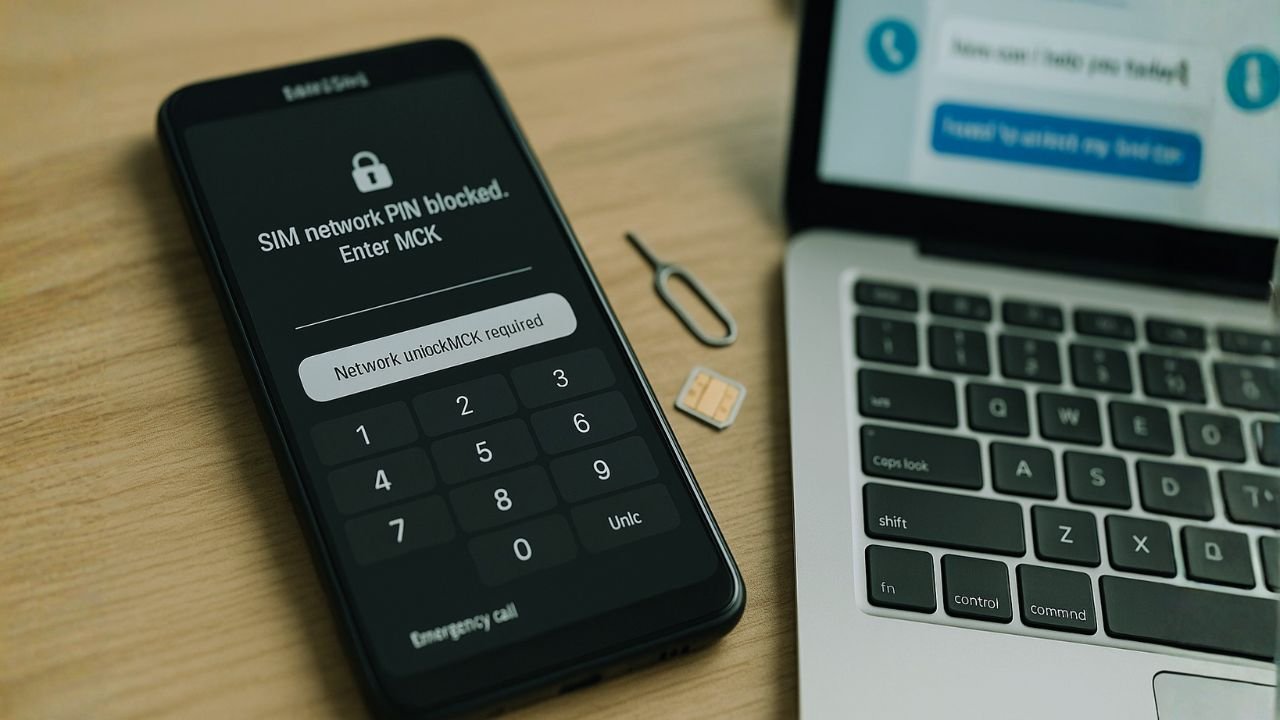
An MCK (Master Control Key) is a special Samsung unlock code you need when your phone freezes after 10+ failed network unlock attempts—showing “SIM network PIN blocked. Enter MCK.” It’s different from a PUK code (which unlocks your SIM card after wrong PIN entries). Get your free MCK from your original carrier or Samsung by providing your IMEI (*#06#) and proof of purchase. Enter the MCK first to unfreeze your phone, then enter your NCK (Network Control Key) to complete the unlock. Never use “free MCK generators” online—they’re scams.
What Is an MCK Code?
If you’ve ever seen the dreaded message “SIM network PIN blocked. Enter MCK” on your Samsung phone, you’re not alone. The MCK (Master Control Key), also called the Master Unfreeze Code, is your lifeline when your phone gets locked after entering the wrong network unlock code too many times.
Think of it this way: when you try to unlock your phone to use a different carrier and mess up the code more than 10 times, your Samsung goes into a “hard lock” mode. It’s basically the phone’s way of saying, “Okay, that’s enough attempts for today!” The MCK is the special reset key that unfreezes this lock and gives you another chance.
💡Important to Know:
Your MCK code is unique to your device’s IMEI number. You can’t just Google it or use someone else’s code – it won’t work. Each phone has its own specific MCK stored in secure manufacturer and carrier databases.
📖 Also Read: How to Unlock Your Ting Mobile Phone
When Do You Actually Need the MCK Code?
You’ll find yourself hunting for an MCK code in these situations:
🔢Too Many Wrong Attempts
You’ve entered the wrong NCK (Network Control Key) code 10+ times while trying to unlock your phone for a different carrier.
🔒Phone Freeze Error
Your screen displays “Phone Freeze,” “Return for Service,” or “Enter MCK” – classic signs you’ve triggered the hard lock.
📱 Second-Hand Phone Issues
You bought a used Samsung that’s carrier-locked, and someone before you already used up the unlock attempts.
Network Unlock Attempt Limits: What You Need to Know
Here’s the deal with unlock attempts on Samsung devices:
⚠️Critical Warning:
Never guess or repeatedly try random codes. Each wrong attempt counts, and once you’re frozen, you’ll need to go through the hassle of getting an MCK code. Some second-hand phones might already have used up attempts, so always check before buying.
📖 Also Read: How to Unlock a Consumer Cellular Phone
PUK vs MCK: Understanding the Difference
People often confuse these two codes because they both “unlock” something, but they’re completely different beasts. Let me break it down:
| Feature | PUK Code | MCK Code |
|---|---|---|
| Full Name | Personal Unblocking Key | Master Control Key |
| What It Unlocks | Your SIM card | Your phone’s network lock |
| When You Need It | After 3 wrong PIN entries on your SIM | After 10+ wrong network unlock attempts |
| Who Provides It | Your current SIM carrier | Original phone carrier or Samsung |
| Where to Find It | SIM card packaging or carrier app | Must request from carrier/Samsung |
| Typical Length | 8 digits | 8 or 16 digits |
| Wrong Entry Limit | 10 attempts (then SIM is dead) | Usually no limit after obtaining |
💡Real-World Example:
Imagine you want to switch from AT&T to T-Mobile. You try to unlock your phone but enter the wrong code 12 times – now you need anMCK
to unfreeze it. Meanwhile, if you’ve been putting in the wrong PIN to access your T-Mobile SIM and it locks after 3 tries, you need aPUK
to unlock the SIM itself. Two different locks, two different keys!
How to Get Your MCK Code (Free & Legit Ways)
Method 1: Contact Your Original Carrier
This is your best bet and usually free if you meet the requirements:
⚠️ Carrier Requirements:
Your phone must be fully paid off, your account must be in good standing, and the device typically needs to have been active on their network for 60-90 days. If you don’t meet these criteria, they might decline your request.
📖 Also Read: “SIM Lock Status: Unknown” on iPhone/Android — Causes and How to Fix It
Method 2: Contact Samsung Directly
If your carrier can’t help (common with second-hand phones), Samsung might be able to assist:
💡Pro Tip:
If you bought your phone second-hand and can’t get help from the carrier or Samsung, you might be out of luck with free options. This is why it’s crucial to verify unlock status before buying a used device!
Method 3: Reputable IMEI Unlock Services
As a last resort, some legitimate third-party services can help – but be extremely careful:
🚫AVOID AT ALL COSTS:
“Free MCK Generators,” online tools claiming to calculate your code, software downloads, endless surveys, or sites asking for your Google/Samsung account password. These are 100% scams designed to steal your data, install malware, or phish your personal information. There’s no such thing as a public MCK generator – the codes are stored in secure databases only accessible to carriers and Samsung.
How to Use Your MCK Code (Step-by-Step)
Once you’ve got your MCK and NCK codes, here’s how to actually use them:
💡Alternative Method:
If your phone doesn’t prompt automatically, try entering: #7465625*638*[YOUR_NCK_CODE]# on the phone dialer. If this shows “Phone deactivated,” you’re unlocked!
The Bottom Line
Dealing with a frozen Samsung phone can be frustrating, but now you know exactly what an MCK code is, why you need it, and how to get it legitimately. The key takeaways?
✅Do This
Contact your original carrier first, keep your purchase receipt, and verify unlock codes before entering them multiple times.
❌Don’t Do This
Never use “free generators,” don’t guess unlock codes, and avoid sketchy websites promising instant solutions.
🔍 Remember
PUK unlocks your SIM, MCK unfreezes your phone’s network lock. They’re different tools for different problems!
If you’re buying a used Samsung, always ask the seller about its lock status and request that they get it unlocked before purchase. It’s much easier than dealing with the aftermath of a frozen phone when you realize the previous owner used up all the unlock attempts.
Good luck with your unlock, and remember – when in doubt, go through official channels. Your patience will pay off with a properly unlocked phone that works with any carrier worldwide!
Frequently Asked Questions (FAQs)
No, a factory reset won’t remove the network lock or the MCK freeze. The network lock is stored in a separate part of the phone’s memory that survives resets. You’ll still need the MCK after resetting.
Double-check that you’re entering the code exactly as provided (watch for 0 vs O, or 1 vs I). Make sure you’re using the right code – some services provide multiple codes, and you need to use them in order. If you’re certain the code is correct, contact whoever provided it for a replacement.
Generally no, but it depends on your situation. If you’re getting the MCK from your original carrier after fulfilling your contract, it’s completely legitimate. However, if you’re unlocking a phone that’s still under contract, your carrier might have issues. Always check your contract terms.
MCK codes work on most carrier-locked Samsung Galaxy models, including S series, Note series, and A series phones. However, some newer models or carrier-specific variants might have different unlocking procedures. Always verify with your specific model.
Most carriers process MCK requests within 2-5 business days. Samsung typically takes 3-7 days. Third-party services can be faster (24-48 hours) but cost money. During busy periods, these times might extend.
Insert a SIM from a different carrier and power on the phone. If it immediately asks for MCK (not NCK), it’s already frozen. If it asks for NCK or shows “Enter Network Lock Control Key,” you still have attempts left. Always test this before buying a used phone!
Some Samsung phones have additional security measures or might be blacklisted by carriers due to unpaid bills or reported theft. In these cases, even the correct MCK won’t help. Always check the phone’s IMEI status on carrier blacklist databases before purchasing used.
NCK (Network Control Key) unlocks your phone for different carriers. SPCK (Service Provider Control Key) is less common and relates to specific service provider features. For standard carrier unlocking, you only need the NCK (and MCK if frozen).


