

“Wait… Facebook actually locked me out permanently?”
If you’re reading this, chances are you’ve been greeted by a soul-crushing message like: “Your account has been permanently disabled.” You might’ve panicked, retraced your digital steps, and frantically Googled “how to unlock a permanently locked Facebook account.” You’re not alone—and you’re definitely not without options.
In this guide, I’ll walk you through what really happens when Facebook disables an account permanently, what you can realistically do about it, and how others in the U.S. have navigated the same frustrating rabbit hole. I’ve helped readers deal with account locks across platforms for years—this one’s tricky, but not always a dead end.
✅ Quick Answer: Can You Unlock a Permanently Locked Facebook Account?
Yes, but it’s rare—and not always guaranteed. If Facebook locked your account permanently due to a serious or repeated violation of their Community Standards, you might still have a limited time window—typically between 30 to 180 days—to appeal their decision.
First, check your Facebook login screen or the email tied to your account. Sometimes, an appeal link or “Request Review” button will appear there. If you see one, act fast.
If no option is shown, you can still try reaching out by using Facebook’s official support forms or by emailing addresses like appeals@fb.com or disabled@fb.com. When appealing, keep your message polite, honest, and detailed. Clearly explain why you think the lock was a mistake or unfair.
However, if there’s no visible appeal option and Facebook doesn’t respond, recovery becomes unlikely. In that case, your best move may be to start fresh—by creating a new Facebook account with a different email and phone number, then securing it properly with two-factor authentication to avoid future issues.
What Does “Permanently Locked” Mean on Facebook?
Let’s clear something up. Facebook doesn’t always use the word “locked.” You might see:
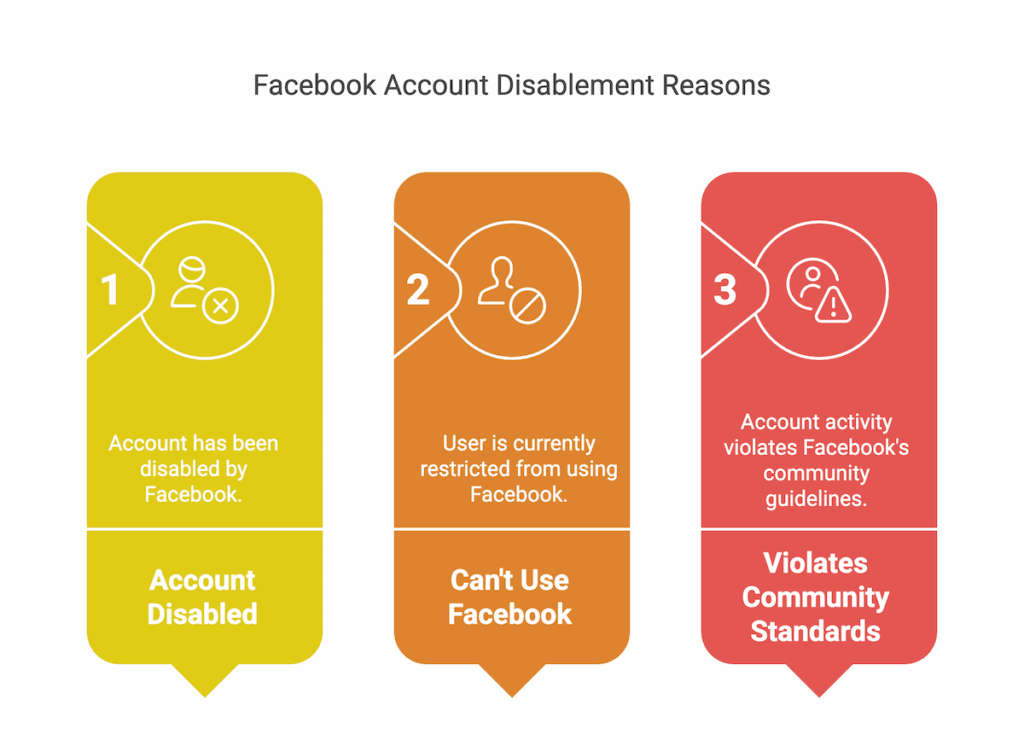
- “Your Account Has Been Disabled”
- “You Can’t Use Facebook Right Now”
- “We’ve Found Activity That Violates Our Community Standards”
What they mean: Facebook has deactivated your profile and likely removed your data. If this action is flagged as permanent, it’s usually because:
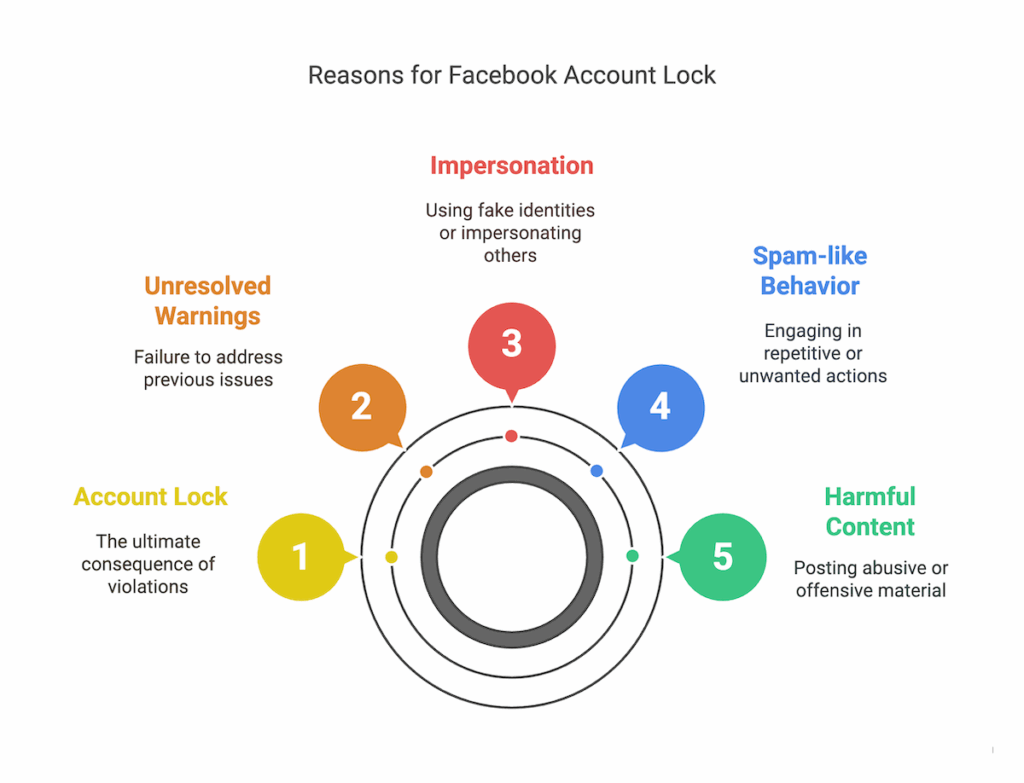
- You posted harmful or abusive content (even unintentionally)
- You engaged in spam-like behavior
- You used a fake name or impersonated someone
- You had multiple warnings or violations and didn’t resolve them
Facebook often won’t tell you exactly what the violation was. That’s part of what makes this process so frustrating.
Don’t Miss It: How to Use an Assurance Wireless SIM Card in Another Phone
Why This Happens: Real Reasons Accounts Get Permanently Locked
Here’s what I’ve learned after analyzing dozens of cases and Reddit threads on this:
| Violation Type | Examples |
|---|---|
| Community Standards | Hate speech, bullying, graphic content, misinformation |
| Fake Profiles | Using fake names, impersonation, or multiple accounts |
| Suspicious Activity | Too many friend requests, mass tagging, or odd login locations |
| Spam Behavior | Repeated posting in groups/pages, especially commercial or promo content |
| Marketplace/Ad Violations | Selling restricted items or violating commerce policies |
📌 Important Note: Even false reports from other users can trigger an account review, so being wrongly disabled is more common than you’d think.
Step-by-Step: How To Appeal a Permanently Locked Facebook Account
1. Look for an Appeal Link on the Login Page
If Facebook disabled your account recently, the login screen might show a “Disagree with Decision” or “Request Review” button.
Click it.
This is your best shot if it’s been less than 30 days since the lock. Some users have reported success even up to 180 days later—but sooner is always better.
2. Check Your Email for a Facebook Notice
Often, Facebook will send a message to your registered email with a subject like “Facebook Account Disabled”. That message sometimes includes a link to appeal or a case number. If you didn’t get one, check your spam folder.
3. Use These Appeal Links
Even if no link shows up directly, you can try submitting a form here:
→ This is the most commonly used form for appealing a disabled Facebook account.
You’ll need:
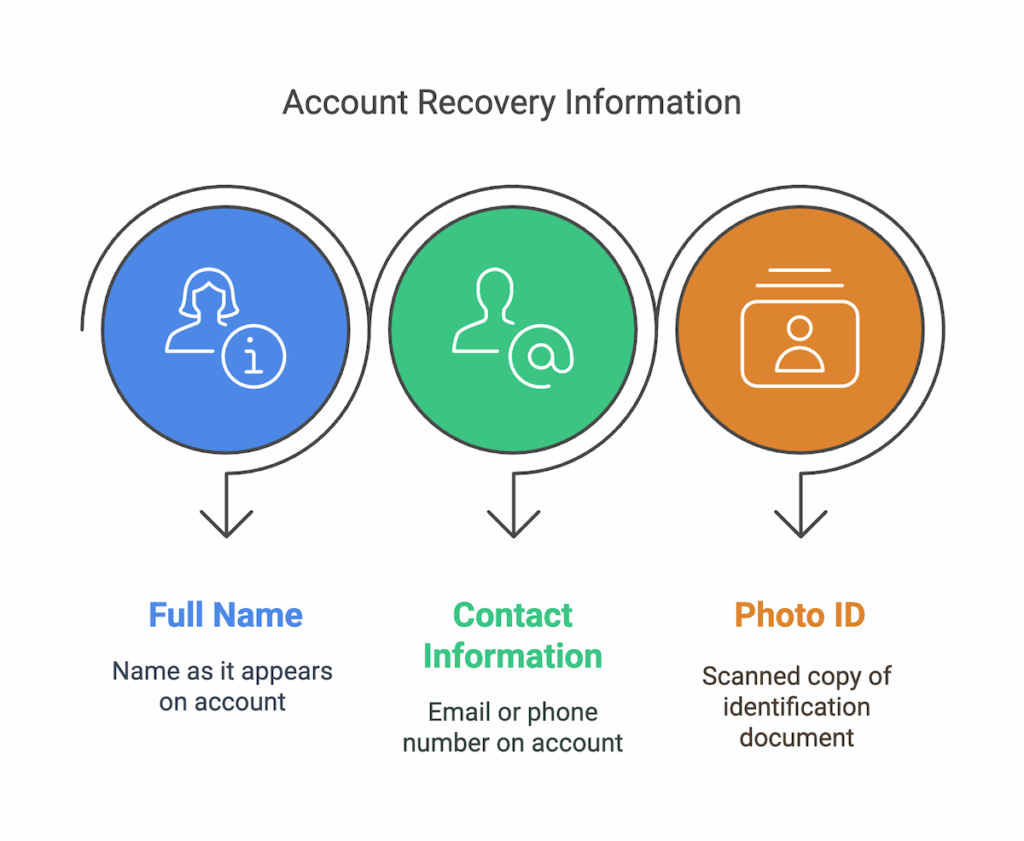
- Your full name (as it was on the account)
- The email or phone number attached to the account
- A scanned photo ID (driver’s license, passport, etc.)
Be honest, respectful, and clear in your message. Explain why you believe the account was disabled by mistake, and that you’re requesting a review.
Don’t Miss It: How to Unlock a Boost Mobile Phone Yourself for Free
4. Send a Backup Email (Optional)
Some users try emailing:
appeals@fb.comdisabled@fb.com
While response rates are very low, it’s still worth sending a short, polite message. Include your name, Facebook ID/email, and a quick summary of your situation.
If You’re Locked Out With No Appeal Option…
Yep, it happens.
On forums like Reddit, you’ll often find posts like:
“Facebook just PERMANENTLY locked my account out of nowhere. I can’t even appeal!”
On X/Twitter, users in the U.S. have shared frustrations like:
“I didn’t even violate any rules. Boom. Locked. No way to get in. Facebook is ridiculous.”
If you’ve hit that wall—no appeal, no response—it may be time to move forward.
Don’t Miss It: How to Unlock a Verizon Phone Yourself for Free
What To Do If You Can’t Recover Your Account
Here’s how to restart with a clean slate:
✅ 1. Create a New Facebook Account
You can sign up again—but only if:
- You use a new email (not linked to your old account)
- You enter accurate name details
- You avoid VPNs or suspicious login patterns
✅ 2. Inform Your Contacts
Let friends and family know you’re back using a new account. Post a message in shared groups (if you rejoin them) or reach out via Messenger/Instagram if you’re connected.
✅ 3. Secure Your New Account
- Enable two-factor authentication (2FA)
- Avoid using automated tools or third-party apps that might look suspicious
- Don’t mass-invite or post rapidly—this can trigger flags
What NOT To Do (Avoid These Mistakes)
❌ Don’t trust random YouTube videos or shady “recovery” services. Many are scams.
❌ Don’t keep emailing Facebook daily—this may hurt your chances.
❌ Don’t create multiple new accounts hoping one will “stick.” That’s a fast track to getting flagged again.
Real Talk: Can You Really Get Back a Permanently Locked Account?
Yes—sometimes.
But most people who get locked permanently don’t get their accounts back. Facebook rarely explains itself, and if your case was reviewed and rejected, that’s often the end of the road.
In my experience, recovery is more likely if:
- Your account was recently disabled (within 30 days)
- You have no major past violations
- You act fast and professionally in your appeal
🧠 Frequently Asked Questions
Q1: How long does it take to hear back from Facebook after submitting an appeal?
It varies. Some users hear back in 24–48 hours. Others wait weeks—or never get a reply. There’s no official response time.
Q2: Can I talk to a real person at Facebook?
Unfortunately, no. Facebook doesn’t offer live chat or phone support for account issues, even in the U.S.
Q3: Can a lawyer help me recover my Facebook account?
In most personal cases, no. Unless your account ties into business or legal matters (e.g., Facebook Business Suite), legal action is unlikely to help.
Q4: Does Facebook delete everything when they lock you out?
Yes. If your account is permanently disabled and not restored, Facebook eventually removes all data associated with it—posts, photos, messages, etc.
Q5: Will Facebook ever unlock the account on their own?
Rarely. If the account wasn’t appealed, or if your device behavior later gets flagged as “safe,” they might restore access—but it’s uncommon.
Final Thoughts: Don’t Give Up—But Be Realistic
It’s frustrating. It feels unfair. And you might’ve lost years of memories and connections.
But here’s what matters: you’re not alone. Thousands of Facebook users across the U.S. face the same problem every day. Some succeed, others start fresh—but the key is to stay calm, act fast, and protect your new account better than ever.
📌 Still trying? Bookmark this post and revisit the appeal link every few days. Facebook’s system does change—and persistence (with politeness) sometimes pays off.
Related Resources:


