Deleting an eSIM sounds harmless. It’s just one tap, right? But before you remove that little digital SIM from your phone, you should know what really happens next. The short version: deleting an eSIM is permanent. You can’t simply tap “undo” if you change your mind a minute later.
Maybe you switched carriers, finished a trip abroad, or got a new phone. Maybe you just want a clean phone screen. Whatever the reason, you might be wondering if it’s safe to delete that old eSIM. The truthful answer is “it depends.” This guide walks you through everything in plain language so you can make the right call.
Key Takeaways
- Deleting an eSIM is permanent — once removed, the profile is gone, and you cannot tap “undo” or turn it back on from settings.
- Your service plan stays active even after deletion, so contact your carrier to cancel the line if you don’t want to keep paying.
- To get service back, your carrier must issue a brand-new QR code or activation link — the old one will not work again.
- iPhone and Android both make deletion fast (a few taps in Settings), but the menu names differ slightly between brands.
- If you only need a temporary break from a line, turn the eSIM off instead of deleting it — that keeps the profile safe for later use.
When you delete an eSIM, the digital profile is wiped from your phone. You lose service on that line right away, and you can’t restore it without a fresh activation from your carrier. Your account itself stays open until you cancel it. Always back up info and check with your carrier before deleting an eSIM you might still need.
Understanding eSIMs Before You Hit Delete
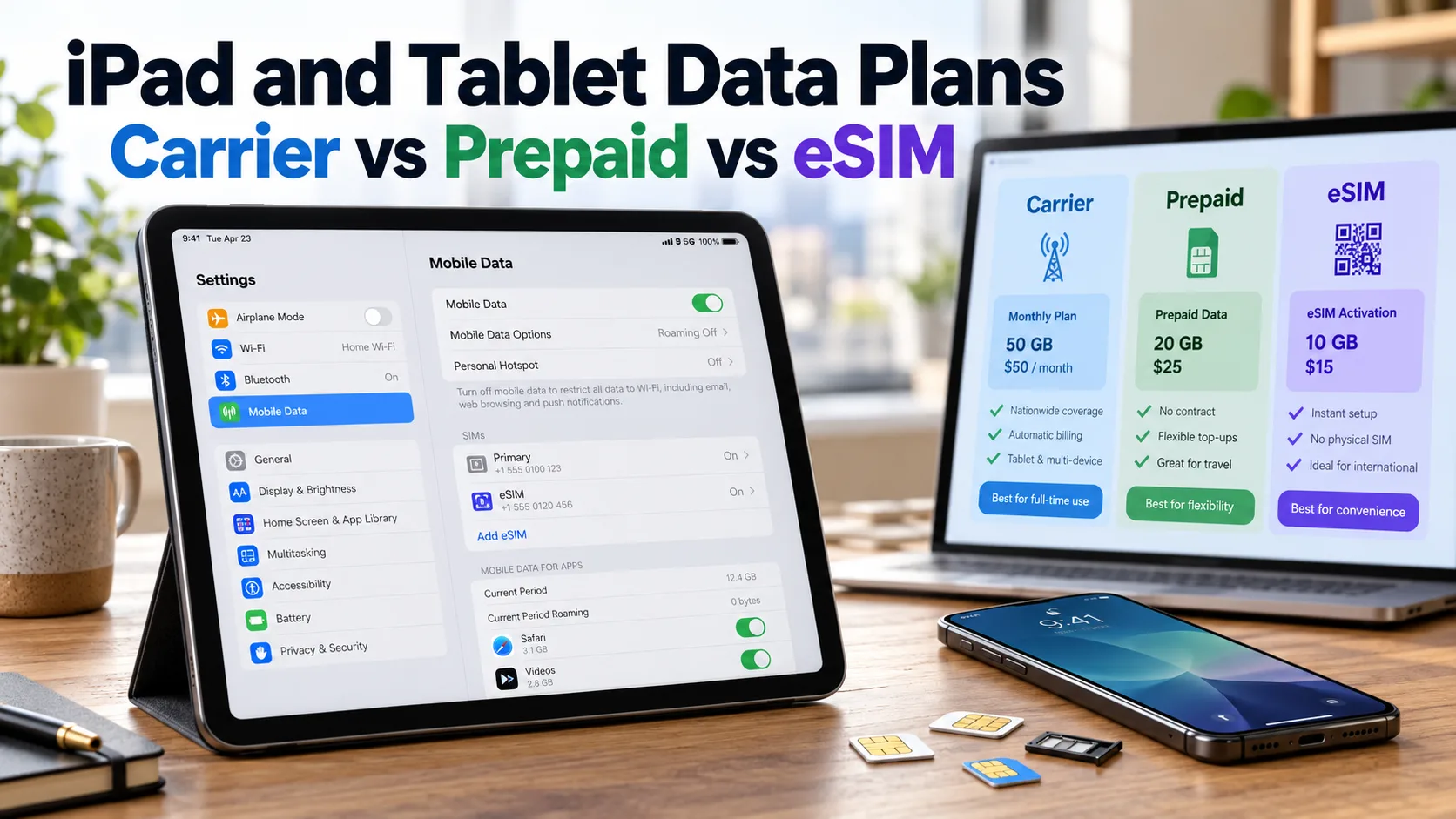
An eSIM is a tiny chip built right into your phone. It works like a regular SIM card, but you don’t have to plug anything in. Carriers send you a QR code or a quick setup link, your phone reads it, and the line activates in a few minutes.
Most newer phones support eSIMs. iPhones from the XS onward, recent Samsung Galaxy models, Google Pixel phones, and many Motorola devices all have this feature. In fact, U.S. iPhone 14 and newer models don’t even have a physical SIM tray anymore. They are eSIM only.
Because eSIMs are software, they live inside your phone’s memory. That means you can store several at once. Most phones can save five to ten eSIM profiles, but only one or two can be active at the same time. This flexibility is great when you travel a lot or switch plans often. The downside? When you delete one, it really is gone.
What Actually Happens When You Delete an eSIM
Tapping “delete” does more than just turn off a line. Here is what is really going on under the hood.
The profile is wiped from your phone. Carrier settings, network info, and activation data all get erased. The line tied to that eSIM stops working in a matter of seconds, not minutes.
Your phone number stops working on that device. Calls, texts, and mobile data on that line all go dark. If you had Wi-Fi calling or iMessage tied to it, those features go down too. Your contacts will see your messages fail to deliver.
The eSIM cannot turn itself back on. You can’t go to settings later and flip a switch to bring it back. To get the line working again, your carrier has to send you a new activation code or QR code. Each eSIM profile is unique, and once it’s deleted, the original is no longer valid. Trying to scan the old QR code usually results in an error.
Your service plan does not get cancelled. This part surprises a lot of people. Deleting the eSIM only removes it from your phone. Your account with the carrier is still open, and the bill keeps coming. So if you delete an eSIM and forget to call your carrier, you could end up paying for service you can’t even use.
Can You Recover a Deleted eSIM?
This is the question that pops up most often after someone deletes an eSIM by accident. The honest answer is no, not directly. There is no recycle bin and no undo button.
That said, your line is not lost forever. Your phone number still belongs to your carrier account, and most carriers can simply issue a fresh eSIM with a new QR code.
Step 1. Contact your carrier’s support team by phone, app, or live chat.
Step 2. Verify your identity using your account details, PIN, or photo ID.
Step 3. Ask them to issue a brand-new eSIM activation.
Step 4. Scan the fresh QR code or follow the direct setup link they send.
Big U.S. carriers like AT&T, T-Mobile, and Verizon can usually do this in a few minutes. Travel eSIM providers like Airalo or Holafly may also reissue eSIMs, but their rules vary. Some prepaid travel eSIMs cannot be reissued once deleted, so check the fine print before tapping that delete button.
Deleting an eSIM on iPhone vs Android
The basic idea is the same on both kinds of phones, but the menus and labels are a little different.
On iPhone
Open the Settings app. Tap Cellular (it’s called Mobile Service in some regions). Pick the line you want to remove. Scroll down and tap “Delete eSIM” or “Remove Cellular Plan.” Confirm the action when your iPhone asks. iPhones running iOS 16 and later may also offer to convert the eSIM to a physical SIM, but only on phones that still have a SIM tray.
On Android
The path can change depending on the brand, but the flow is similar. Open Settings, then tap Network & Internet or Connections. Choose SIMs, SIM Manager, or Mobile Network. Pick the eSIM you want to delete. Tap “Erase eSIM” or “Delete SIM,” then confirm.
Samsung phones use a slightly different menu name and may put the option under “SIM Manager.” Pixel phones list it under SIMs. In all cases, the phone will warn you that the action is permanent. The whole thing takes only a few seconds. The hard part is being sure before you tap “confirm.”
When You Should Delete an eSIM
There are some good reasons to delete an eSIM. The most common one is selling or giving away your phone. You don’t want a new owner picking up your number, your carrier data, or anything tied to your account.
Another solid reason is switching carriers for good. Once your new line is up and running on a different eSIM, the old profile is just taking up space. Travelers often delete unused travel eSIMs after they fly home, especially when the plan is already used up. This frees up a slot for the next trip.
Finally, if your phone has too many old eSIMs and you have hit the storage limit, removing one or two can make room. This is more common with people who hop between travel plans or test out new carriers.
When You Should NOT Delete an eSIM
Don’t delete an eSIM if you’re just pausing service. Maybe you’re switching to Wi-Fi for a while, or testing a different line for a few days. In those cases, just turn off the eSIM in settings instead of removing it. That keeps the profile safe and ready to use again with one tap.
Avoid deleting an eSIM tied to an active plan unless you have already cancelled or moved the line. Otherwise, you lose service and may keep paying for nothing. Also, never delete an eSIM right before a big trip, a job interview, or any time you might need to make an important call. If something goes wrong with reactivation, you could be without a phone line for hours, or in a few rare cases, a full day or longer.
Old travel eSIM with no balance left, line you have moved to a new device, or a plan you have already cancelled.
Active line you still pay for, eSIM you might need next month, or any line tied to two-factor login codes.
How to Delete an eSIM Safely
To stay on the safe side, follow these steps before you tap delete.
Step 1. Back up any important info linked to your number. This includes two-factor codes, banking apps, and recovery accounts.
Step 2. Check your carrier account. Make sure the line is cancelled or moved if you don’t need it anymore.
Step 3. Save a copy of your eSIM activation email or QR code if your carrier allows reuse, just in case.
Step 4. Connect to Wi-Fi so your phone keeps working online during the change.
Step 5. Open Settings, find the eSIM, and tap Delete. Read the warning carefully and confirm.
Step 6. Restart your phone and check that your other lines still work as expected.
Taking five extra minutes here can save you a real headache later. People who skip these steps are often the same people who end up on the phone with carrier support.
What to Do If You Deleted an eSIM by Mistake
It happens. Maybe you tapped the wrong line, didn’t read the warning, or handed your phone to someone who got curious. Don’t panic. Most carriers can fix this quickly, and you usually won’t lose your phone number.
Call your carrier’s customer service or open their app. Tell them your eSIM was deleted by mistake and you need a new activation. They will send a new QR code by email or text. Scan it, follow the on-screen steps, and your line should be back up within a few minutes.
If you used a prepaid travel eSIM, check the provider’s website first. Some allow reactivation through your account; others may not. Reach out to their chat support quickly to see what your options are. The faster you act, the better your chances of saving any unused data.
Frequently Asked Questions
No. Deleting an eSIM only removes the digital profile from your phone. Your service plan with the carrier stays active until you call them and cancel it directly.
Not right away. Your phone number stays tied to your carrier account. As long as the account is open, you can move the number to a new eSIM, or even to a physical SIM if your phone supports one.
The original eSIM file cannot be reused once it’s deleted. But your carrier can issue a brand-new eSIM tied to the same number, so you keep your line.
No, it’s not harmful. eSIMs are designed to be added and removed many times. Your phone’s hardware will not wear out from this.
Most modern phones can store between five and ten eSIMs but only let one or two work at the same time. Check your phone’s settings or manual for the exact number on your model.
That’s normal. Once an eSIM is deleted, its QR code is no longer valid. You will need a fresh code from your carrier to set up service again.
The Bottom Line
Deleting an eSIM isn’t dangerous, but it’s not something to do on autopilot either. Once it’s gone, getting service back takes a phone call, an email, and a fresh QR code. Take a moment to ask yourself if you really need to delete it, or if turning it off is good enough for now.
If you ever feel stuck on the menu, lost the QR code, or just want a second set of eyes before you tap delete, don’t guess. Reach out for help and get it done right the first time.