

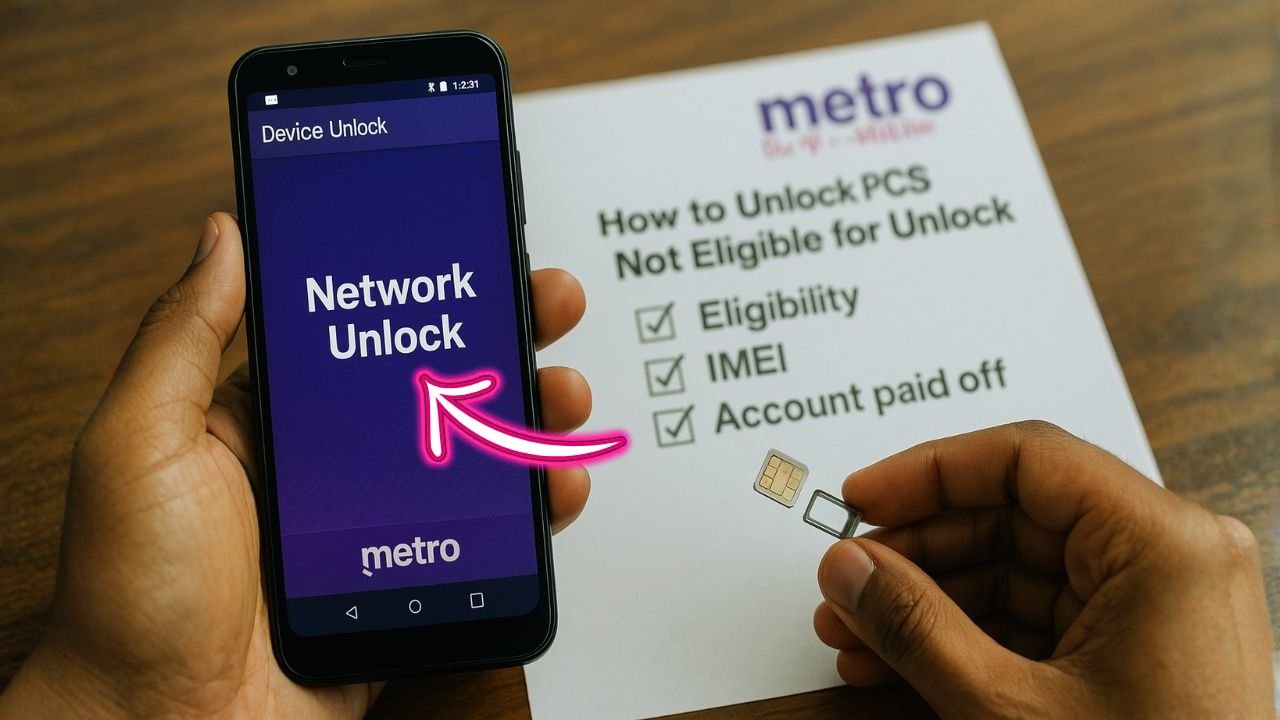
If a MetroPCS (now Metro by T-Mobile) phone shows “Not eligible for unlock,” it can feel like a dead-end. Good news: you still have safe, legal, and free options to move forward—without shady tools or paid “codes.” This guide explains why your device isn’t eligible yet, what you can do today, and how to unlock it for free when you meet the rules. You’ll also learn practical workarounds to use the phone right now, and how to avoid the scams that waste time and money.
Key Takeaways
- Free unlocks are real—but only after you meet Metro’s policy (generally 365 days). Auto-unlock applies to many models; others get a notification with steps.
- Legal ≠ instant: U.S. law says unlocking is legal, yet you still must satisfy carrier conditions.
- Don’t buy “codes”: Modern Metro/T-Mobile unlocks are server-based, not generic codes sold online.
- You have options now: Keep using Metro, test T-Mobile-based options where possible, or sell/trade and switch to an unlocked device.
- Military exception exists: Deployed customers in good standing can unlock early with documentation.
The Quick Answer
Most Metro by T-Mobile phones must meet the carrier’s eligibility rules before they can be unlocked for free. As of August 2025, Metro’s policy requires 365 days since activation for most devices, after which eligible models are unlocked automatically (or you’ll get on-device instructions to finish). Military customers have a documented exception. If your phone isn’t eligible yet, you can still use it on Metro, explore T-Mobile options, or sell/trade it—then unlock for free once the criteria are met.
📖 Also Read: All About iPhone eSIM: What It Is, How It Works, and How to Activate It
Why Your Metro Phone Says “Not Eligible for Unlock”
Carrier locks are designed to keep a discounted or subsidized device on the original network for a set time. Metro’s own policy explains how eligibility works and how unlocks are delivered:
- Automatic unlock: Once a device becomes eligible, Metro remotely unlocks phones that support it, typically within two business days. If your model can’t be unlocked over the air, you’ll receive an on-device notification with next steps.
- Eligibility window: 365 days must pass from activation on Metro for most devices. This updated timeline replaced the older 180-day window many people still reference online.
- Military exception: Deployed customers in good standing can request an earlier unlock by providing deployment papers to Metro support.
The FCC also confirms that carriers set unlock conditions, and many now automatically unlock eligible devices. That’s why you’ll often see “not eligible” until you hit the day threshold or meet any other criteria Metro lists.
Legal Basics (So You Don’t Get Burned)
In the U.S., unlocking is legal under the Unlocking Consumer Choice and Wireless Competition Act—but the law doesn’t force carriers to unlock a device before you meet their reasonable policies. In short: it’s legal to unlock, but carriers can set timelines and criteria you must meet first.
What “Locked to Metro/T-Mobile” Actually Means
Metro is part of T-Mobile. A Metro-locked device generally works on Metro and (in many cases) the T-Mobile network while locked, but not on AT&T, Verizon, or international carriers until it’s unlocked. Whether a locked device will work on a T-Mobile-based MVNO (like Mint, Ultra, etc.) can vary by device and policy enforcement—some combinations work; others fail. The only guaranteed wide-carrier compatibility comes after an official unlock.
Tip: If you need to test compatibility before unlocking, ask an MVNO for a risk-free eSIM trial or bring-your-own-device check. If the ICCID is blocked due to the lock, the trial simply won’t activate—no harm done.
📖 Also Read: The Best 5 Samsung Network Unlock Tools
Free Paths When You’re “Not Eligible Yet”
You don’t need to buy questionable “unlock codes.” Use these legit, free routes:
1) Stay Active Until You Qualify (Most Reliable & Free)
- Keep the same device active on Metro until the 365-day mark passes.
- When eligible, Metro unlocks supported phones automatically. If yours can’t be unlocked remotely, look for a notification with step-by-step instructions or contact support to complete it.
2. Military Deployment Exception
- If you’re being deployed, contact Metro at 888-863-8768 with your papers. Metro’s policy provides an exception for deployed military customers in good standing.
3) Confirm You’re Using the Right App/Flow (Android)
- Many Android models use the preinstalled “Device Unlock” flow. If your phone supports remote unlock, the process kicks in automatically once you’re eligible. If not, follow the notification instructions or contact support to complete it.
4) Keep the Phone Useful While You Wait
- Use it on Metro (no restrictions).
- Try Wi-Fi-first services (Wi-Fi calling, messaging apps, hotspot for tablets).
- Test a T-Mobile line or trial (if allowed by the lock and device model).
- Consider using it as a backup phone, a kid’s device, or a travel hotspot until unlock day.
What If You Need Another Network Now?
If you can’t wait for eligibility:
- Sell or Trade the Phone as “Locked to Metro/T-Mobile”
- Be transparent about the status. Locked phones still have value, especially if they’re clean (not financed, not blacklisted).
- Use that cash to buy a factory-unlocked model or a carrier-unlocked second-hand device from a reputable marketplace.
- Buy Refurbished/Certified Unlocked
- Look for “Factory Unlocked” in the listing and always check IMEI status before paying.
- Avoid sellers promising “instant unlock” on newly activated Metro devices—this is often code for risky methods.
📖 Also Read: How to Unlock Phone Free with IMEI Number?
Don’t Risk It: Common Unlock Myths & Scams
- “Secret code” websites: Most modern Metro/T-Mobile phones (especially iPhone and recent Androids) do not unlock with a random 8- or 16-digit code from a website. The unlock is server-side, tied to your device’s IMEI and carrier database.
- “Box” or “flash” unlocks: These often attempt to bypass security or alter the firmware. They’re unreliable, can break features (5G, RCS, VoLTE, Samsung Pay), may re-lock after updates, and can violate terms of service or laws in some regions.
- “We’ll unlock any phone, any carrier, any time” claims: If it sounds too good to be true—it is. Stick to official, policy-based routes. The FCC’s guidance is clear: check the provider’s rules and follow them.
The Official Free Unlock, Step by Step (When You Qualify)
Use this once you hit eligibility:
iPhone (most models):
- Ensure you’re on the latest iOS and connected to Wi-Fi or cellular.
- If Metro has flagged your IMEI as unlocked, Apple’s activation servers apply it automatically.
- Insert a different-carrier SIM/eSIM (e.g., AT&T, Verizon, international).
- If you see “SIM not supported,” restart, toggle Airplane Mode, or reactivate via Settings → General → Transfer or Reset → Erase All Content and Settings (make a backup first).
- If still locked, contact Metro so they can re-push unlock to Apple servers.
Android (many Samsung, Motorola, REVVL, etc.):
- Confirm you’ve passed 365 days from activation.
- Connect to Wi-Fi or mobile data.
- If your device supports remote unlock, Metro processes it automatically within two business days after you qualify.
- If you get a notification instead, open it and follow the on-screen steps.
- If the unlock app shows errors (e.g., server not responding), reboot, ensure a stable internet connection, and try again. Contact Metro if issues persist.
Troubleshooting “Still Not Unlocked” After Eligibility
If you believe you’ve crossed the date and it still won’t unlock:
- Recheck the dates: The clock starts from the device’s first activation on Metro, not the purchase date in many cases.
- Update software: Some models need the latest firmware to complete unlock.
- Try again later: Metro mentions two business days for remote unlock propagation.
- Call Metro support with your IMEI and proof of eligibility so they can re-push the unlock.
Using Your Metro Phone Internationally (Before Unlock)
If you travel and your phone is still locked, you won’t be able to pop in a local foreign SIM. Consider:
- Metro’s international add-ons (roaming where available).
- Wi-Fi-first apps (WhatsApp, iMessage on Wi-Fi, FaceTime, Google Voice, etc.).
- A temporary travel phone or hotspot solution until your Metro device unlocks.
Action Plan: From “Not Eligible” to Unlocked—Free
Here’s a simple, safe roadmap:
- Verify your date
- Check when the phone first activated on Metro. Mark 365 days from that date.
- Keep the line active
- Maintain active service on Metro with the same device/IMEI to avoid timeline hiccups.
- Prep your device
- Update iOS/Android, back up your data, and keep Wi-Fi or cellular data on.
- Watch for auto-unlock
- Within two business days past eligibility, supported models unlock automatically. If your phone can’t be unlocked remotely, you’ll see on-device instructions.
- Test with a different SIM/eSIM
- Insert a SIM from another carrier or add an eSIM. If it fails and you’re certain you’re eligible, contact Metro to re-push the unlock.
- Need out sooner?
- Sell or trade the phone as locked (be clear in the listing), and buy a factory-unlocked phone. Or keep using the Metro device on Metro while you wait.
When to Contact Metro Support
- You’ve passed 365 days and the device didn’t unlock within two business days.
- You received an unlock notification but the instructions aren’t working.
- You’re military with deployment papers and need the exception.
- You suspect an IMEI error (e.g., incorrectly flagged as lost/stolen).
Have your IMEI ready (Dial *#06# or check Settings → About).
The Final Word
If your Metro phone isn’t eligible for unlock today, don’t risk your device or your wallet with shortcuts. The reliable path is simple: keep service active, hit the 365-day mark, and let Metro’s official, free process do the rest. Use the phone productively in the meantime, and when the day comes, you’ll enjoy full carrier flexibility—without paying a cent.
FAQs: Metro “Not Eligible for Unlock”
1) Can I unlock a Metro phone for free before eligibility?
No. The free unlock is tied to Metro’s policy timeline (generally 365 days). The official process starts after you qualify, not before.
2) Is unlocking legal in the U.S.?
Yes. Unlocking is legal under the Unlocking Consumer Choice and Wireless Competition Act, but carriers can set reasonable eligibility terms you must meet before they process it.
3) My phone used to say 180 days. What changed?
Metro updated the policy to 365 days (noted on the official unlock policy page updated August 11, 2025). Older posts still mention 180 days; rely on the current policy.
4) Do I need a code to unlock?
Usually no. Modern unlocks are server-side. Metro flags your IMEI as unlocked and your phone completes activation with the new carrier. For Android, some models show an on-device flow; for iPhone, Apple’s activation servers apply the unlock.
5) Can military customers unlock earlier?
Yes. Deployed military customers in good standing can request an exception by providing deployment papers to Metro.
6) Will my locked Metro phone work on T-Mobile or a T-Mobile MVNO?
Locked devices are intended for the Metro/T-Mobile network while locked. Some MVNOs may work; others won’t—results vary. The only guaranteed broad compatibility is after an official unlock.
7) What if I switch the SIM to a different Metro line—does the clock reset?
The policy is based on days since device activation on Metro, not just your account’s age. Changing lines can complicate the timeline; Metro support can check your IMEI and confirm the exact eligibility date.
8) Can I pay to speed it up?
Third-party “instant unlock” offers are risky and often fraudulent. The only safe, reliable, and free route is through Metro after you meet eligibility, or via the military exception if you qualify.


