TL;DR — Quick Answer
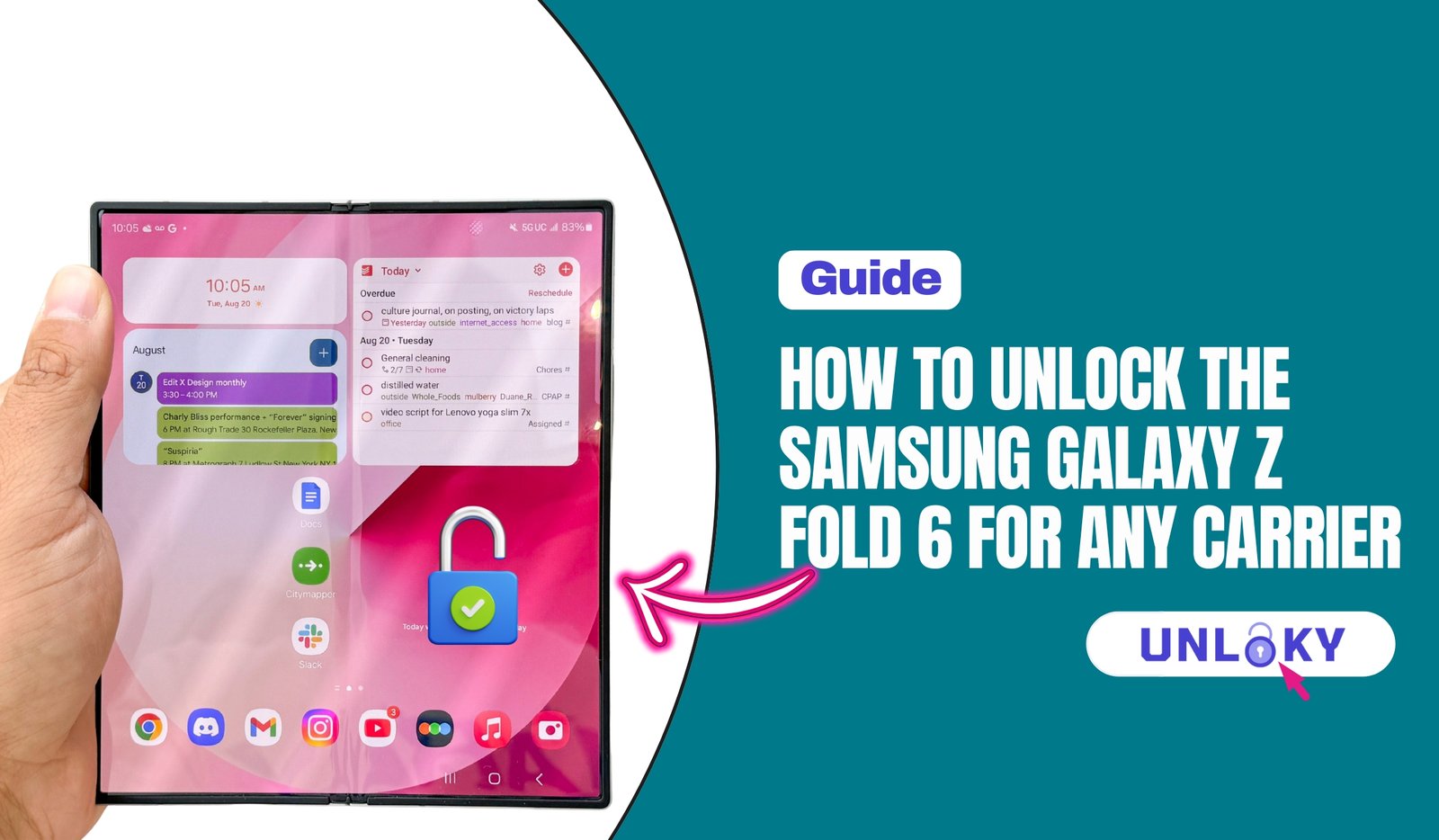
To unlock a Samsung Galaxy Z Fold 6 for any carrier, make sure the phone is paid off and meets your carrier’s time requirement (T-Mobile: 40 days, AT&T: 60 days, Verizon: paid in full). Then request the unlock through your carrier’s app or website — it’s 100% free and usually done in 24–48 hours. If you instead forgot the password on your Z Fold 6, use Samsung Find My Mobile or Google Find Hub to unlock it remotely, or factory reset it as a last resort.
The Galaxy Z Fold 6 is a beautiful piece of hardware — a phone and a tablet folded into one. But if you bought it on a carrier deal, there’s a good chance it came with a digital leash attached. That “leash” is a carrier lock, and it stops your phone from working on any other network until you remove it.
Maybe you’re switching carriers for a better plan. Maybe you’re heading overseas and want a cheap local SIM. Or maybe you just bought the Fold 6 secondhand and it won’t accept your card. Whatever brought you here, this guide walks you through it in plain 2026.
We’ll cover both meanings of “unlock,” because people search for both: removing the carrier lock so the phone works on any network, and getting back in when you’ve forgotten the screen password. Let’s start by figuring out which one you actually need.
Carrier Lock vs. Screen Lock: Which Unlock Do You Need?
These two problems sound the same but they’re completely different jobs. Mixing them up wastes hours, so let’s clear it up fast.
You have a carrier lock if…
You put a new SIM card from a different carrier into your Z Fold 6 and you see a message like “SIM not supported,” “Invalid SIM,” or “Enter network unlock code.” The phone turns on fine — it just refuses to connect to the new network. This is the most common reason people search how to unlock the Samsung Z Fold 6 for any carrier.
You have a screen lock issue if…
The phone is asking for a PIN, pattern, or password and you can’t remember it. You’re locked out of your own device. If you’re trying to unlock the Samsung Z Fold 6 because you forgot the password, skip ahead to that section below — the carrier steps won’t help you here.
Bought your Z Fold 6 straight from Samsung.com at full price? Then it’s already factory unlocked and works on any carrier out of the box. No request needed — you can skip the network-unlock steps entirely.
How to Unlock a Samsung Galaxy Z Fold 6 for Any Carrier (Network Unlock)
A carrier (or “network”) unlock is handled by your carrier, not by Samsung. The good news: in the U.S. it’s always free when you qualify. You don’t pay a dime, and it doesn’t touch your apps, photos, or settings.
Every carrier has its own rulebook, and a few of them changed in early 2026 — Verizon especially. Here’s where things stand right now.
Eligibility: what every carrier checks first
Before any carrier flips the switch, your Z Fold 6 needs to tick a few boxes:
- The phone is paid off. No remaining installment balance.
- It’s been active long enough. Each carrier sets its own waiting period.
- The account is in good standing. No past-due bills.
- The phone isn’t reported lost or stolen. Blocked devices stay locked.
Unlock Galaxy Z Fold 6 on AT&T
AT&T wants your Z Fold 6 to be active for at least 60 days on a postpaid plan, or 6 months on AT&T PREPAID. The device must be paid off completely, your account has to be in good standing, and the phone can’t be flagged as lost or stolen.
Once you meet the requirements, go to Unlock an AT&T device page, click “Unlock your device,” and enter your IMEI (dial *#06# on your Z Fold 6 to find it fast). Submit the form, then check your email for a confirmation link — you have to click it within 24 hours.
AT&T responds within two business days. For Samsung phones like the Z Fold 6, you’ll usually get an unlock code by email. To use it, power off the phone, insert the new carrier’s SIM, turn it back on, and type in the code when prompted. Heads up — you typically get only five tries, so enter it carefully.
Unlock Galaxy Z Fold 6 on T-Mobile
T-Mobile is the easiest of the bunch. Your Z Fold 6 needs just 40 days of active service on T-Mobile, plus a paid-off device and an account in good standing.
The best part is that T-Mobile pre-loads a “Device Unlock” app right onto the phone. Once you qualify, open the app, tap Permanent Unlock, and the phone handles the rest on its own — no code to type, no SIM swap needed. We’ll walk through that app in more detail below.
If you don’t see the app, you can also check your status in the T-Life app under Manage > Device unlock. Eligible phones get unlocked over the air within two business days.
Unlock Galaxy Z Fold 6 on Verizon
Verizon changed its rules in January 2026. The FCC granted Verizon a waiver that ended the old 60-day automatic unlock. Now, Verizon postpaid devices must be fully paid off before they unlock. There’s no shortcut around the balance — you have to clear it.
If your Z Fold 6 is paid off, the unlock should trigger automatically once Verizon’s system catches up. Sign into the My Verizon app or verizonwireless.com to check the device status on your line. If a few days go by and nothing changes, dial *611 from your phone and ask support to push it through manually.
Verizon prepaid is stricter — those lines now need 365 days of active service before they can be unlocked.
Galaxy Z Fold 6 Carrier Unlock Requirements at a Glance
Here’s the side-by-side so you can spot your carrier’s rules in a couple of seconds.
| Carrier | Postpaid Requirement | Prepaid Requirement | How to Request |
|---|---|---|---|
| AT&T | Paid off + 60 days active | 6 months active | 1-800-331-0500 |
| T-Mobile | Paid off + 40 days active | 365 days / $100 refills | 1-800-937-8997 |
| Verizon | Device fully paid off | 365 days active | 1-800-922-0204 |
| Bought from Samsung | Already unlocked — works on any carrier | No action needed | |
Step-by-Step: Requesting Your Z Fold 6 Carrier Unlock
Once your phone qualifies, the actual process takes about ten minutes of your time. Here’s the flow for any U.S. carrier.
Step 1: Find your IMEI number. Open the Phone app and dial *#06#, or go to Settings → About phone. Write down the 15-digit IMEI — you’ll need it for the request.
Step 2: Confirm you’re eligible. Check that the Fold 6 is paid off and has met your carrier’s waiting period. If you’re unsure, a quick call to support clears it up.
Step 3: Submit the unlock request. Use your carrier’s unlock page or app (or the Device Unlock app on T-Mobile). Enter your IMEI and account details, then submit.
Step 4: Wait for approval. Most requests clear in 24–48 hours. You’ll get a text or email when your Z Fold 6 is approved and unlocked.
Step 5: Insert your new SIM & test it. Pop in the new carrier’s SIM (or activate an eSIM), restart the phone, and confirm you have signal. That’s it — you’re unlocked.
Stuck on eligibility or got a “still locked” message?
Our team can walk you through your exact carrier’s unlock process and check whether your Z Fold 6 qualifies today.
Call Unlock Support: 1-800-937-8997 Verizon: 1-800-922-0204How to Unlock a Samsung Z Fold 6 If You Forgot the Password
This is a totally different fix. If you’re staring at a lock screen and can’t remember your PIN, pattern, or password, here are your options — from gentlest to nuclear.
Option 1: Samsung Find My Mobile (best option)
If you signed into a Samsung account on the phone before getting locked out, this is your easiest path. From any browser, go to findmymobile.samsung.com, sign in, pick your Z Fold 6, and choose Unlock. The screen lock is removed remotely and your data stays safe. This only works if Find My Mobile and Remote Unlock were turned on beforehand.
Option 2: Google Find Hub
Linked to a Google account? Head to the Find Hub service (formerly Find My Device) at google.com/android/find. You can locate, ring, or secure the device. Note that Google removed the old “unlock” button, so this mainly helps you confirm the phone is yours before a reset.
Option 3: Factory reset (last resort)
If nothing above works, a factory reset wipes the lock — and unfortunately, everything else with it. Power off the phone, then boot into Recovery Mode and select “Wipe data/factory reset.” After the reset you’ll need to sign in with the Google account that was already on the device, thanks to Factory Reset Protection.
A factory reset erases all photos, messages, and apps. Only use it if you’ve genuinely exhausted Find My Mobile and have no recent backup. And make sure you know the Google login on the phone — without it, Factory Reset Protection will lock you out after the wipe.
Should You Use a Third-Party Unlock Service?
You’ll see plenty of websites promising to unlock your Z Fold 6 for $20–$70. For a network unlock, you almost never need them. Your carrier does it for free, and going through them keeps your warranty and account clean.
Third-party services make more sense in narrow cases — say, you bought a used Fold 6, the original owner won’t help, and the carrier won’t unlock it for you. Even then, pick a reputable IMEI-based service, never one asking you to install sketchy software or “jailbreak” the phone. When in doubt, call your carrier first.
Free carrier unlock first → reputable IMEI service second → never a “free unlock code generator” app. Those are almost always scams or malware.
Switching Carriers After Unlocking Your Galaxy Z Fold 6
The moment your phone is unlocked, the whole world of carriers opens up. You’ve got two ways to switch.
Physical SIM: Eject the SIM tray, drop in the new carrier’s nano-SIM, and the phone connects on its own. This works with any GSM or 5G carrier — nearly every network in the US and most worldwide.
eSIM: Go to Settings > Connections > SIM manager > Add eSIM, then scan the QR code your new carrier sent or punch in the details by hand. The eSIM downloads in about a minute. The Z Fold 6 lets you run a physical SIM and an eSIM at the same time, so you can keep your main number for calls and texts while a travel eSIM handles cheap local data abroad.
Most US carriers activate eSIMs for free — Mint Mobile, US Mobile, Visible, Cricket, Boost, and the big three all do. Travel eSIM apps like Airalo, Holafly, and Saily charge for the data plan but nothing extra for the eSIM itself.
Yes. A network unlock through your own carrier — AT&T, T-Mobile, or Verizon — is completely free once your device meets the rules, like being paid off and active for the required number of days. Be cautious of any service charging just for a standard carrier unlock; you can almost always do it yourself at no cost.
Try Samsung Find My Mobile first at findmymobile.samsung.com — if Remote Unlock was enabled, it removes the lock without erasing data. If that’s not set up, your fallback is a factory reset through Recovery Mode, which unlocks the phone but wipes everything. Make sure you know the Google account on the device before resetting.
Most requests are processed within 24 to 48 hours. On AT&T, eligible Samsung phones often unlock automatically the moment they qualify, so it can feel instant. If 48 hours pass with no update, contact your carrier with your IMEI ready.
A carrier network unlock does neither — your data is untouched and your Samsung warranty stays valid. The only method that erases data is a forgotten-password factory reset, which is a separate process from network unlocking.
Absolutely. Once unlocked, you can drop in a local SIM or activate a travel eSIM anywhere in the world. The Fold 6 is a global-band phone, so it works on most networks abroad — perfect for avoiding pricey roaming charges.
Unloky provides educational guides only. Carrier unlock policies and phone numbers change over time — always confirm details directly with your carrier before acting. Only unlock devices you legally own. Forgotten-password methods that involve a factory reset will erase your data; back up first whenever possible.