TL;DR — The Honest Quick Answer
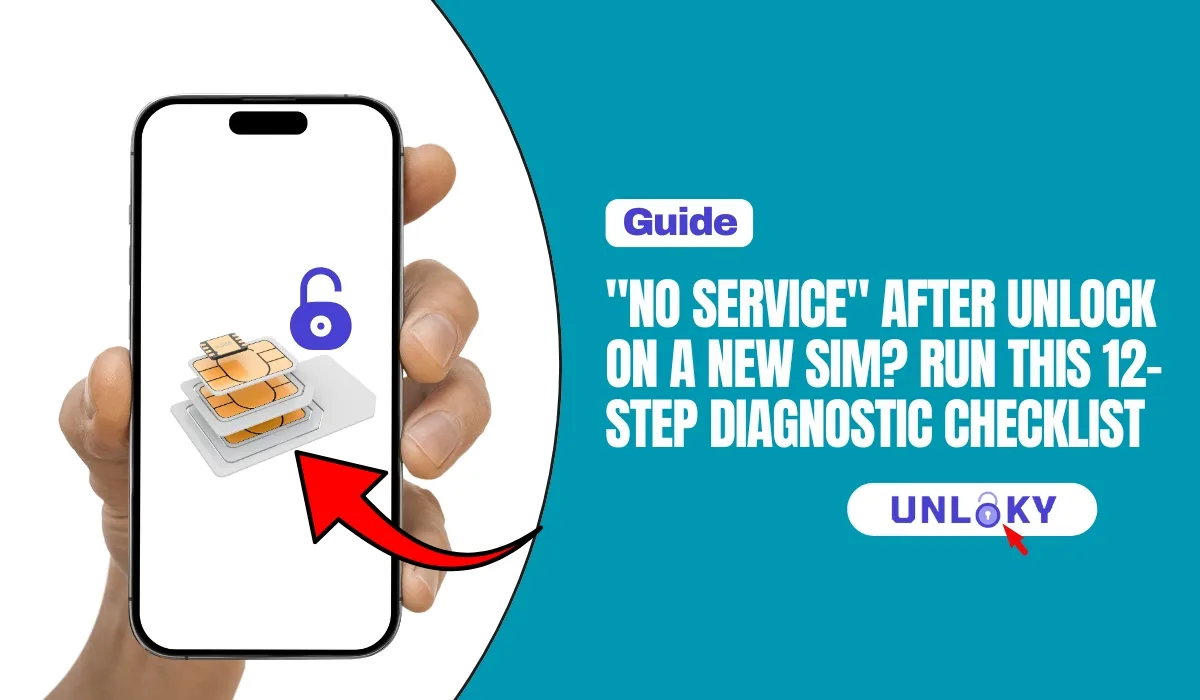
“No Service” after unlocking usually comes down to one of four things: the unlock never fully processed on the carrier’s end, the new SIM was never activated, the APN settings are wrong, or the phone doesn’t support the new carrier’s bands.
Fastest fix path: toggle Airplane Mode → restart the phone → confirm the unlock with your old carrier → confirm the new SIM is activated → set the APN manually → update carrier settings. That sequence solves the majority of cases in under 30 minutes.
If nothing works, the problem is almost always on the carrier’s side — a stuck port-in or a SIM that was never provisioned. Call the new carrier, not the old one.
You did everything right. You waited out the lock period, got the unlock confirmation, popped in a shiny new SIM from your new carrier — and the phone says “No Service.” Or “SIM Not Provisioned.” Or it just spins on “Searching…” forever.
Here’s the good news: this problem is almost never a broken phone. In our experience helping readers switch carriers, “no service after unlock” traces back to a short list of causes — and each one has a specific test. This checklist walks you through them in order, from the 30-second fixes to the “okay, time to call the carrier” steps.
Unlock rules changed this year. In January 2026, the FCC waived Verizon’s old 60-day automatic unlock rule. Verizon phones bought after late January 2026 now stay locked until they’re paid off — so a phone you assumed was unlocked may not be. That’s why Step 2 below is more important than ever.
First: What Does Your Error Actually Mean?
Different error messages point to different problems. Find yours before you start troubleshooting — it can save you half the checklist.
| What Your Phone Says | Most Likely Cause | Jump To |
|---|---|---|
| “No Service” (bars are empty) | Unlock incomplete, network not selected, or band mismatch | Steps 1, 2, 5, 9 |
| “SIM Not Provisioned” / “SIM Not Valid” | New SIM was never activated by the carrier | Steps 3, 7 |
| “SIM Not Supported” / “SIM Locked” | The phone is still carrier-locked | Step 2 |
| Signal bars, but no data (calls work) | Wrong or missing APN settings | Steps 4, 6 |
| “Searching…” forever | Network selection stuck, or old network settings cached | Steps 1, 5, 8 |
| “Emergency Calls Only” | Phone sees towers but can’t register — provisioning or IMEI issue | Steps 7, 9, 10 |
The 12-Step Diagnostic Checklist
Work through these in order. Each step rules out one cause, so skipping ahead usually means backtracking later. Steps 1–8 you can do yourself; Steps 9–12 may need a phone call.
Toggle Airplane Mode, Then Restart
Confirm the Unlock Actually Went Through
prepaid phones often have a longer lock period (typically 12 months) than postpaid phones. If you bought the phone as a prepaid device and only used it a few months, it may still be legitimately locked — no amount of troubleshooting will fix that.
Reseat the Physical SIM (or Check the eSIM Line)
Set the APN Manually
| Carrier / Network | APN Value | Notes |
|---|---|---|
| T-Mobile (and most T-Mobile MVNOs like Mint, Metro) | fast.t-mobile.com (Mint: wholesale) | Leave username/password blank |
| AT&T (and Cricket) | phone or nxtgenphone (Cricket: ndo) | AT&T also requires the device on its approved list — see Step 9 |
| Verizon (and Visible) | vzwinternet | Usually auto-configured; manual entry rarely needed |
| US Mobile / other multi-network MVNOs | Varies by network assignment | Check your account dashboard — the APN depends on which network your line runs on |
APN values change occasionally and MVNOs sometimes use their own. If the values above don’t work, the carrier’s own APN support page is the source of truth — search “[carrier name] APN settings” from their official site, not a forum.
Select the Network Manually
Update Carrier Settings and the OS
Confirm the New SIM Is Actually Activated
Reset Network Settings
Check IMEI Compatibility and Band Support
*#06# to display your IMEIRule Out a Blacklisted IMEI
Sites promising to remove a blacklist flag for a fee are either scams or altering the IMEI — which is illegal in the U.S. The only legitimate fix is resolving the issue with the carrier that flagged it.
Test the Phone With a Different SIM
Call the Right Carrier — With the Right Info
Quick Reference: Who Fixes What
| Problem Confirmed | Who Fixes It | Contact |
|---|---|---|
| Phone still carrier-locked | Your old carrier | AT&T: 855-223-0558 · T-Mobile: 844-839-5057 · Verizon: 1-800-VERIZON |
| SIM not activated / port stuck | Your new carrier | Their support line or app chat |
| Phone incompatible with new network | You — pick a compatible carrier or phone | Plan help: 855-696-0156 |
| Blacklisted IMEI | The carrier that flagged it (or the seller) | Any carrier store can run the IMEI |
| Hardware fault (SIM reader / antenna) | Manufacturer or repair shop | Apple Support / Samsung Care, etc. |
How to Avoid This Next Time You Switch
A five-minute pre-check before you order a new SIM prevents almost every scenario in this guide:
- Verify unlock status on the phone itself (Settings → About), not just the carrier’s email. Especially important for Verizon devices bought after January 2026, which stay locked until paid off.
- Run your IMEI through the new carrier’s BYOD checker before signing up — it takes 60 seconds and confirms full band, VoLTE, and 5G support.
- Get your porting info right: account number and transfer PIN from the old carrier, requested before you start the switch. A wrong PIN is the #1 cause of stuck ports.
- Don’t cancel your old line early. Let the port cancel it automatically — cancelling first can void the number transfer and complicate the unlock.
Most unlocks apply within minutes to a few hours after the carrier confirms them, but some take up to 48 hours to fully propagate — especially if the carrier processes unlocks in batches. If you’re past 48 hours and the phone still shows a SIM lock in settings, call the old carrier and ask them to re-push the unlock to your IMEI.
That’s the classic signature of a wrong APN. Voice can register through the network’s basic layer, but data needs the correct APN address to route through. Set the APN manually (Step 4), save it, select it, and restart. If the APN menu is missing on an iPhone, install the carrier settings update instead (Step 6).
It means the SIM card itself hasn’t been registered to an active line on the carrier’s system. It has nothing to do with your phone or the unlock. The fix is always on the carrier’s side: activate the line in their app, finish a stalled number port, or ask support to attach the SIM’s ICCID to your account and re-provision it.
Then the unlock is done and the problem is elsewhere: the new line isn’t active yet (Step 7), the APN is wrong (Step 4), the phone can’t find the network automatically (Step 5), or the phone doesn’t support enough of the new carrier’s bands (Step 9). Work through those four in that order.
No. The January 2026 waiver ended Verizon’s automatic 60-day unlocking going forward — it mainly affects Verizon devices purchased after the change took effect in late January 2026. Phones that were already unlocked stay unlocked. But if you bought a financed Verizon phone in 2026, expect it to remain locked until the balance is paid, and plan your switch around that.
No. A network settings reset only clears Wi-Fi passwords, Bluetooth pairings, cellular preferences, APNs, and VPN configurations. Your photos, messages, apps, and accounts are untouched. It’s one of the safest “deep” fixes you can run — just keep your Wi-Fi password handy for afterward.
Absolutely — and it’s one of the most misunderstood parts of switching. Unlocking removes the software lock, but the phone’s radio hardware determines which frequency bands it supports. International models and carrier-specific variants often miss key bands for U.S. networks, which shows up as weak signal, no 5G, no VoLTE, or full “No Service.” Always run the IMEI through the new carrier’s BYOD checker before switching.
Be careful. If the carrier refuses because the device isn’t paid off, is on a prepaid lock timer, or is blacklisted, third-party services can’t legitimately change that — and many are scams. Legitimate carrier unlocks happen through the carrier itself once you meet its posted eligibility rules. If you believe you qualify and are being wrongly denied, escalate with the carrier and reference their published unlock policy; you can also file a consumer complaint with the FCC.
This guide is for general information only. Menu paths, APN values, carrier policies, and unlock rules change over time and can vary by device model, region, and plan. Always confirm current details with your carrier or device manufacturer. Unloky may receive compensation when you call listed numbers or sign up for services through this page; this does not affect our editorial recommendations. Last verified: August 8, 2026.