TL;DR — The Honest Quick Answer
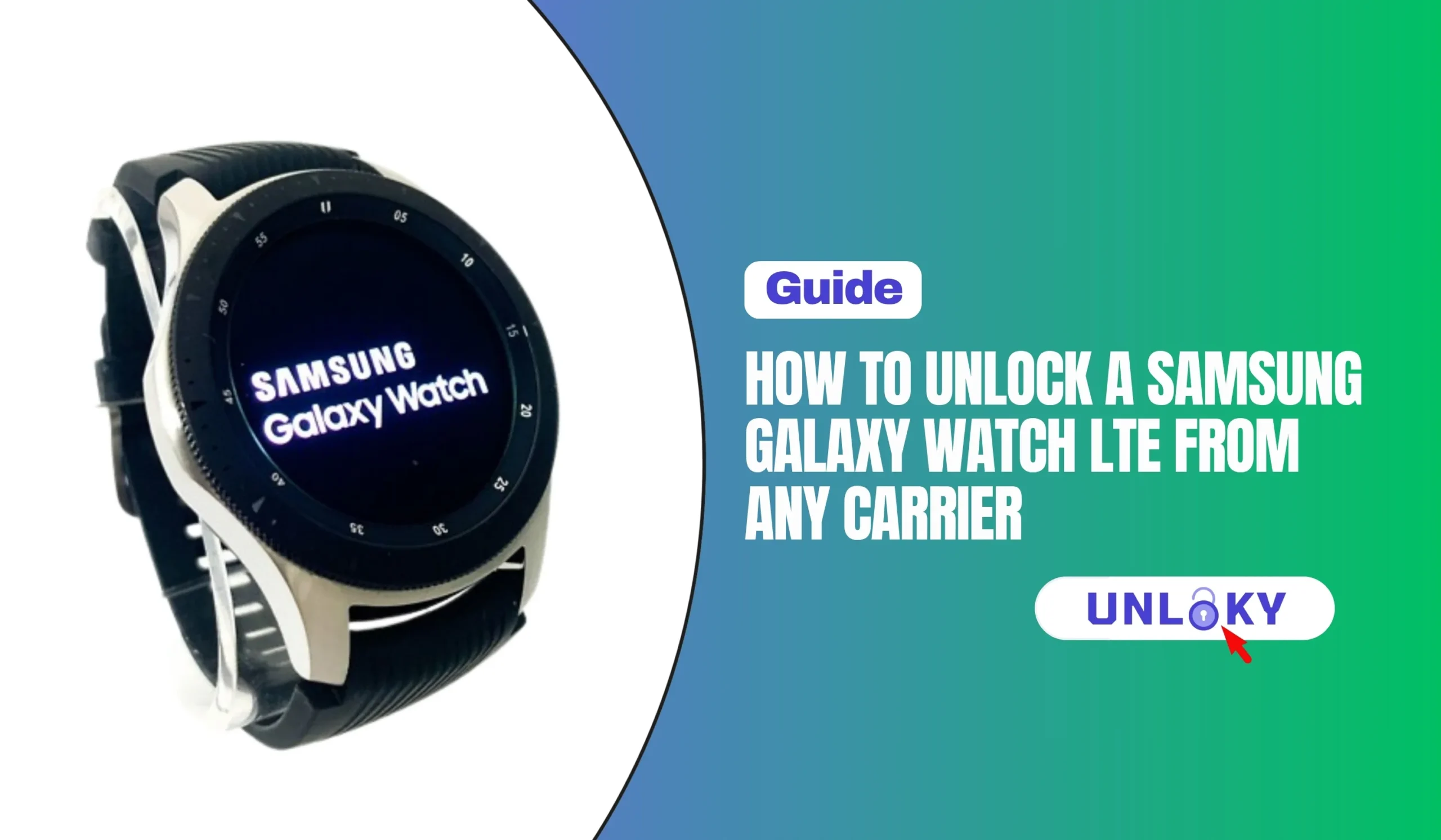
Here’s something that surprises almost everyone who tries to move a Galaxy Watch to a new network: the watch probably isn’t locked in the first place. Unlike phones, Samsung’s LTE watches have generally shipped carrier-unlocked from day one — even the ones sold directly by AT&T, Verizon, or T-Mobile.
So why does switching carriers feel so hard? Because the obstacles are different from what you’d expect. There’s no unlock code, no secret dial pad menu, no third-party unlocking service that applies here. Instead, you’re dealing with eSIM profiles, carrier provisioning systems, and a quirky rule called number sharing that ties your watch to your phone’s carrier. Once you understand those three things, moving your watch becomes a 15-minute job instead of a week of frustrating support calls.
This guide walks through exactly how it works in 2026 — how to confirm your watch’s status, what to do if a carrier’s system does flag it as locked, and the step-by-step process for activating it on a new network.
First, Bust the Myth: Galaxy Watches Aren’t Locked Like Phones
When a phone is carrier-locked, its software refuses to accept SIM cards from other networks until the carrier removes the restriction. Galaxy Watch LTE models don’t work that way. Samsung Galaxy Watches have not been carrier-locked since the first generation — a point Samsung support reps and carrier forums have confirmed over and over.
That said, three real barriers can still stop your watch from working on a new network. Knowing which one you’re facing saves hours of troubleshooting.
Some carrier-sold units — most commonly T-Mobile ones — show up as “locked” in the carrier’s account app even though the hardware isn’t SIM-locked. This is a provisioning flag in the carrier’s system, not a lock on the watch. Once the device is paid off, support can clear the flag on their end. They may push back at first; politely insist, because there is no code they can give you to enter on the watch — the release happens in their database.
Step 1: Check Your Watch’s Status Before You Do Anything
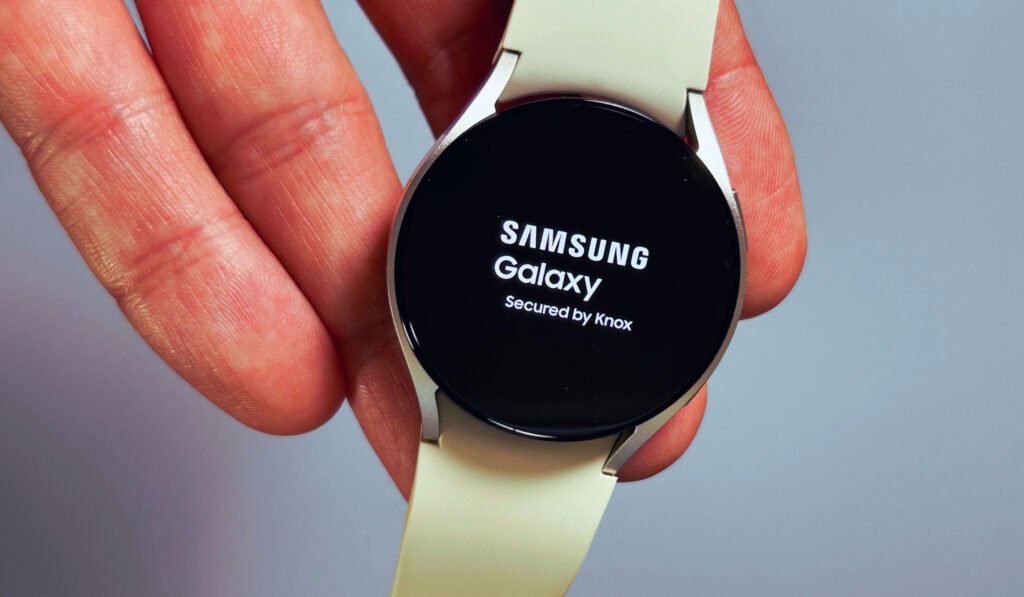
On the watch, go to Settings → About watch → Status information. Or open the Galaxy Wearable app on your paired phone and tap Watch settings → About watch. Write down both the IMEI and the EID — carriers will ask for them.
Every major carrier has a “bring your own device” compatibility page. Enter the watch IMEI there. If it comes back compatible, you’re most of the way home. If the tool says it “cannot determine the status,” that usually just means the watch is still active on another account — not that it’s locked.
If you bought the watch on an installment plan, make sure it’s fully paid off and ask the original carrier to confirm there’s no financing or provisioning flag on the IMEI. Verizon automatically releases devices 60 days after activation; AT&T handles requests through its online unlock portal; T-Mobile requires the device to be paid off and typically 40+ days of active postpaid service.
Step 2: Remove the Old Carrier’s eSIM Profile
This is the step most people skip — and it’s the number-one cause of “no plans available” errors when activating on a new network. Your watch can store the old carrier’s eSIM profile even after you cancel the plan, and that stale profile confuses the new activation.
- Cancel the watch line with your old carrier first, so you don’t keep paying for a dead line.
- On your phone, open Galaxy Wearable → Watch settings → Mobile plans (on some versions it’s under Connections).
- Tap the existing network profile, then choose Remove or Delete profile.
- If you’re also selling the watch or handing it to someone on a different account, do a full factory reset (Settings → General → Reset) so the new owner starts clean.
Deleting the eSIM profile from the watch does not cancel the carrier plan by itself — those are two separate actions. Always cancel with the carrier, then remove the profile from the device.
Step 3: Activate on the New Carrier
Because of number sharing, your watch follows your phone. Get your smartphone active on the new carrier before touching the watch. The watch must be paired with an Android phone (Galaxy Watch 4 and newer run Wear OS and don’t support iPhones).
Sign up for the carrier’s smartwatch plan — either a shared-number plan that mirrors your phone number, or a standalone plan that gives the watch its own number (Verizon’s prepaid side offers both types).
Open Galaxy Wearable → Watch settings → Mobile plans. The app scans for an eligible LTE network and walks you through the carrier’s activation flow — Samsung’s official activation guide covers the same path. Your phone needs an active SIM/eSIM and an internet connection during setup. Some carriers hand you a QR code instead; scan it when prompted.
Turn off Bluetooth on your phone (or leave the phone at home) and place a call from the watch. If it connects over LTE on its own, the move is complete.
What a Watch Line Costs in 2026: Carrier Comparison
Prices shifted noticeably over the past two years — Verizon raised its standard watch line to $15, while T-Mobile went the other way with a $5 promo on its top-tier plans. Here’s where the major options stand right now.
| Carrier | Monthly Price | Number Tech | Worth Knowing |
|---|---|---|---|
| Verizon | $10–$15/mo | Number Share | Unlimited watch plan includes 15GB of high-speed data (100GB on the Plus tier); 50% discounts on select unlimited phone plans. Prepaid watch plan runs $10/mo with shared or standalone number options. |
| T-Mobile | $5–$15/mo | DIGITS / paired line | $5/mo promo with an Experience Beyond phone plan; $35 device connection charge at signup. The $10 plan no longer includes international data. |
| AT&T | ~$10–$11/mo | NumberSync | Standard wearable add-on to a postpaid phone plan; fee waivers show up with AT&T Signature and periodic promos. |
| US Mobile | $9.50/mo (or $78/yr) | Companion plan | Watch companion plans run on the Warp (Verizon-based) network as of mid-2026 — one of the few MVNOs that genuinely supports wearables. |
One honest caveat: this table covers the carriers where a Galaxy Watch LTE actually works well. Most prepaid and budget brands — Mint Mobile, Tello, Boost’s base plans, and dozens of smaller MVNOs — still don’t provision Samsung wearables at all. If a cheap carrier is your priority, check their wearable support before you port anything. T-Mobile’s smartwatch plan page and Verizon’s smartwatch plan page both list current pricing and compatible devices if you want to compare directly.
The Honest Limitations Nobody Mentions
Still Stuck on an Activation Error?
No — Samsung’s LTE watches have shipped carrier-unlocked since the first generation, including units sold through carrier stores. What people mistake for a lock is usually a provisioning flag in the carrier’s account system, a leftover eSIM profile, or a carrier that simply doesn’t support wearables.
Generally no, not with a shared number. Number-sharing systems (NumberSync, Number Share, DIGITS) only mirror a phone number within the same carrier. The workaround is a standalone watch plan — some carriers, like Verizon Prepaid, will give the watch its own separate number so it doesn’t depend on your phone’s line at all.
No. Unlike phones, there’s no code you type into the watch to unlock it. If a carrier’s system flags your watch as locked, the fix happens entirely on the carrier’s side — support clears the flag on the IMEI once the device is paid off. Any third-party service selling “Galaxy Watch unlock codes” is selling something that doesn’t exist.
A factory reset wipes eSIM profiles and personal data, which fixes many activation problems — but it doesn’t touch carrier-side flags, because those live in the carrier’s database, not on the watch. Reset the watch to clear stale profiles; call the carrier to clear account flags.
Three usual suspects: an old eSIM profile still sitting on the watch (remove it in Galaxy Wearable → Mobile plans), your phone’s carrier doesn’t support that watch model, or your phone plan type isn’t eligible for wearable lines. Clear the profile first, then confirm your specific plan supports smartwatch add-ons — some prepaid and business plans quietly exclude them.
It depends on hardware bands, not unlocking. US-model watches are built for North American LTE bands, so coverage abroad ranges from decent to nonexistent depending on the country. Also, you can’t just load a foreign travel eSIM onto the watch the way you can with a phone — watch eSIMs are provisioned through carrier wearable plans, and roaming rides on your home carrier’s watch plan terms.
Absolutely. Without a wearable plan, the watch works fully over Bluetooth when your phone is nearby and over Wi-Fi when it isn’t — calls, texts, notifications, apps, fitness tracking, all of it. The monthly plan only buys independence from your phone. Plenty of owners never activate LTE and lose nothing they’d miss.
Pay off any installment balance, cancel the watch line, remove the eSIM profile, then factory reset the watch and remove it from your Samsung account (so Reactivation Lock doesn’t trap the buyer). Since the hardware isn’t SIM-locked, the buyer can activate it on any carrier that supports Samsung wearables — worth mentioning in your listing, because it genuinely raises resale value.
Carrier policies, plan pricing, and activation procedures change frequently. All prices and policies referenced were verified in July 2026 against carrier-published pages and may vary by region, account type, and promotion. Always confirm current terms directly with your carrier before making changes to your account.
Written by Robiul Hossain for Unloky.com — practical, no-nonsense unlocking guides based on current carrier policy.