
Skip to content
Unloky
  • Home
  • Smartphone Unlock
  • Carriers Unlock
  • eSIM Guide
  • Transfer Number
  • Laptop Unlock

Two-Factor Authentication

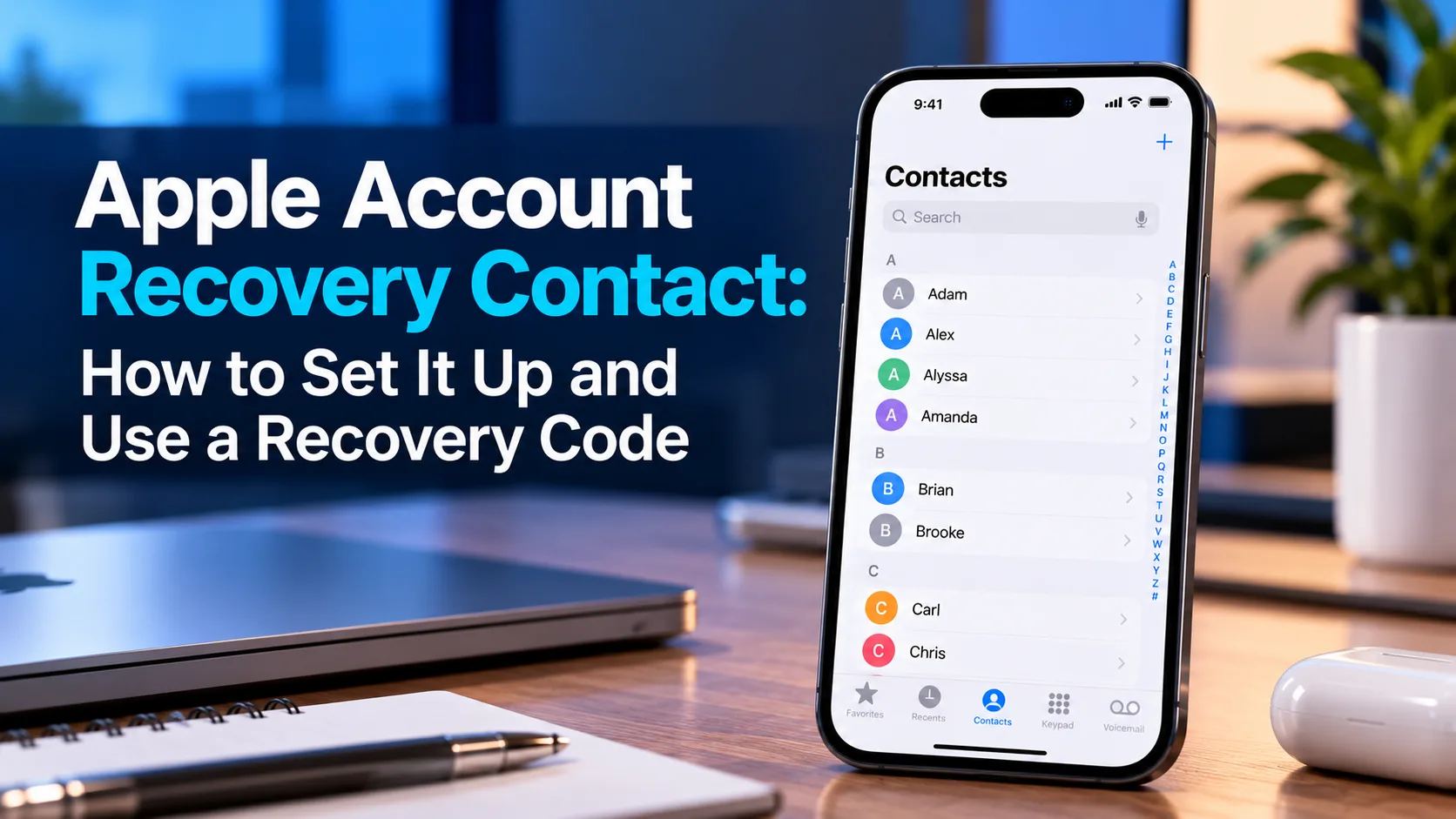
Apple Account Recovery Contact: How to Set It Up and Use a Recovery Code
October 20, 2026 by Robiul Hossain
Apple Account Recovery Contact

Key Takeaways Set up a recovery contact before you lose access. Go to Settings > [your name] > Sign-In & Security > Recovery Contacts. Choose someone trusted and reachable. You can add up to five contacts. People outside your Family Sharing group must accept your invitation in Messages. Your account stays private. A recovery contact … Read more
Categories Smartphone Unlock Tags Apple Account Password Reset, Apple Account Recovery, iCloud Recovery, iPhone Security, Mac Security, Recovery Code, Recovery Contact, Two-Factor Authentication

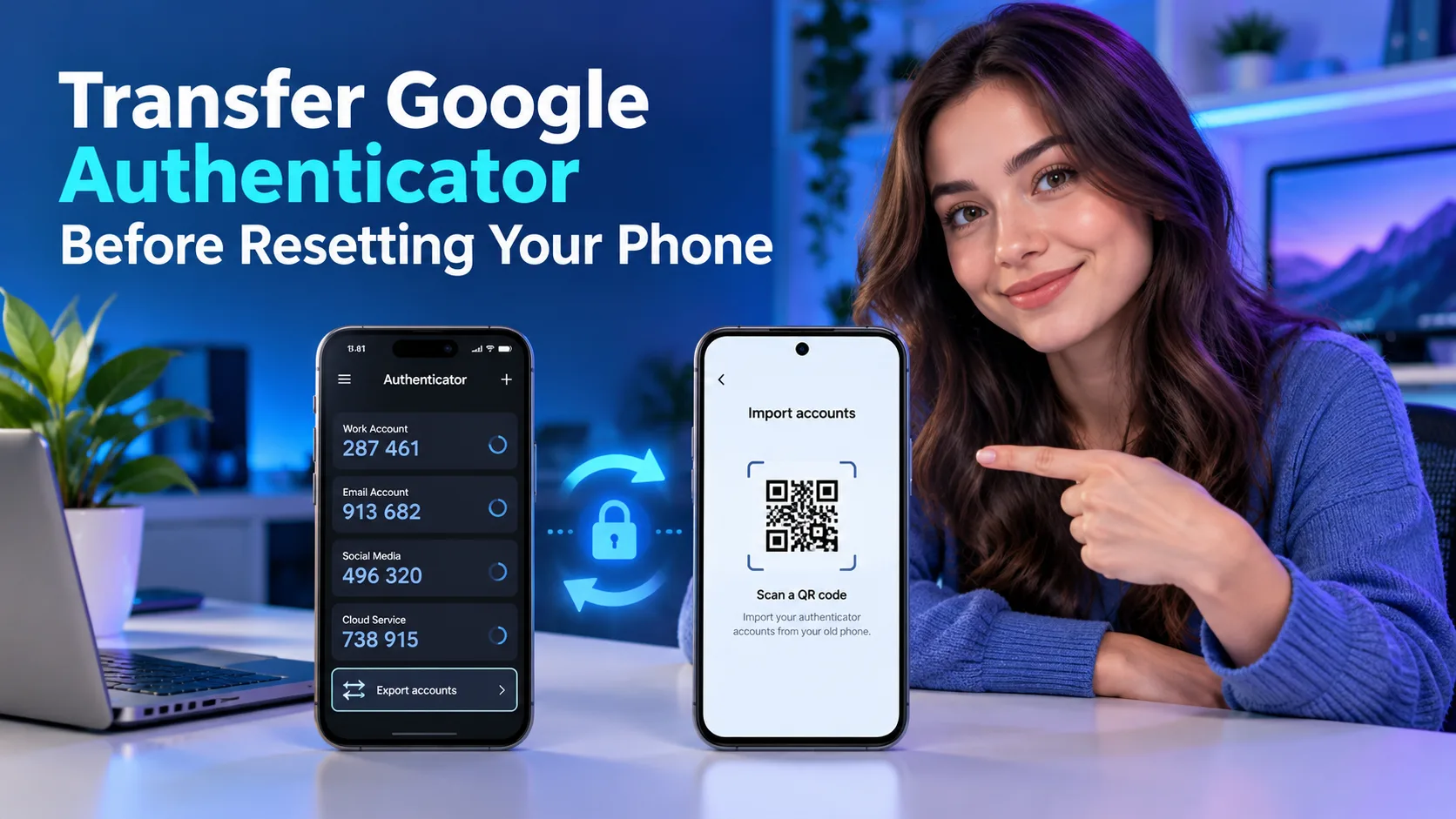
Transfer Google Authenticator Before Resetting Your Phone

October 20, 2026 by Robiul Hossain
Transfer Google Authenticator Before Resetting Your Phone

Key Takeaways Use Google Account sync: Sign in to the same Google Account in Authenticator on your new phone to restore entries saved there. Transfer manually with QR codes: Export entries from the old phone, then scan every transfer QR code using Authenticator on the new device. Test before resetting: Confirm that codes from your … Read more

Categories Smartphone Unlock Tags Account Security, Authenticator Transfer, Backup Codes, Google Account Sync, Google Authenticator, Phone Migration, QR Code Transfer, Two-Factor Authentication
  • About
  • Disclaimer
  • Privacy Policy
  • Contacts
© 2026 Unloky. All Rights Reserved