
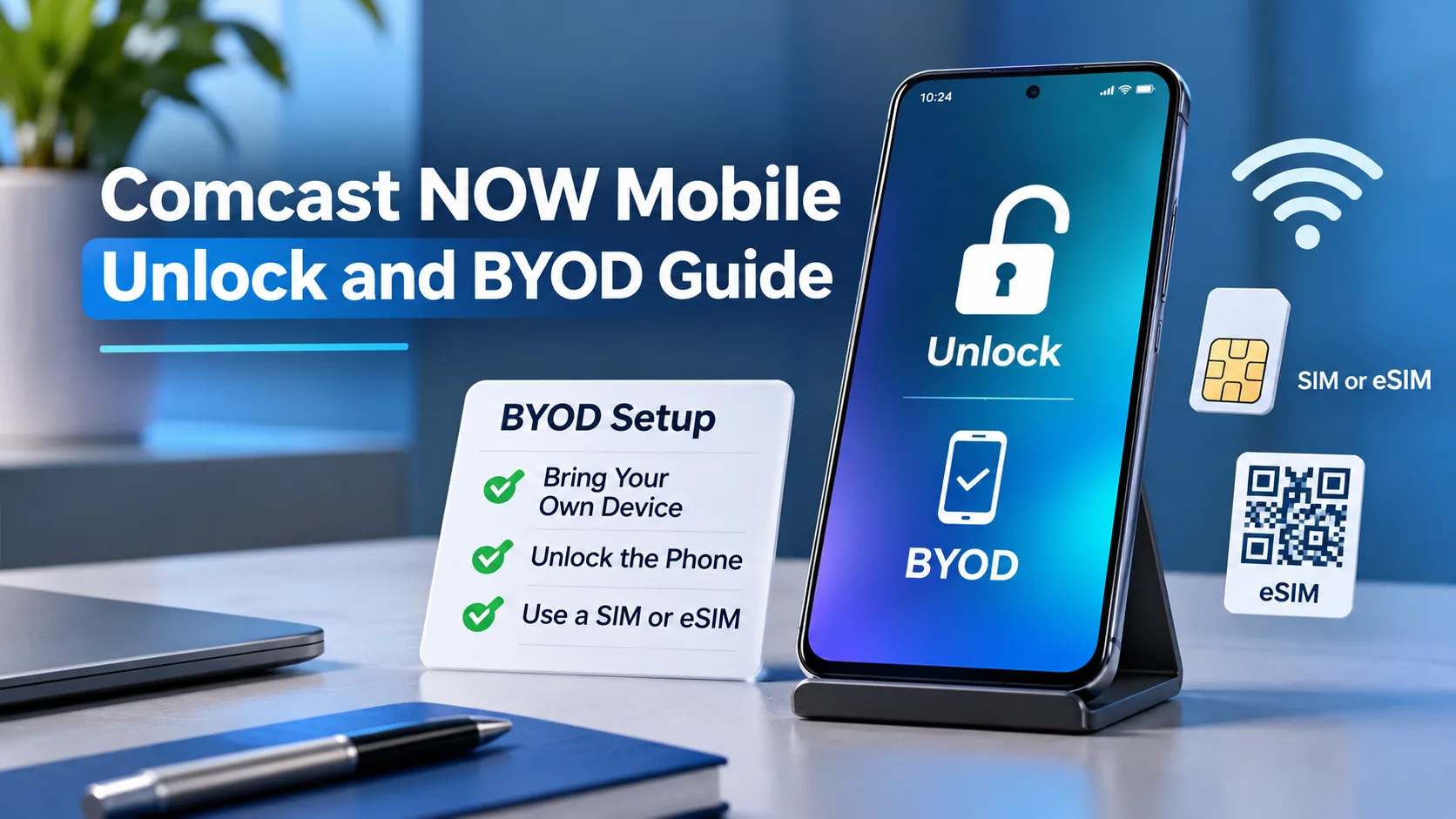
Most Comcast NOW Mobile phones unlock automatically 180 days after purchase, unless reported lost, stolen, or involved in fraud. To bring your own phone to NOW Mobile, get it unlocked through its original carrier, pass NOW’s compatibility check, and have eligible Xfinity Internet or NOW Internet service.
Leaving NOW Mobile and joining it require different steps. This guide helps you check the right policy, confirm compatibility, and switch service while keeping your number.
Part 1: Know the Unlock and BYOD Requirements
Before changing service, identify where your phone came from and which account you want to use. Those details help you choose the right unlock process and avoid ordering service your phone cannot activate.
NOW Mobile and Xfinity Mobile Have Different Unlock Rules
Comcast offers both services, but their published device-unlock policies differ. Check your purchase receipt rather than treating every Comcast phone the same way.
| Phone’s service brand | Published unlock requirements |
|---|---|
| NOW Mobile | Most phones unlock automatically 180 days after purchase. The device cannot be reported lost, stolen, or involved in fraud. |
| Xfinity Mobile | The phone must be paid in full and activated for at least 60 days. The account cannot be past due, and the phone cannot have lost, stolen, or fraud flags. Most eligible phones unlock within 48 hours of payoff. |
These rules come from Comcast’s NOW Mobile FAQs and its separate Xfinity Mobile unlock policy. If your phone moved between the services, ask support to confirm which policy applies to that device.
What You Need to Bring Your Own Phone
BYOD means bring your own device. You keep your phone and activate it on the new service.
Have these items ready:
- An eligible Xfinity Internet or NOW Internet subscription within Comcast’s service area.
- A phone that is carrier-unlocked and accepted by NOW’s compatibility checker.
- Your Xfinity ID and access to account verification.
- The phone’s IMEI, a unique device identification number.
- A payment card for prepaid service and required automatic payments.
- Wi-Fi, updated phone software, and a current backup.
Comcast does not allow simultaneous subscriptions to NOW Mobile and Xfinity Mobile. Some property-managed internet accounts have eligibility restrictions, so check your account before starting an order.
Save important voicemails before switching. Comcast warns that old carrier voicemails do not carry over when you change providers.
Carrier Unlocking and Number Lock Are Different
A carrier lock limits which wireless provider your phone can use. Number Lock protects your phone number from unauthorized transfers or device changes. Turning off Number Lock does not carrier-unlock the phone.
An iPhone’s Activation Lock is another separate issue. If a used iPhone asks for the previous owner’s Apple Account during setup, resolve that with the seller before buying service. A carrier unlock does not remove that account protection.
Use the official NOW Mobile device checker before checkout. Keep the result handy so you can refer to the exact message if you need help.
Part 2: Unlock Your Phone and Set Up NOW Mobile
Use the first route if you bought your phone from NOW Mobile. Use the second if you are bringing a phone from another carrier, then continue with compatibility and activation.
1. Unlock a Phone Purchased From NOW Mobile
For a NOW-purchased phone, the supported route is Comcast’s automatic unlock process. If that process does not complete, NOW support is the next step.
- Step 1: Find your purchase record. Keep the order confirmation or receipt handy. NOW’s published waiting period runs from purchase.
- Step 2: Check whether the waiting period has passed. Do not substitute Xfinity Mobile’s shorter timeline.
- Step 3: Check the device’s actual status. On iPhone, use the Carrier Lock check described below. On Android, ask NOW support to verify the carrier-unlock status for your exact phone.
- Step 4: Contact support if it remains locked. Use official NOW support chat with your purchase information, IMEI, and the exact error message.
Keep three stages separate: eligible, being reviewed, and unlocked. Meeting a date requirement does not prove the carrier has completed the change.
Before moving the phone elsewhere, also run the destination carrier’s device check. An unlocked phone still needs to support the new provider’s network and activation requirements.
2. Unlock Another Carrier’s Phone Before Joining NOW Mobile
If you bought your phone from another provider, start with that provider’s official unlock process. NOW cannot replace the original carrier’s eligibility review.
- Step 1: Identify the original carrier. Check your receipt, device payment agreement, or seller’s records.
- Step 2: Review that carrier’s requirements. Payoff, time requirements, and account conditions vary. Paying the balance may be only one part of eligibility.
- Step 3: Complete the official request or automatic process. Keep any confirmation number and follow the carrier’s device-specific instructions.
- Step 4: Verify completion before activating NOW. An approved request and a completed device unlock are different stages.
On iPhone, open Settings > General > About. Find Carrier Lock. The message No SIM restrictions confirms that the iPhone is carrier-unlocked. Apple says only the carrier can unlock it for another network.
On Android, use your carrier’s or phone maker’s instructions for the exact model. For example, Google directs owners of SIM-locked Pixel phones to their mobile provider; an Android update or menu change does not replace carrier approval.
Do not erase an iPhone as your first unlock attempt. Apple’s unlock instructions give different steps for eSIM, another carrier’s physical SIM, and a backup-and-restore route when another SIM is unavailable. If an erase is required, back up first: erasing deletes the phone’s local content.
3. Check NOW Mobile Compatibility With the Exact IMEI
Compatibility checking answers whether NOW accepts your specific device. It does not submit an unlock request or activate a line.
- Step 1: Find the IMEI. On iPhone, open Settings > General > About. On Android, look under Settings > About phone; the location can vary.
- Step 2: Open NOW’s BYOD shopping flow. Enter the requested device details and IMEI.
- Step 3: Select Check compatibility. Read the full result, including any limits or alternate-IMEI instructions.
- Step 4: Continue only with an accepted device. If the result is unclear, save the message and ask support before paying.
Some dual-SIM phones have more than one IMEI. NOW may identify an alternate IMEI that works for eSIM activation. Follow that result rather than assuming either number will work.
For example, suppose you own an unlocked phone bought overseas. Its unlocked status settles one question, but it does not establish NOW eligibility. Wait for the device check instead of ordering based only on the model name.
4. Order Your SIM and Prepare Your Number Transfer
A nanoSIM is a small physical card. An eSIM is a digital SIM installed on a supported phone. Use the option NOW offers for your device.
- Step 1: Choose whether to keep your number. Select the transfer option if you want your current number, or choose a new one.
- Step 2: Gather transfer details. Get your current carrier’s account number, transfer PIN, account holder’s name, and billing information.
- Step 3: Check transfer protection. Remove any number-transfer lock through your current carrier when you are ready to switch.
- Step 4: Review and submit the order. Confirm the charges and whether you will download an eSIM or receive a physical SIM.
Keep your old service active until the number transfer finishes. A transfer PIN authorizes moving your number; it is not a screen passcode or carrier-unlock code. Use the PIN type your current carrier requires.
If NOW offers a physical SIM, wait for that card and its activation instructions. Owning an eSIM-capable phone alone does not establish that NOW supports eSIM on your exact device.
5. Activate NOW Mobile and Confirm Everything Works
Follow the official NOW Mobile activation guide and the instructions attached to your order.
- Step 1: Connect to Wi-Fi and open the Xfinity app. Sign in and select Start activation when your device is ready.
- Step 2: Confirm your number choice. Choose Keep and transfer current number or Get a new number. Enter the requested carrier details if transferring.
- Step 3: Install the SIM. For eSIM, follow the cellular-plan notification and setup prompts. For a physical SIM, insert the supplied card when instructed.
- Step 4: Wait for completion. Stay in the app during stages that tell you to remain there. If offered, use I’m having trouble with this for installation help.
Then test the service:
- Make an outgoing call and receive a call.
- Send and receive a regular text message.
- Turn Wi-Fi off briefly and load a webpage using cellular data.
- Confirm that the correct number appears on the line.
These checks help catch a partial activation. A webpage loading over Wi-Fi alone does not confirm that your cellular service works.
6. Replace the Phone on an Existing NOW Mobile Line
Use the existing-line BYOD process when replacing a phone. Your account must be up to date.
- Step 1: Sign in with the Primary or Manager’s Xfinity ID and open Devices.
- Step 2: Select your old phone, then Replace your Device > Check compatibility.
- Step 3: Enter the replacement phone’s IMEI and follow the activation instructions.
- Step 4: Install the eSIM or physical SIM as directed. Test the replacement before setting the old phone aside.
How Much Does NOW Mobile BYOD Cost, and How Long Does It Take?
NOW Mobile lists service at $25 per month per line, with monthly plan taxes and fees included. Comcast also lists a one-time $25 line setup fee. Your required internet subscription is a separate cost, so review the full order before checkout.
Comcast estimates typical BYOD activation at around 10 minutes; timing varies. Treat a stalled transfer, SIM delivery, and a carrier lock as separate issues.
Bonus Tips: Fix Problems and Protect Your Number
Match the Error to the Right Fix
Save the exact message before contacting support. “Locked,” “incompatible,” and “transfer pending” describe different problems.
- Phone still locked: Ask the carrier responsible for the lock to confirm completion.
- IMEI rejected: Recheck the number and any alternate-IMEI option. Ask NOW to review the result before buying another phone.
- Number transfer pending: Compare the submitted account details with your old carrier’s records.
- iPhone Locked to Owner: Resolve the Apple Account link with the previous owner; a SIM change will not fix it.
Give support a short description: the device model, exact error, completed steps, and whether calls, texts, or data work. Share account information only through official support channels.
Turn Number Lock Back On After Setup
Once activation works, enable Comcast’s free Number Lock protection. Leave it on unless you need an authorized number transfer or device change.
In the Xfinity app, go to Services > Mobile > Mobile lines and data usage, select your line, then open Line management > Number Lock > Turn On Number Lock. Follow any verification prompts.
Do not cancel NOW service or turn off its autopay while preparing to move your number away. Comcast says turning off autopay ends service at the billing-cycle boundary; canceling activated service stops it immediately. Keep service working while you arrange the transfer.
The Bottom Line
Start by identifying which carrier sold your phone and confirming that its unlock is complete. If you are joining NOW Mobile, run the exact IMEI through NOW’s checker before ordering a SIM or transferring your number.
Your next step is simple: check the phone’s lock status, then follow the matching route above. Keep your current line active through the transfer, and test calls, texts, and cellular data before considering the switch finished.
No. Paying for the phone does not replace NOW’s published waiting period. Ask NOW support to verify eligibility if your purchase history is unclear.
Yes, if NOW accepts the device and it meets the unlock requirements. Before paying a seller, verify that the iPhone is no longer linked to the previous owner’s Apple Account. A carrier-unlocked phone can still have Activation Lock.
Yes, after meeting Comcast’s downgrade rules. Its NOW FAQ requires at least 60 days with Xfinity Mobile and prohibits holding both services simultaneously. Use Comcast’s account-change process.
No. Moving a phone number and moving personal data are separate tasks. If you are also changing phones, use the phone maker’s supported transfer or backup process; Apple, for example, provides Quick Start and backup-based options for iPhone.
No. A factory reset erases your phone’s local data and settings but does not remove its carrier lock. Follow NOW Mobile’s official unlock process, and back up your phone before performing any reset.