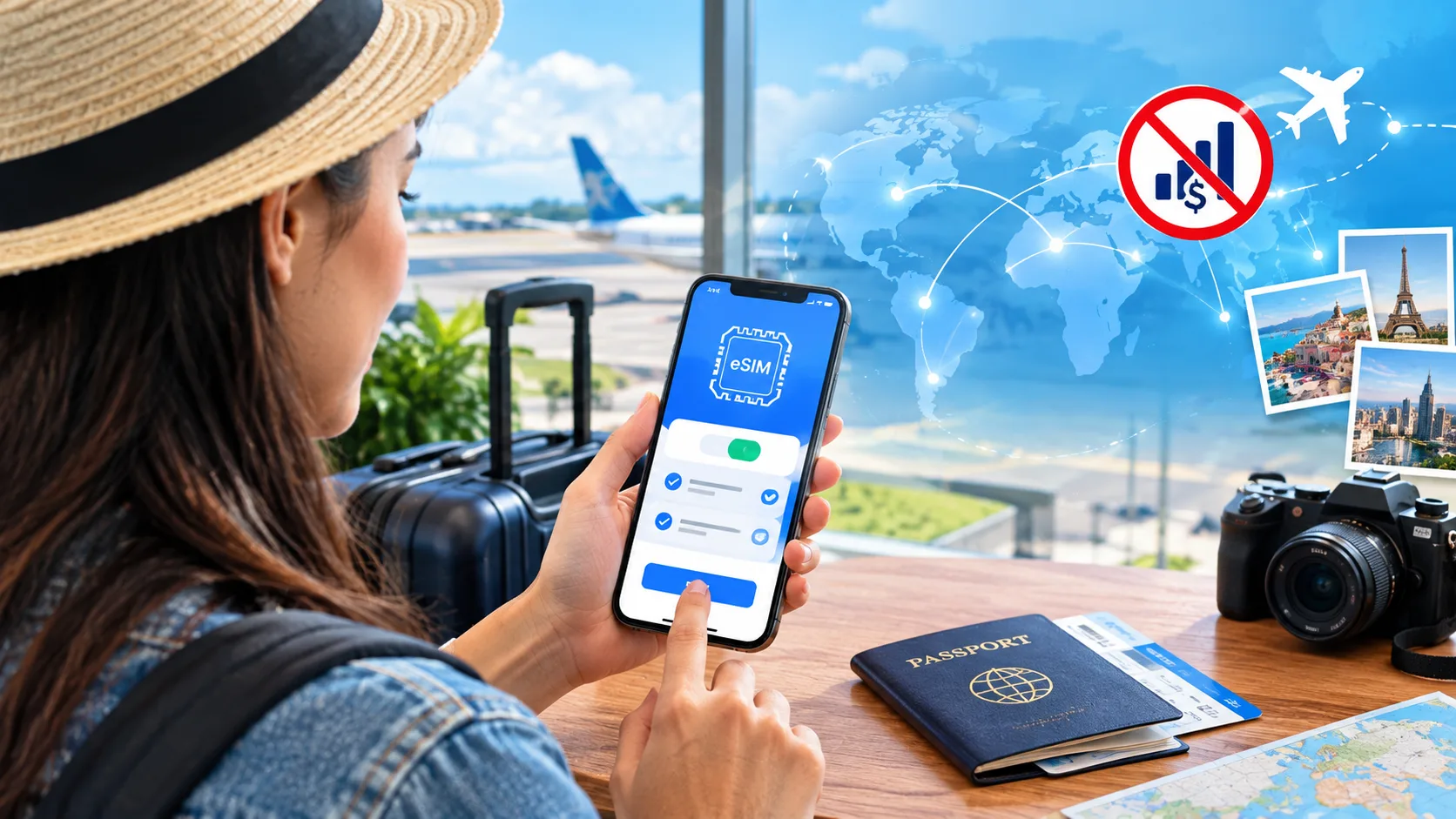
How to Turn Off an eSIM on Any Device: 2026 Step-by-Step Guide

How to Turn Off an eSIM on Any Device

So you want to turn off your eSIM. Maybe you’re heading abroad and want to avoid roaming charges, switching back to a physical SIM, troubleshooting a weird signal issue, or selling your phone. Whatever the reason, the good news is it’s pretty straightforward — once you know where the right settings live. Here’s the thing … Read more

How to Transfer Your Boost Mobile Number to a New Carrier in 2026 Guide

How to Transfer Your Boost Mobile Number

Switching mobile carriers can feel like a big move, especially when you don’t want to lose your current phone number. The good news is that you can transfer your Boost Mobile number to a new carrier without much trouble if you follow the right steps. In this guide, you will learn everything in a simple … Read more

How to Transfer Your Number from US Cellular: The Easy Step-by-Step Guide

How to Transfer Your Number from US Cellular

Keeping your phone number when switching carriers is something most people want to do. It saves time, avoids confusion, and lets your friends, family, and services keep reaching you without any interruption. If you are planning to move away from US Cellular, this guide will walk you through everything in a simple and clear way. … Read more

What Happens If You Delete an eSIM? A Simple Guide for 2026

What Happens If You Delete an eSIM?

Deleting an eSIM sounds harmless. It’s just one tap, right? But before you remove that little digital SIM from your phone, you should know what really happens next. The short version: deleting an eSIM is permanent. You can’t simply tap “undo” if you change your mind a minute later. Maybe you switched carriers, finished a … Read more

How to Transfer Your Number from Xfinity Mobile (2026 Step-by-Step Guide)

How to Transfer Your Number from Xfinity Mobile

TL;DR: The Quick Answer Don’t cancel Xfinity Mobile first. If you do, you lose the number. Start service with the new carrier — Xfinity auto-cancels once the port completes. You need three things: your Xfinity Mobile account number, your transfer (security) PIN, and the ZIP code on your account. Get the PIN in the Xfinity app: Devices → … Read more