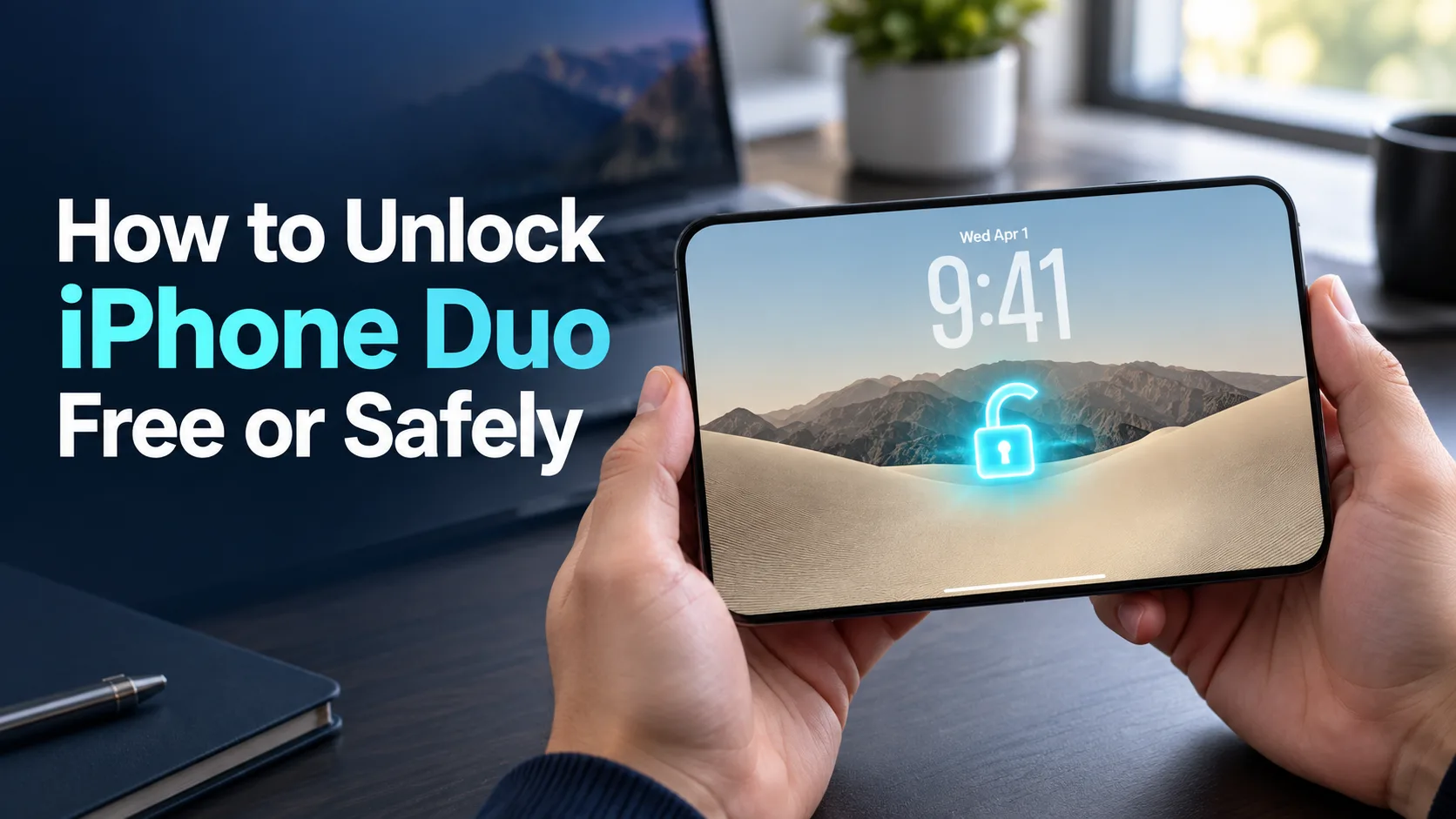
You can unlock your Apple iPhone Duo for everyday use without paying for an unlocking app. Changing carriers or recovering a forgotten passcode requires a different approach.
Quick Answer
To carrier-unlock your Apple iPhone Duo safely, contact the carrier that locked it. Eligible devices may receive a free or automatic unlock under that carrier’s rules; Apple cannot perform it. Check Settings > General > About > Carrier Lock. The Duo is eSIM-only, so switching networks requires a compatible eSIM.
For everyday screen access, use Touch ID or your passcode. Apple also confirms Apple Watch unlocking support. Forgotten passcodes and Activation Lock require separate official recovery steps through Apple.
Part 1: Prepare Your iPhone Duo for a Carrier Unlock
Before you submit a request, identify the lock and gather your account details. That helps you reach the right support team and avoid paying for a service that solves a different problem.
What Is Confirmed About iPhone Duo?
Apple confirms that iPhone Duo uses eSIM worldwide and has Touch ID in its side button. An eSIM is a digital SIM that lets a carrier activate service without a removable card. Touch ID checks your fingerprint to help you access the device.
Those features do not mean every Duo will come carrier-unlocked. Check the terms for the exact purchase option you choose, especially when financing through a wireless provider.
Because its listed release date is still ahead, these instructions follow Apple’s general iPhone guidance. Confirm Duo-specific activation support with your provider after launch; this guide does not claim hands-on testing.
Carrier Lock, Screen Lock, and Activation Lock Are Different
A carrier lock limits which wireless provider you can use. Apple says only the carrier can remove it. Apple Support cannot replace that carrier’s approval.
A screen lock protects access to your phone with a passcode or fingerprint. If you forget the passcode, follow Apple’s passcode recovery guidance. Some recovery routes erase the phone, so read the consequences before starting.
Activation Lock ties the device to an Apple Account. If setup asks for a previous owner’s account, the carrier-unlock process will not resolve it. Use Apple’s Activation Lock guidance, involve the owner, or seek Apple’s support review with proof of purchase.
Read the exact message on the screen before choosing a solution. “SIM locked,” a forgotten passcode, and a request for another person’s Apple Account need different responses.
Gather the Details That Actually Matter
Have these items ready:
- Your phone’s IMEI and, if requested, EID.
- The name of the carrier that placed the lock.
- Your purchase receipt and device payment status.
- Access to the carrier account or help from its authorized owner.
- A reliable Wi-Fi connection for setup and troubleshooting.
The IMEI identifies the phone. The EID identifies its eSIM hardware. Apple explains how to locate both in its device identifier guide. Copy the requested identifier carefully; do not substitute one number for another.
If multiple IMEIs appear, ask the carrier which one it needs. Keep the full identifiers out of public comments and screenshots.
Check the Policy for Your Carrier and Plan
The following are current general policy summaries, not confirmation that every plan sells or supports Duo. Postpaid and prepaid rules can differ, and the device must meet the provider’s other conditions.
| Carrier or plan | Main requirement | Important condition |
|---|---|---|
| AT&T Wireless | Purchased more than 60 days ago and paid in full | Account current; device not active on another AT&T account or flagged for loss, theft, or fraud. |
| T-Mobile postpaid | At least 40 days active on the requesting line; financing or lease paid off | Account in good standing; eligible T-Mobile device without a lost, stolen, or blocked status. |
| Verizon postpaid | Full retail purchase or financing balance paid in full | Immediate unlocking requires a secure payment method; gift-card payments trigger a 35-day delay. |
| Verizon prepaid | 365 days of paid, active service | Automatic unlock afterward unless the device is stolen or purchased fraudulently. |
Do not apply an older “all Verizon phones unlock after 60 days” summary to a new purchase. Use the policy attached to your actual device and account.
Ask the provider, “Which requirement is still missing, and what is my earliest eligible date?” A clear answer is more useful than being told to try again later.
Part 2: Unlock Apple iPhone Duo Through the Official Carrier Route
There is one supported carrier-unlock route: the provider responsible for the lock. Your task is to confirm the status, satisfy its requirements, and activate your next plan after completion.
1. Check Whether You Need an Unlock
Start here once you have the phone. If it is already unlocked, move on to your new carrier’s compatibility and activation checks.
Step 1: Open the device details. Go to Settings > General > About.
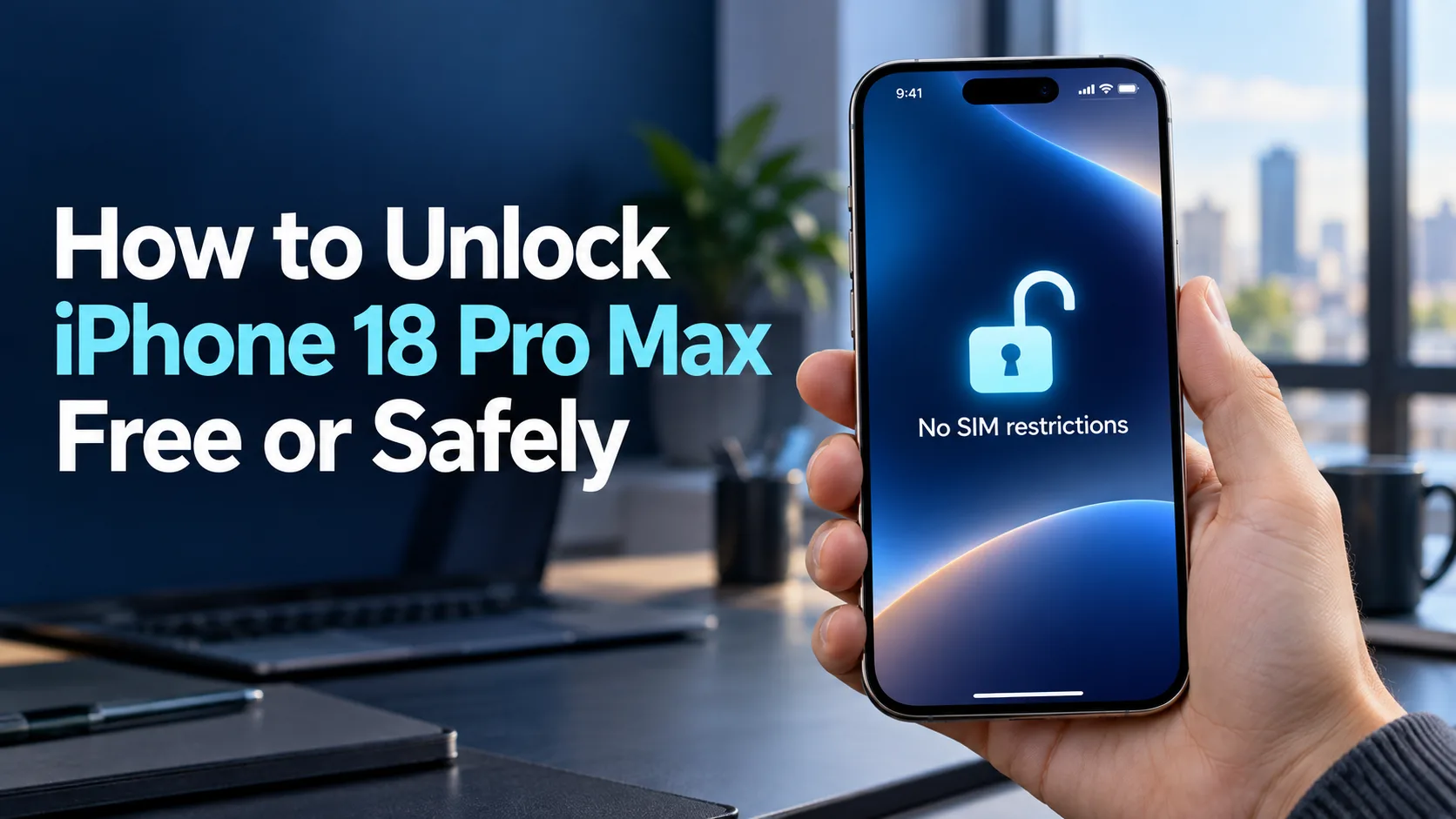
Step 2: Find Carrier Lock. Look for “No SIM restrictions.” Apple identifies this as the unlocked status.
Step 3: Record the result. If it shows a restriction or you cannot determine the status, ask the original carrier to check it. Do not treat a missing answer as confirmation.
Wi-Fi access alone does not test whether another carrier’s cellular service will work. Keep that separate from your unlock check.
Next, collect the number needed for the request:
Step 1: Stay on the About screen. Scroll to IMEI and EID.
Step 2: Copy the requested number. Touch and hold it to copy, then paste it into the carrier’s official form.
Step 3: Compare it before submitting. Check that the identifier belongs to this phone, especially if you manage several devices.
If you cannot access Settings, Apple also lists options through the original packaging or your Apple Account.
2. Have the Original Carrier Complete the Unlock
Use the provider’s own website, account tools, or support team. A new carrier can help with its service, but send the existing lock request to the provider that controls it.
Step 1: Review the official requirements. Confirm your purchase date, required service history, payment status, and account standing.
Step 2: Check for automatic completion. Some eligible phones unlock automatically. Review the device status before opening an unnecessary request.
Step 3: Request help if it remains locked. Provide the device identifier and complete the carrier’s account verification.
Step 4: Save the case details. Keep the request number, any confirmation message, and the provider’s stated completion window.
For AT&T: Eligible Apple devices on AT&T Wireless should unlock automatically. If yours remains locked, use the AT&T Device Unlock portal. AT&T also allows noncustomers to request an unlock for devices that meet its requirements. Follow the form’s current instructions and any follow-up notices.
For T-Mobile: Check your line’s unlock status in your account or T-Life. Its iPhone unlock instructions direct you to contact support when an eligible iPhone remains locked. Android Device Unlock app instructions are a separate procedure.
For Verizon: Its current unlock policy describes automatic unlocking after the applicable requirements are met. If those conditions appear satisfied but your device remains restricted, ask support to review the device record and payment verification.
If you bought a phone through another brand, use that brand’s policy. Do not assume that sharing a major carrier’s network means sharing its unlock terms.
3. Confirm Completion Before Buying Another Plan
Keep three stages separate: eligible, requested, and completed. Meeting the requirements or receiving a case number does not by itself confirm that the restriction has been removed.
Step 1: Read the carrier’s response. Look for confirmation of a completed unlock rather than a pending review.
Step 2: Recheck the phone’s status. Compare the carrier’s confirmation with the device’s Carrier Lock field.
Step 3: Resolve any mismatch. Ask support to check that it processed the correct IMEI and completed the device unlock.
Here is a useful question: “Is this device only eligible, is my request still pending, or has the carrier unlock been completed?”
T-Mobile provides separate account checks for eligibility and device lock status. Use those details when following up instead of relying on a general account message.
There is no universal one-to-three-business-day promise. T-Mobile says it remotely unlocks supported devices within two business days of eligibility. That window follows eligibility; it does not replace its service or payment requirements.
Hypothetical example: After launch, you buy a Duo on a payment plan and later decide to switch. Support says it is not yet eligible. Rather than paying a website to “speed things up,” ask for the exact unmet requirement and plan around that answer.
4. Activate a Compatible eSIM After Unlocking
Once the unlock is complete, have the new provider confirm that it can activate your exact device and chosen plan. An unlocked phone still needs compatible service.
Step 1: Confirm activation support. Give the new provider the IMEI or EID it requests and check its support for Duo and eSIM.
Step 2: Connect to Wi-Fi. Keep the provider’s activation instructions available.
Step 3: Start eSIM setup. Go to Settings > Cellular, then select Set Up Cellular or Add eSIM, as available.
Step 4: Follow the assigned method. Your carrier may use Carrier Activation, a QR code, an app, or another supported route. Complete its prompts.
These are Apple’s general eSIM setup steps; the available method depends on your provider.
For a practical check, select the new line for cellular data, turn Wi-Fi off briefly, and open a webpage. If the plan includes calls and texts, test those too. A data-only plan should be checked for the service it actually includes.
If activation fails despite a confirmed unlock, give the new provider the exact error. It may need to review compatibility or setup rather than send you through another unlock request.
Can You Unlock iPhone Duo Completely Free?
A free unlock can still require a paid-off phone and qualifying service. T-Mobile explicitly offers unlocking at no charge for eligible devices. That does not cancel financing payments or the service needed to qualify.
Start with your carrier’s official route and ask it to confirm any charge. Before paying off a device early, ask how that choice affects your remaining promotional credits so you can compare the full cost.
Treat a free software download, a paid status report, and a completed carrier unlock as separate offers. Ask what a service actually delivers and read its refund terms before paying. A payment receipt is not proof that your phone is unlocked.
Part 3: Three Ways to Unlock the iPhone Duo Screen
Touch ID: The Built-In Fingerprint Option
Touch ID compares your finger with a fingerprint you previously enrolled. On the Duo, the sensor is in the side button rather than a Home button. Apple confirms this arrangement works in both folded and unfolded use.
Apple’s general Touch ID setup guide starts with a device passcode. In Touch ID & Passcode, choose Add a Fingerprint, then follow the prompts while holding the phone naturally. Use the Duo’s side sensor, even if an older support illustration shows a different button.
This is a sensible everyday choice if you want quick access without another device. Registering fingers that match your usual grip can make setup more useful than scanning a finger you rarely use.
If you’re comfortable typing your passcode, fingerprint convenience may be a minor factor. It becomes more helpful when you unlock the phone often.
Passcode: The Essential Backup
Your passcode is the number or letter combination that opens the device. It also remains important when fingerprint access isn’t available.
Apple supports six-digit codes, custom numeric codes, and custom alphanumeric codes. A longer code can be useful if you want more protection, provided you can remember it. See Apple’s passcode guidance.
The passcode route suits anyone who prefers direct control or cannot use the sensor at that moment. It needs no watch, paid app, or separate unlocking purchase.
If Touch ID works well, you may rarely type the code. You still need to know it.
Apple Watch: An Optional Convenience
Apple’s Duo announcement confirms that an Apple Watch can unlock the phone. That makes it worth considering if you already wear a compatible watch.
However, Apple’s existing Watch unlock support article describes Face ID phones used with masks or sunglasses. Its device list and menu instructions should not be treated as a complete Duo setup guide.
Before relying on this option, verify the supported watch, software versions, and Duo setup instructions. Don’t assume that simply placing any Apple Watch nearby will open the phone.
If you don’t already own a watch, Touch ID and a passcode provide a more direct starting point. Buying another device solely for unlocking adds a cost that the built-in methods avoid.
Bonus Tips: Fix Activation Problems and Plan Your Switch
Troubleshoot an eSIM That Will Not Activate
When the unlock is confirmed, try the basic checks before making major changes:
- Step 1: Check the connection and software. Use reliable Wi-Fi and the latest supported iOS version.
- Step 2: Toggle Airplane Mode. Turn it on and then off, and check for cellular service.
- Step 3: Check the new line. Under Settings > Cellular, turn the affected line off and back on if it is listed.
- Step 4: Restart the phone. Check again for the new carrier’s service.
- Step 5: Check carrier settings. Open Settings > General > About and follow any available carrier settings update prompt.
If it still fails, contact the provider with the error message, phone number, and requested IMEI or EID.
Keep a brief record of what you tried. It helps support avoid repeating the same checks and keeps the discussion focused on the unresolved error.
Back Up Before Any Support-Directed Erase
Do not start by erasing the phone to try to make it eligible. Ask the carrier to resolve the eligibility or completion issue first.
If support later recommends an erase, clarify the reason and protect your data beforehand. For an iCloud backup, use Settings > your name > iCloud > iCloud Backup > Back Up Now. Confirm the latest backup date after it finishes.
An erase removes content from the device. It also does not substitute for the Apple Account requirements of Activation Lock.
Check Travel Plans and Used-Phone Listings Carefully
A travel eSIM from another carrier requires an unlocked iPhone. Roaming through your existing carrier is a different option. Compare the plan’s countries, data allowance, duration, and whether it includes a phone number.
For a future used Duo purchase, ask the seller to demonstrate its lock status and resolve any Apple Account ownership issue before you commit. Keep the receipt and agree on the return terms in writing.
Hypothetical example: A future seller says a Duo is “ready for any network,” but cannot demonstrate its status. Pause the purchase and request confirmation. It is easier to resolve that uncertainty before paying than after discovering you cannot activate your chosen plan.
The Bottom Line
The safest path to unlock Apple iPhone Duo is the original carrier’s official process. Check the lock status, identify any missing requirement, and get confirmation that the unlock is complete before arranging another provider’s eSIM.
Your next action is straightforward: once you have the phone, inspect Carrier Lock and contact the responsible carrier if it remains restricted. Until Duo launches, confirm model support with your provider and use published policies to plan your purchase and eventual switch.
No. Only the carrier can remove a carrier lock. Apple provides the status-check and setup guidance, but cannot approve a network unlock for the provider. Contact the carrier responsible for the restriction.
Apple confirms that the Duo supports Watch unlocking, but you need a supported setup. It should not be treated as guaranteed recovery when the phone requires its passcode. Keep your code available rather than relying on the watch as your only access method.