

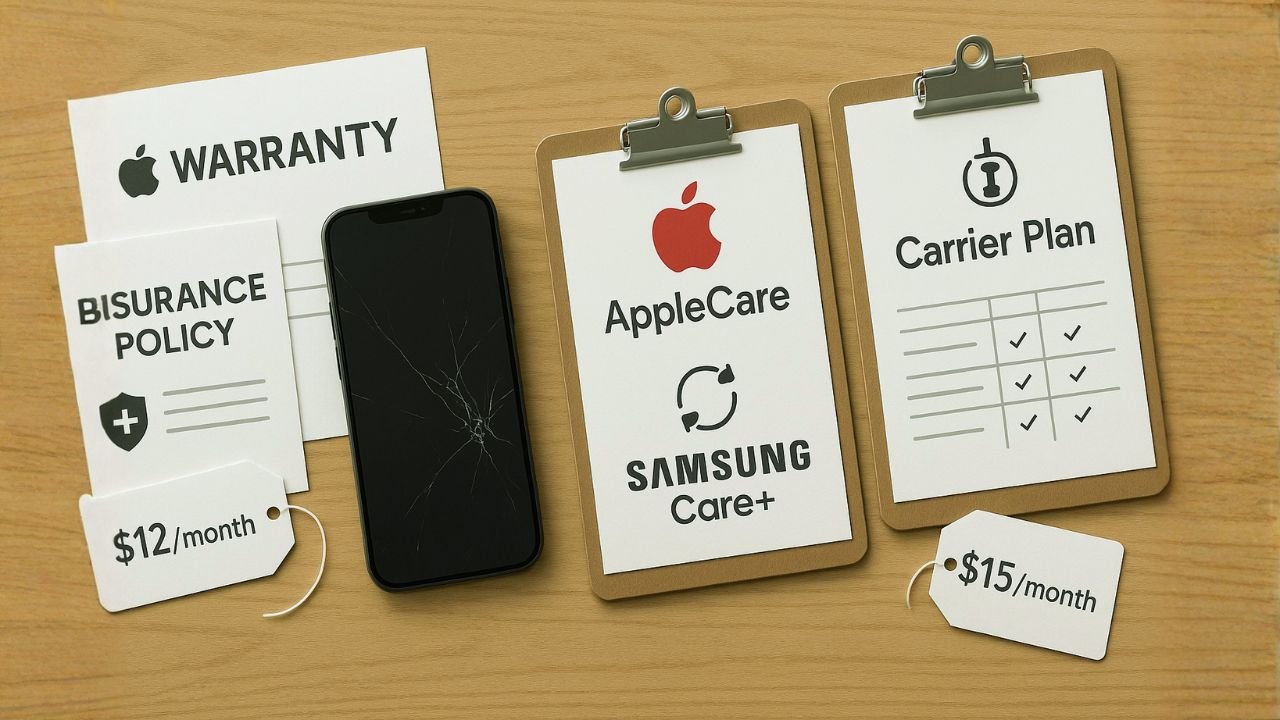
AppleCare, Samsung Care+, and Carrier Plans Compared for 2026
TL;DR:
Unlocked phones come with two main types of protection: warranty and insurance. A manufacturer warranty usually lasts one year and covers hardware or electrical defects like battery failure or screen issues that happen without physical damage. Unlocking your phone does not cancel this warranty, as long as the device hasn’t been rooted or jailbroken, but it won’t cover drops, water damage, or theft.
Insurance fills in those gaps by protecting against accidents, loss, and theft. Unlocked phones can be insured through OEM plans or independent providers, giving you coverage for cracked screens, liquid damage, or a missing device no matter which carrier you use. This kind of protection helps avoid paying the full replacement or repair cost out of pocket.
Before signing up, it’s important to consider the costs and rules. Most insurance plans have deductibles that can range from $25 to $400, and monthly fees usually fall between $4 and $15 depending on coverage. Many providers require enrollment within 30–60 days of purchase, though some still insure refurbished or used unlocked phones.
Why Unlocked Phones Change the Insurance Game
Here’s the thing about buying an unlocked phone: you get the freedom to switch carriers whenever you want, avoid bloatware, and often save money. But one question always comes up – what about insurance?
The good news? Unlocked phones have more protection options than ever. You’re not stuck with just your carrier’s insurance plan. Whether you bought your iPhone from Best Buy, your Galaxy from Samsung’s website, or picked up a deal somewhere else entirely, you’ve got solid choices.
Important Note: The manufacturer warranties (Apple’s 1-year limited warranty, Samsung’s 1-year warranty) cover your phone regardless of where you bought it or which carrier you use. Extended protection plans are separate add-ons that go beyond this basic coverage.
📱AppleCare+ for Unlocked iPhones
Apple’s been in the device protection game for years, and they’ve made it pretty straightforward for unlocked phone owners.
What’s New in 2025: AppleCare One
Apple just launched something really interesting called AppleCare One. Instead of buying separate AppleCare+ plans for each device, you can now cover up to three devices for $19.99 per month. This is huge if you’ve got an iPhone, iPad, and Apple Watch.
Major Benefit: AppleCare One lets you add devices that are up to 4 years old (as long as they’re in good condition). That means even if you missed the original 60-day window, you might have another shot during open enrollment periods.
How AppleCare+ Works for Unlocked iPhones
You can add AppleCare+ to your unlocked iPhone within 60 days of purchase. It doesn’t matter if you bought it from Apple, Best Buy, Amazon, or your carrier – the coverage is the same. You just need to either:
Add it during checkout if buying from Apple
Visit an Apple Store with your device and proof of purchase within 60 days
Check eligibility through Settings > General > AppleCare & Warranty on your iPhone
AppleCare+
$9.99
/monthOr $199 for 2 years (iPhone 16)
AppleCare+ with Theft & Loss
$13.99
/monthOr $269 for 2 years (iPhone 16)
AppleCare One
$19.99
/monthCovers 3 devices ($5.99/mo per additional)
Pro Tip: Samsung occasionally opens “Open Enrollment” windows where you can add Care+ to phones you bought more than 60 days ago. They offered this with a 20% discount in late 2024. Keep an eye on their promotions!
- More affordable than AppleCare for most devices
- Works with unlocked phones from any retailer
- 700+ authorized repair locations
- Free screen repairs with Theft & Loss plan (Galaxy S)
- Covers smartwatches, tablets, and earbuds too
- No carrier lock-in required
- Can’t combine multiple devices like AppleCare One
- Coverage varies by country
- Theft & Loss has stricter requirements
- Some users report mixed experiences with Servify support
- Must cancel old device coverage when upgrading
📖 Also Read: How to Activate eSIM on iPhones and Android Phones
📡Carrier Insurance Plans (AT&T, Verizon, T-Mobile)
Even with an unlocked phone, you can usually add your carrier’s insurance plan. But should you? Let’s break it down.
The Honest Truth About Carrier Insurance
Carrier insurance plans are convenient – you can add them to your bill and forget about them. But they’re typically more expensive than manufacturer plans, with higher deductibles and some limitations.
| Carrier | Plan Name | Monthly Cost | Screen Repair | Other Damage | Theft/Loss Deductible |
|---|---|---|---|---|---|
| AT&T | Protect Advantage | $14-$17 | $29 | $99-$275 | $99-$275 |
| Verizon | Mobile Protect | $14-$17 | $0 (unlimited) | $99-$279 | $99-$279 |
| T-Mobile | Protection 360 | $7-$25 | $29 | $99-$499 | $99-$499 |
Key Features of Carrier Plans
The Math-Based Approach
Let’s do some real numbers. Say you have a Galaxy S25 Ultra ($1,300):
- No insurance: You’re on the hook for full replacement ($1,300) or out-of-warranty repair ($400+ for screen)
- Samsung Care+ ($13/mo, $259 upfront for 2 years): One screen crack = $29 repair. Total spent: $288. Savings: ~$112. One major damage incident = $99 repair. Total spent: $358. Savings: ~$350+.
- Carrier plan ($17/mo = $408 over 2 years): Screen crack = $29. Major damage = $199. Total could hit $600+.
The Break-Even Point: If you’re careful with your phone and have never cracked a screen, insurance might not be worth it. But one major incident (theft, water damage, multiple drops) makes insurance pay for itself immediately.
The Risk Profile Test
Answer these honestly:
- Have you cracked a phone screen in the last 3 years? → Get insurance
- Do you work outdoors or in rough conditions? → Get insurance
- Do you use your phone near water frequently? → Get insurance
- Can you afford to replace your phone without financial stress? → Maybe skip it
- Do you always use a case and screen protector? → Lower priority
The Multi-Device Owner Strategy
If you have multiple Apple devices, AppleCare One is a no-brainer. Covering an iPhone, iPad, and Apple Watch separately would cost $24+/month. AppleCare One gets you all three for $19.99. That’s real savings.
The Credit Card Hackt
Here’s something many people don’t know: some credit cards offer cell phone protection if you pay your monthly bill with that card. Cards like:
- Chase Freedom Flex
- Wells Fargo Active Cash
- American Express Platinum
These might cover $600-$800 in damage with a $25-$50 deductible. Check your card benefits – it might be enough protection on its own!
📖 Also Read: Apple GSX “Factory Unlock” Myths vs Reality: What’s Possible, What’s Not
🎯Final Verdict: What Should You Choose?
Choose AppleCare+/AppleCare One If…
Choose Samsung Care+ If…
Choose Carrier Insurance If…
Skip Insurance If…
✅Action Steps for Unlocked Phone Owners
Decide if you want insurance. Check your credit card benefits first – you might already have coverage!
If getting insurance, choose between manufacturer (AppleCare+/Samsung Care+) vs carrier plan based on your situation.
Purchase and activate your chosen protection plan. Don’t wait until day 59!
Keep proof of purchase, IMEI number, and insurance confirmation. You’ll need these for claims.
Review your insurance annually. If you’ve never used it and your phone is older, you might consider dropping coverage.
📖 Also Read: Dual eSIM Best Practices (iPhone & Android)
The Final Thoughts
Look, nobody wants to think about their brand-new phone getting damaged or lost. But with devices costing $800-$1,300+, a little insurance can save you from a major financial headache.
For most unlocked phone owners, manufacturer plans (AppleCare+ or Samsung Care+) are the sweet spot. They’re carrier-agnostic, have lower deductibles than carrier plans, and guarantee quality repairs with genuine parts. The new AppleCare One is especially compelling if you’re deep in the Apple ecosystem.
The key is acting fast – don’t let that 60-day window slip by. Do the math for your situation, consider your risk profile, and make an informed decision. Your future self (and your wallet) will thank you.
Frequently Asked Questions
Yes! You can add AppleCare+ to any iPhone purchased from an authorized retailer within 60 days. Just visit an Apple Store with your phone and proof of purchase, or check eligibility in your iPhone settings. The phone must pass a visual inspection to confirm it’s in good condition.
Nothing changes! Samsung Care+ is tied to your device, not your carrier. This is one of the biggest advantages for unlocked phone owners – you can switch from T-Mobile to Verizon to AT&T and your Samsung Care+ coverage stays intact. Just keep paying your monthly fee or your 2-year coverage continues as planned.
Typically, yes, the 60-day window is firm. However, both Apple and Samsung occasionally offer “open enrollment” periods where you can add coverage to older devices. Apple’s new AppleCare One allows devices up to 4 years old (must be in good condition). Your best bet: don’t wait – add protection within the first 60 days if you want it.
Cases and screen protectors are great first lines of defense, but they can’t protect against everything. Theft, water damage (even in water-resistant phones), battery failure, and catastrophic drops can still happen. Think of insurance as catastrophic coverage – it’s there for the “worst case scenario” when protective accessories aren’t enough.
Yes, most carriers allow this, but you must enroll within their time window (usually 30 days of activating service). However, this ties you to that carrier. If you switch carriers, you lose the insurance. For unlocked phones, manufacturer plans (AppleCare+, Samsung Care+) are usually better because they’re carrier-agnostic.
Standard plans cover physical damage you can see – cracked screens, water damage, broken buttons, etc. Theft & Loss coverage adds protection if your phone is stolen or lost (you left it somewhere and can’t find it). Theft & Loss plans cost $3-$5 more per month but include a higher deductible ($99-$199 vs $29-$99 for damage).
It depends. Apple and Samsung refurbished devices go through rigorous testing and come with new batteries and outer shells – essentially like-new. Third-party refurbished devices (common with carrier insurance) can be more hit-or-miss. Always check if you’re getting a manufacturer refurb or third-party refurb – there’s a big quality difference.
AppleCare+: Same-day repairs at Apple Stores for common issues. Express replacement ships overnight if needed.
Samsung Care+: Same-day screen repairs at 700+ locations. Next-business-day replacement for other claims.
Carrier plans: Next-day replacement typical, but depends on Asurion/Assurant inventory and shipping.
The best protection is still being careful with your device. But if something does happen, having insurance means the difference between a minor inconvenience and a major expense. Choose wisely!


