

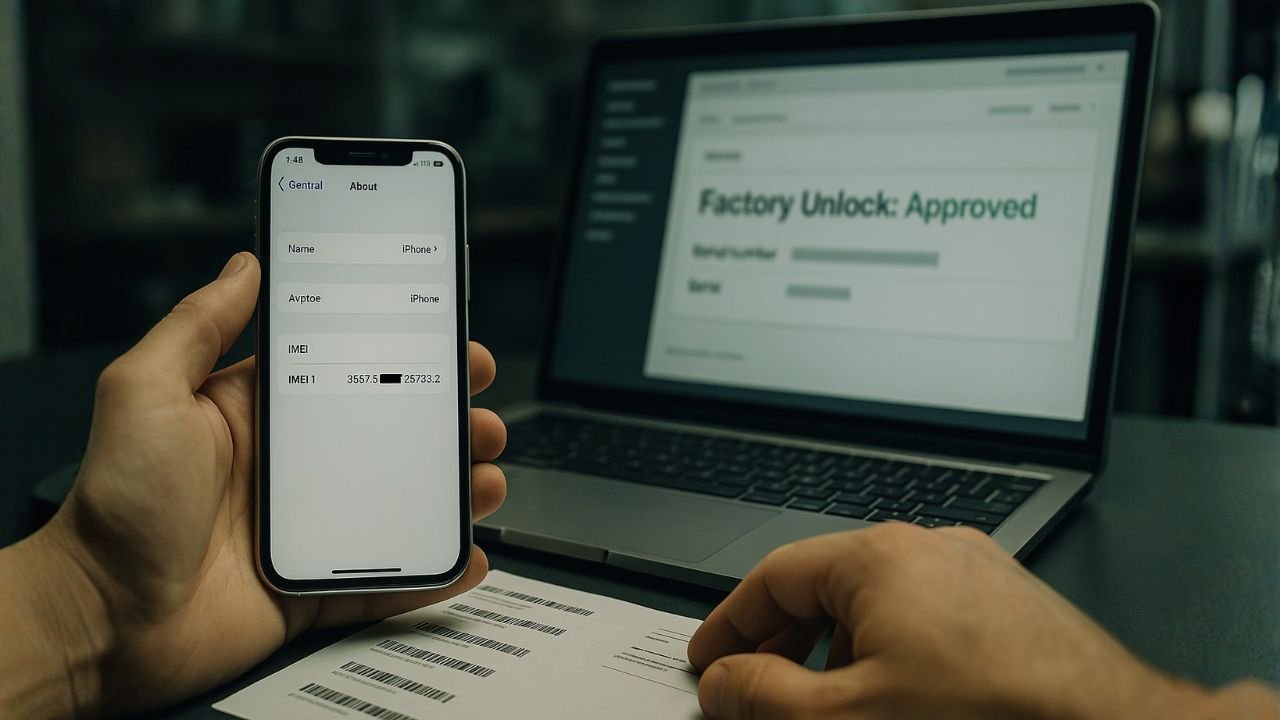
TL;DR
- GSX (Global Service Exchange) is a legitimate Apple tool, but it’s restricted to authorized service partners only
- Most “GSX unlock” claims online are scams—real access requires an official Apple partnership
- GSX can’t unlock Activation Lock or iCloud locks on modern iPhones through legitimate means
- Network unlocks (carrier-based) are different from factory unlocks and have different requirements
- Network unlocks (carrier-based) are different from factory unlocks and have different requirements
What Exactly is Apple GSX?
Let’s start with the basics. GSX stands for Global Service Exchange, and it’s Apple’s internal tool used by authorized service providers and repair partners. Think of it as a behind-the-scenes system that helps official repair shops and Apple partners check warranty status, order genuine parts, and process repairs.
The key thing here is authorized. You can’t just sign up and get access. You need to be an actual business partner with Apple—think Apple Authorized Service Providers, carriers, or legitimate repair shops with official agreements. If you’re a regular person trying to access GSX, you won’t be getting in.
This is where a lot of the confusion starts. People see “GSX unlock services” being advertised online and think they’re getting some secret Apple tool access. Spoiler alert: they’re usually not.
Myths vs Reality: The Truth About GSX Unlocking
Myth #1
“Anyone can get a GSX account and unlock iPhones themselves”
Reality
Separate work and personal calls cleanly. Set different ringtones and manage contacts efficiently on one device.
Myth #2
“GSX can remove Activation Lock or iCloud lock from stolen/locked iPhones”
Reality
GSX accounts are restricted to registered Apple partners only. You can’t just apply for one. Period. If someone’s selling you “GSX account access,” they’re either lying or facilitating something illegal.
Myth #3
“You can do a GSX ‘repair case’ trick to unlock any iPhone”
Reality
While some older methods claimed to exploit repair case systems, Apple has closed these loopholes. Modern security measures make this nearly impossible on current iPhone models (iPhone 12 and newer). Even on older models, it’s unreliable.
Myth #4
“GSX services costing $50-200 are legitimate unlock solutions”
Reality
These are almost always scams. They either use phishing, fake invoices, stolen credentials, or DNS manipulation tricks. Apple Support has confirmed that they do not remove Activation Lock without verified ownership—no exceptions.
Myth #5
“Factory Unlock = GSX Unlock = Activation Lock Removal”
Reality
These are completely different things. Factory unlocks deal with carrier locks. Activation Lock is Apple’s security feature. GSX is just a tool. They’re not interchangeable, and GSX doesn’t unlock Activation Lock.
📖 Also Read: Dual eSIM Best Practices (iPhone & Android)
What GSX Can Actually Do (The Real Stuff)
Now let’s talk about what GSX is actually used for—the legitimate purposes:
Device Status Checks
GSX can check warranty status, repair history, activation date, carrier information, and whether a device is reported stolen or blacklisted. This is useful for businesses buying refurbished inventory or tech shops evaluating used devices.
Repair Parts Ordering
Authorized service providers use GSX to order genuine Apple parts for repairs. This ensures they’re getting authentic components rather than counterfeits.
Warranty Assessment
GSX shows whether a device is still under AppleCare+ coverage or limited warranty. This helps service centers determine what repairs they can perform at no cost.
Activation Policy Details
GSX displays information about the device’s current activation policy—critical for understanding what kind of network restrictions exist. But again, using this to circumvent those restrictions isn’t possible on modern devices.
Bottom Line: GSX is a management and information tool. It’s not a magical unlocking system. Apple deliberately designed it to prevent the kind of exploits people are looking for.
📖 Also Read: Samsung MCK (Unfreeze) Code 101: When You Need It & How to Request It
Factory Unlock vs Activation Lock: Don’t Mix These Up
This confusion is at the heart of a lot of GSX myths. Let me break it down:
Factory Unlock / Network Unlock
This is about removing carrier locks. When your carrier locks your phone to their network, an official factory/network unlock removes that restriction. You can then use other carriers’ SIM cards. This is a legitimate service that carriers themselves provide (usually after your contract ends).
Activation Lock / iCloud Lock
This is Apple’s security feature that ties a device to an Apple ID. It’s designed to prevent thieves from using stolen iPhones. If you restore an iPhone with an Activation Lock, you need the original Apple ID and password to set it up again.
⚠️ Important Warning
Activation Lock on a stolen or lost iPhone cannot be legitimately removed unless you’re the owner. Any service claiming otherwise is either a scam or operating illegally.
Your Actually Legitimate Options
Option 1: You Own the Device
If it’s your iPhone that’s locked, you have straightforward options:
Option 2: You Bought It Used
If you purchased it from someone else:
Option 3: Carrier Network Unlock
For carrier (network) locks only:
Option 4: Business/Organization Locks
If the device is MDM (Mobile Device Management) locked:
📖 Also Read: How to Unlock Your Ting Mobile Phone
Why GSX “Unlock Services” Are Scams (Or Worse)
Here is how these services actually operate—spoiler: none of these methods work on modern iPhones:
Method 1: Phishing
They send a fake Apple email to the original owner claiming to have “found” the device. The unsuspecting owner clicks and enters their Apple ID, which the scammers then use to remove the lock.
Method 2: Stolen Credentials
They have access to compromised Apple IDs from data breaches. They try using these to associate with your device—sometimes it works if the device was once linked to a compromised account.
Method 3: DNS Manipulation
They modify your WiFi DNS settings to intercept iCloud requests. This is temporary and breaks functionality (no iMessage, cellular data won’t work).
Method 4: Fake “GSX Leverage”
They claim they’ll “submit an official Apple invoice” through GSX. They take your money, do nothing, and disappear. No invoice ever reaches Apple because they don’t actually have GSX access.
Method 5: Jailbreak + Software Tricks
Some older tools used jailbreaking to modify system files on older iOS versions. This severely limited functionality and only worked on iPhone 5s through iPhone X models.
Reality Check: If you pay $50-$200 for an unlock and it actually works, you’ve either been incredibly lucky or the device was legitimately unlocked another way (phishing, stolen credentials, or a fluke). The “service” didn’t do anything special—they just exploited something temporary.
Frequently Asked Questions
A: No, unlocking your own device is generally legal. The issue is when someone else tries to unlock it for you without proper authorization or claims they can do it remotely through GSX, which is fraud.
A: Yes, you can recover your Apple ID. Go to iforgot.apple.com and follow the recovery process. If you genuinely own the device and can verify it, Apple can help. You can also contact Apple Support with proof of purchase.
A: Avoid it. If it sounds too good to be true, it is. Whether they’re asking for money upfront or personal information, these are major red flags. Look for reputable, established unlock services with real reviews and guarantees.
A: It varies by carrier. Some do it immediately, others may take 24-48 hours. Contact your carrier’s support for their specific timeline.
A: No. Even legitimate AASPs cannot remotely unlock activation locked devices. They can only help if the device is physically in their possession and you have proper proof of ownership.
A: Network lock ties the phone to a specific carrier (AT&T, Verizon, etc.). Activation lock is a security feature that requires the original owner’s Apple ID to set up or reset the phone. They’re separate locks requiring different unlocking methods.
Frequently Asked Questions
Apple GSX is a real tool, but it’s not a magic unlock solution. It’s a behind-the-scenes system for authorized partners to manage repairs, check device status, and order parts. It’s not designed for—and cannot be used for—removing Activation Lock or iCloud protection on modern devices
If you see “GSX unlock services” online, they’re almost certainly scams. Save your money. If you’re stuck with an Activation-Locked device, your only legitimate options are contacting the original owner, proving ownership to Apple, or contacting your carrier for network-specific restrictions.
Remember: Apple spent years designing security features to prevent theft. No shortcut exists. Don’t fall for promises of quick unlocks—they either don’t work or you’re being scammed.
Published: November 2025 | Based on latest Apple security protocols and industry research
This information is for educational purposes. Always verify information directly with Apple Support for official guidance.


