

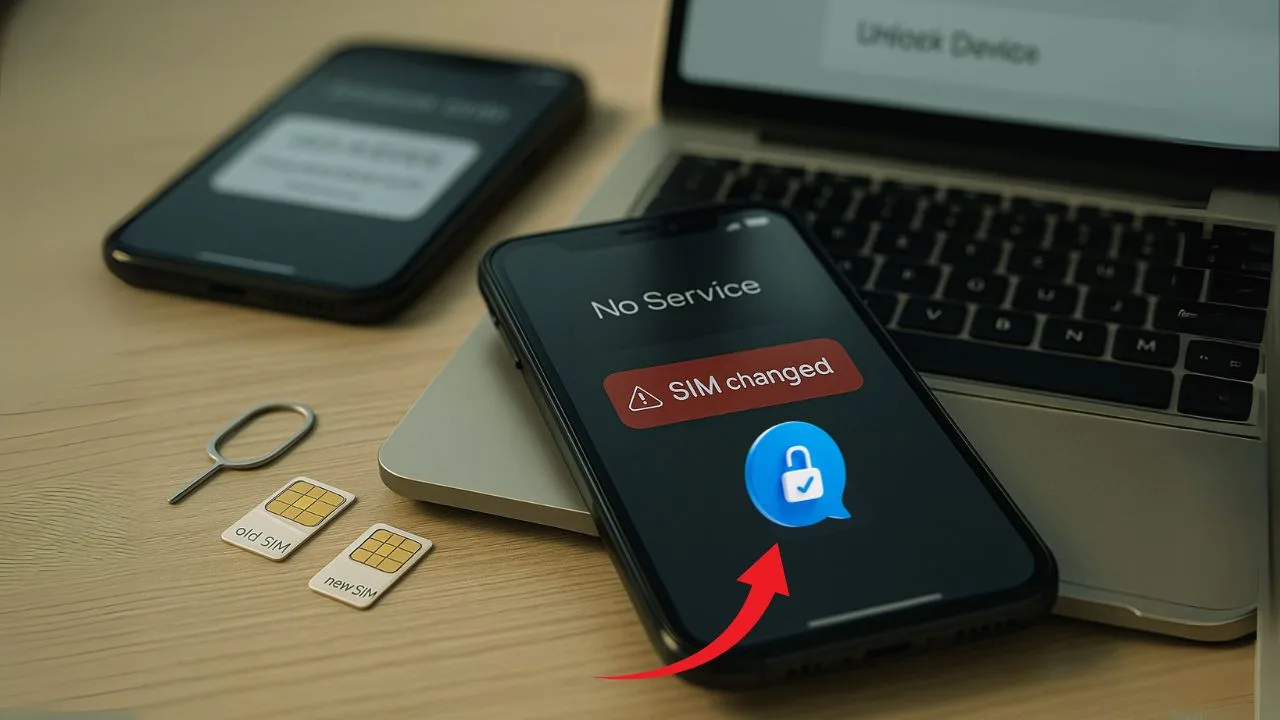
If you’ve ever tried to unlock a phone and suddenly lost service, you may have bumped into a “SIM swap.” The term sounds technical, but the idea is simple: someone moves your mobile number to a different SIM or eSIM. That move can break two-factor logins, stall carrier unlock requests, and even let a bad actor take over your accounts. In this guide, you’ll learn what a SIM swap is, how it differs from normal number porting, why it matters for phone unlocking, and what to do to protect yourself before, during, and after an unlock.
Key Takeaways
- A SIM swap is a carrier-level number takeover via social engineering; it does not change a phone’s lock status.
- Once swapped, attackers intercept calls/SMS (including 2FA), letting them reset and hijack bank, email, and carrier accounts.
- SIM swapping can delay or block legitimate phone unlocking by cutting off verification texts and locking you out of carrier portals.
- Reduce risk with a strong carrier password, a port-out PIN/SIM-change lock, and non-SMS MFA (authenticator app, passkeys).
- If you suspect a swap: contact your carrier immediately to reverse the change, freeze port-outs, reset passwords, then re-submit the unlock.
The short answer
A SIM swap is when your mobile number gets reassigned to a new SIM card or eSIM profile sometimes by you (legitimately), sometimes by a scammer (fraud). Because carriers use your phone number to verify identity, a swap at the wrong time can block unlock codes, interrupt “Device Unlock” app requests, and prevent you from receiving security texts. If you plan to unlock a phone, lock down your carrier account first, set a port-out PIN, and have backup ways to verify your identity.
SIM swap vs. number porting vs. eSIM moves
Many people use these terms like they mean the same thing, but they don’t.
SIM swap is any reassignment of your number to a new SIM/eSIM within the same carrier or by tricking a carrier rep to make the change. It can be legitimate (you got a new SIM) or fraudulent (an attacker convinced support to move your number).
Number porting is when you move your number from one carrier to another (for example, from AT&T to T-Mobile). Porting requires an account number and a transfer/port-out PIN. Fraudsters sometimes use stolen info to port out a number—this is a kind of SIM-swap attack.
eSIM move is when you transfer your number to an eSIM on the same device or to a new device. It’s convenient, but it still changes where your number “lives,” so identity checks and unlock steps can be affected in the same ways as a physical SIM change.
📖 Also Read: How to Unlock a Carrier-Locked Apple Watch to Use with Any Network
How SIM swaps happen (high level, not technical)
Most SIM swaps that cause trouble for unlocking fall into two buckets. In the first, you start a real change (new phone, new SIM, eSIM transfer) and something goes wrong—your number moves before you finish the unlock or your identity checks fail. In the second, a bad actor calls or chats with your carrier, pretends to be you, and asks to move your number to their SIM. They may use personal data from past breaches. Once the number moves, they receive your SMS codes and can reset accounts, sometimes including your carrier login. That’s why a SIM swap can derail an unlock at the worst moment.
Why SIM swap complicates carrier unlocking
Unlocking a phone is part tech and part policy. Carriers check the device’s IMEI against the account—paid off, active long enough, not reported lost or stolen, not tied to a subsidy lock, and more. Many of the steps to approve or trigger the unlock assume you still control the number. Here’s where swaps get in the way:
1) You can’t receive one-time passcodes
Unlock portals and support teams often send SMS codes to confirm it’s you. If your number just moved (legit or not), you won’t receive those codes. Your request may expire, and the unlock stays pending.
2) “Device Unlock” apps may fail mid-process
Some Android phones on U.S. carriers use a built-in app to request a permanent unlock over the network. If a SIM swap or eSIM transfer happens before the unlock token writes to the device, the request can error out or reset. You might see “Not eligible” even if you were eligible five minutes earlier.
3) Fraud flags can freeze your line
A sudden SIM change or port attempt can trigger anti-fraud rules. Carriers may place a temporary hold on changes, including unlocking, until you verify identity. This is good for safety, but it delays your plan.
4) Ownership checks don’t match anymore
If your number moved to a new SIM profile and your device is powered off or on Wi-Fi only, the network may not match your IMEI to the expected line. That mismatch can cause extra review or denial until the account records catch up.
5) Used phone buyers face surprise roadblocks
If you bought a used device and the old owner recently did a SIM swap or ported out, the account state may still be settling. Unlock requests can bounce until the original carrier finalizes changes, clears payments, and releases the IMEI.
Real-world scenarios (and practical fixes)
You started an unlock, then changed SIMs
You submitted an unlock request, then moved to a new SIM or eSIM. Now you can’t get the verification code. Solution: sign in from a trusted device or call support using backup verification (photo ID, account PIN, last payment info). Ask the rep to re-send the code to an alternate method (some carriers allow phone call or email) and to note your account so a fresh SIM move doesn’t auto-flag the request.
You suspect a fraudulent SIM swap
Calls drop, your phone shows “No Service,” and you see password reset emails for your bank or carrier. Immediately contact your carrier’s fraud team from another phone. Ask for a SIM swap freeze or port-out lock and restore your number to your SIM. Change your carrier password and set a unique port-out PIN. Once your line is secure, you can revisit the unlock request.
You’re traveling and switching to an eSIM
You want to unlock your phone to use a local eSIM abroad. Before traveling, complete the carrier’s unlock process at home over Wi-Fi where you can receive texts and calls. After the unlock is confirmed, add the travel eSIM. If you must move to eSIM first, set a port-out PIN and make sure you have non-SMS backups (authenticator app, recovery codes) for your accounts.
📖 Also Read: Unlocking a Phone When You Forgot Google Account After Reset
The unlocking journey: where SIM swap risk is highest
Unlocking flows vary by brand, but they share a few checkpoints. Knowing when swaps cause the most pain helps you plan.
Eligibility check
Carriers verify your IMEI against rules such as payment status and active time. A SIM swap right before this check can put the IMEI and line out of sync. Wait a few hours after any SIM/eSIM change before you start.
Identity verification
Most portals rely on SMS codes. If you’re changing SIMs, set an email or app-based method first. If your carrier offers a passkey or app prompt, enable it. That way, a SIM swap doesn’t block the step.
Unlock token delivery
iPhone unlocks are typically pushed from the carrier to Apple’s activation servers, then applied when you connect to Wi-Fi and insert a non-original SIM (or when you reset network settings). Many Android devices receive an unlock token over the air. Swapping SIMs during this window can force the device to retry later. Keep the original SIM active until you see the confirmation message or the phone accepts a different carrier’s SIM.
Post-unlock verification
After the unlock, test with another carrier’s SIM—or, for eSIM-only phones, add a low-cost eSIM. If calls, texts, and data work and the phone doesn’t ask for a network unlock PIN, you’re good. If not, contact support with your IMEI and the date of the unlock approval.
eSIM and dual-SIM tips for smoother unlocks
Phones with eSIM and dual-SIM/double-IMEI features add flexibility, but they also add moving parts.
- Keep your primary line on one SIM/eSIM until the unlock completes. Use the second slot for testing another carrier after unlock, not during the request.
- If you must switch to an eSIM mid-unlock, avoid deleting the old profile until you confirm the unlock on Wi-Fi. Deleting too soon can cut off SMS codes and carrier push messages.
- Label each eSIM with clear names (e.g., “Home Carrier,” “Travel Data”) so you don’t disable the wrong line when support asks you to restart or toggle mobile data.
Protect your number before you unlock
You don’t have to be a security expert to lower your risk. A few simple habits go a long way.
Set a strong carrier password and a unique port-out PIN.
This is the single best defense. A port-out PIN is required to move your number to another carrier. If your carrier offers a “port freeze” or “SIM change lock,” enable it.
Add multi-factor methods that don’t rely on SMS.
Use an authenticator app or passkey for your carrier account and important logins. Keep recovery codes in a safe place.
Update contact email and recovery info.
Make sure your carrier and device maker have an email on file where you can receive unlock messages if SMS is down.
Know your account number and IMEI.
Write them down before you start. Support may ask for these to verify identity and to track your unlock.
Avoid public posts with your phone number.
Scammers look for numbers they can target. Keep it private when possible.
What to do if a SIM swap blocks your unlock
- Stabilize your line. Call your carrier’s fraud or support line from another phone. Ask them to revert any unauthorized SIM change and put a temporary freeze on port-outs. Change your password and set a new port-out PIN.
- Re-verify your identity. Use an in-store visit with ID if online codes still fail. Ask the rep to notate the account so automated fraud filters don’t auto-cancel your unlock.
- Re-submit the unlock request. Provide your IMEI and the prior case number. If the device uses a “Device Unlock” app, open it on Wi-Fi and tap “Permanent Unlock” again. For iPhone, connect to Wi-Fi, insert a different carrier’s SIM, or go to Settings → General → About to trigger the unlock check.
- Test with another SIM/eSIM. After approval, place a different carrier’s SIM in the phone or add an eSIM plan. Make a call and load a webpage to confirm voice and data work.
- Keep proof. Save the unlock approval email or case notes. If you sell the device later, this helps the buyer and avoids returns.
📖 Also Read: How to Unlock a Carrier-Locked Tablet (iPad, Samsung, Lenovo, etc.)
Used and secondhand phones: extra checks
If you’re buying or selling a device, a recent SIM swap on the seller’s account can leave the IMEI in a “not yet released” state for a short time. Ask the seller for:
- Proof of unlock (approval email or screenshot).
- Paid-off confirmation if the phone was financed.
- Clean IMEI (not blacklisted or reported lost).
Check with the original carrier or a reputable IMEI checker.
If the device still shows locked after the sale, the original owner must contact their carrier. As the new owner, you won’t be able to override unpaid balances or active installment locks.
Myths to avoid
“Unlocking a phone stops SIM-swap attacks.”
No. An unlocked phone can use any compatible SIM, which is useful for travel and saving money, but it doesn’t protect the number itself. Number security lives with your carrier account.
“eSIM is immune to SIM swap.”
eSIM removes the plastic card but not the account step. A support rep can still move your number to a new eSIM if tricked. Keep the same defenses: port-out PIN, strong password, and non-SMS MFA.
“Third-party unlocks bypass carrier security.”
Legit IMEI-based factory unlocks update the same databases the carriers use. They do not remove fraud flags, unpaid balances, or blacklists. If a service claims to “unlock any phone, any status,” be cautious.
A SIM swap changes where your number lives. That change can delay or derail phone unlocking because most unlock steps rely on your number for identity checks and network communication. Secure your carrier account first, add a port-out PIN, and use non-SMS multi-factor logins so you can complete, confirm, and keep your unlock without surprises. If anything feels off—no service, odd reset emails—pause, secure your number, and then continue with the unlock.


