

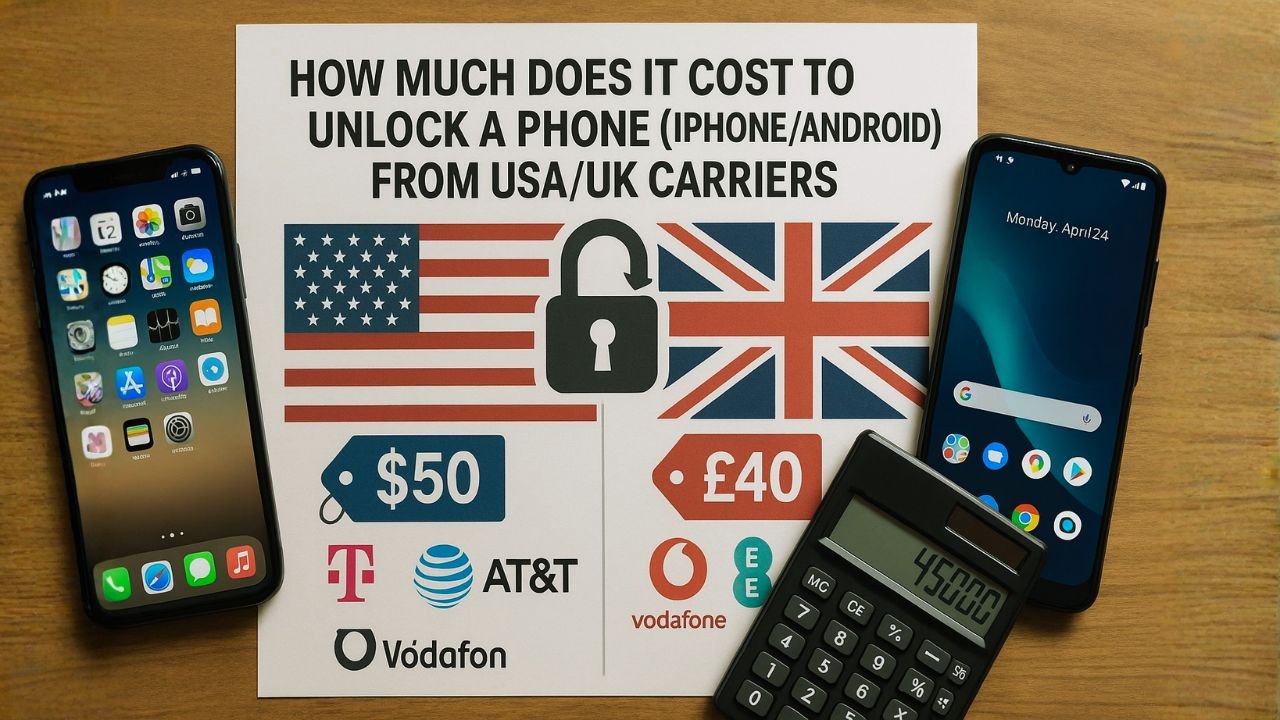
Your complete guide to carrier unlock costs, eligibility requirements, and the fastest ways to free your iPhone or Android device in 2025.
TL;DR – Quick Answer
Good news: Unlocking your phone from most major carriers is completely free — you just need to meet their eligibility requirements. Here’s the bottom line:
USA Carriers (AT&T, T-Mobile, Verizon): Free unlock once you’ve paid off your device and met the waiting period (40-60 days typically).
UK Carriers (EE, O2, Vodafone, Three): Free unlock for most phones. Since December 2021, all new UK phones must be sold unlocked by law.
Third-Party Services: Cost $20-$80 for iPhones and $3-$50 for Android phones, useful when you don’t meet carrier requirements.
If you’ve ever tried to switch carriers or take your phone overseas, you’ve probably bumped into the word “locked.” A locked phone only works with the carrier that sold it, while an unlocked phone gives you the freedom to use any compatible network at home or abroad.
So what does it actually cost to unlock your iPhone or Android in the USA and UK? Here’s the truth that might surprise you: if you meet your carrier’s requirements, the official unlock is almost always free. The costs most people face aren’t “unlock fees” at all—they’re either money still owed on the device, plan obligations you need to fulfill, or the price of using third-party services when they don’t qualify yet.
Let’s break down everything you need to know about phone unlocking costs in 2025, carrier by carrier, so you can make the smartest decision for your situation.
Understanding What “Unlocking” Really Means
When a phone is locked, there’s software built into it that restricts it to work only with one carrier’s SIM or eSIM. Unlocking removes that software restriction. It’s important to understand what unlocking doesn’t do:
Allows your phone to accept SIM cards from any compatible carrier, giving you freedom to switch providers or use local SIMs while traveling.
Doesn’t cancel your service, wipe your data, jailbreak your device, or remove it from any blacklists if it was reported lost or stolen.
Carriers lock phones for a couple of reasons: to reduce fraud and to make sure any device subsidies or payment plans are completed. Once you’ve met their conditions—like keeping service active for a certain period and paying off the phone—they’ll remove the lock. That’s why the real “cost” is usually about meeting those requirements rather than paying an actual unlock fee.
USA Carrier Unlock Costs (2025)
Here’s what you need to know about unlocking costs from major US carriers. Remember, these carriers are required by the FCC to unlock your phone free of charge once you meet their eligibility criteria.
| Carrier | Unlock Cost | Key Requirements | Timeline |
|---|---|---|---|
| Verizon | $0 (Free) | Auto-unlocks after 60 days of activation | Automatic after 60 days |
| AT&T | $0 (Free) | Device paid off, active service, good standing | Usually instant to 2 days |
| T-Mobile | $0 (Free) | Device paid off, 40 days active service, good standing | Within 2 business days |
| Cricket Wireless | $0 (Free) | 6 months of paid service | 2-5 business days |
| Boost Mobile | $0 (Free) | 12 months of active service | 2-3 business days |
| Metro by T-Mobile | $0 (Free) | 180 days of active service | Within 2 days |
| Third-Party Services | $20-$100+ | Valid IMEI, not blacklisted | 24 hours to 10 days |
Verizon has one of the most straightforward policies. Most phones automatically unlock after 60 days of activation. There’s no separate unlock request needed—it just happens. What you might pay is the remaining device balance if you want to leave before your phone is paid off, but the unlock itself is free.
What You Actually Pay: $0 for unlock. You may owe remaining phone payments if you’re on an installment plan.
AT&T lets you request an unlock online through their device unlock portal. Eligible Apple, Samsung, and Google devices on AT&T should unlock automatically. The portal also supports unlock requests for non-AT&T customers who bought a used AT&T-locked phone.
What You Actually Pay: $0 for eligible unlocks. Costs only arise if you need to finish device payments or clear past-due balances first.
T-Mobile clearly states they unlock eligible devices free of charge. You need to have had active service for at least 40 days for postpaid plans, and your device must be fully paid off. For prepaid, you need at least 40 days of active service with the device.
What You Actually Pay: $0 if you meet eligibility. The only costs are outstanding device payments or service obligations.
UK Carrier Unlock Costs (2025)
The UK has actually become one of the easiest countries for phone unlocking. Since December 2021, all major UK carriers sell new phones unlocked by default, which is fantastic news if you’re buying a new device.
| Carrier | Unlock Cost | Key Requirements | Timeline |
|---|---|---|---|
| EE | £0 (Free) | All new phones sold unlocked since Dec 2021 | N/A – Already unlocked |
| O2 | £0 (Free) | All new phones sold unlocked since Dec 2021 | N/A – Already unlocked |
| Vodafone | £0 (Free) | Phones after Jan 2022 unlocked. Older: 30 days PAYG use, 3 bills paid for contract | 48-72 hours for older phones |
| Three | £0 (Free) | All devices since Jan 2014 sold unlocked | N/A – Already unlocked |
| Tesco Mobile | £0 (Contract) £10 (PAYG <12mo) | Pay monthly: anytime. PAYG: £10 if under 12 months | Within 7 working days |
| Third-Party Services | £15-£30+ | Valid IMEI, not blacklisted | 1-7 days |
Great News for UK Customers
Since December 2021, Ofcom (the UK communications regulator) required all major carriers to sell phones unlocked. This means if you bought your phone from EE, O2, Vodafone, Three, or most other UK networks after that date, it’s already unlocked and ready to use with any carrier. No request needed, no waiting period, completely free.
🇬🇧 For Older UK Phones (Pre-2022)
If you have an older locked phone from before December 2021, here’s how it works:
- Vodafone: Free unlock via online form. PAYG customers need 30 days of use, contract customers need 3 paid bills. Response within 48 hours, unlock within 10 working days.
- O2: Most O2 phones from recent years weren’t locked anyway. Use My O2 website, app, or call customer service. Usually processed within 72 hours for older devices.
- EE: Free unlock by calling 150 from your EE phone or 0800 956 6000 from any phone. Typically processed quickly.
Third-Party Unlock Services: Worth It?
Sometimes people turn to third-party unlocking services because they don’t meet carrier requirements yet, bought a used locked phone, or their carrier is giving them the runaround. Here’s what you need to know about these services.
iPhone: $20-$80 standard, $120-$220 for premium/urgent
Android: $15-$60 depending on brand and carrier
UK Services: £15-£30 average
Most services claim 24-48 hours, but it can realistically take anywhere from a few hours to 10 days depending on your carrier and phone model.
Scam services exist, some require shipping your phone, unclear refund policies, potential carrier violations, and they can’t remove blacklist status.
Important Warning About Third-Party Services
While some legitimate third-party unlock services exist, there are significant risks to consider. These services require your payment information, and some are outright scams that take your money and provide nothing. Even legitimate services can’t unlock phones that are blacklisted, and entering too many incorrect unlock codes can permanently lock your device. Some services also require you to ship your device to them, which creates additional risk and hassle.
Our recommendation: Always exhaust official carrier unlock options first. If you absolutely must use a third-party service, thoroughly research reviews on independent sites like Trustpilot, verify their refund policy, and never ship your device if you can avoid it.
Reputable Third-Party Services (2025)
If you’ve determined that a third-party service is your only option, these are among the more established services with track records:
- doctorSIM: Operating since 2006, over 5 million unlocks. Prices vary by phone and carrier. Known for good customer support.
- CellUnlocker.net: Well-established with reasonable pricing. Generally quoted as reliable by users who’ve tried multiple services.
- UnlockBase: Shows upfront pricing before purchase. Clear timelines and cost estimates displayed on their site.
- TheUnlockingCompany: Same-day service in many cases. Unlocks both physical SIM and eSIM. Multiple support channels.
Important: Prices from these services vary significantly based on your phone model, carrier, and region. Always get a specific quote for your exact situation before committing.
What Factors Actually Affect Unlock Costs?
Newer flagship phones (iPhone 15 Pro, Samsung S24) tend to cost more to unlock via third-party services than older or budget models.
AT&T-locked phones are generally cheaper to unlock through third parties than Verizon or T-Mobile devices. Small MVNOs can be harder.
Services charge differently for USA, UK, Canada, Japan, Philippines, India, and other countries. Some regions have limited service availability.
Premium or “urgent” unlock services charge significantly more ($100-$220) for faster processing, though standard service is usually fine.
How to Check If Your Phone Is Already Unlocked
Before you do anything else, verify whether your phone actually needs unlocking. You might be surprised—it could already be unlocked.
Alternative method: Insert a SIM card from a different carrier and see if it works. If you can make calls and use data, it’s unlocked.
How to Unlock Your Phone: Step-by-Step
Before you do anything else, verify whether your phone actually needs unlocking. You might be surprised—it could already be unlocked.
iPhones are unlocked remotely through Apple’s activation servers. Once your carrier approves the unlock:
Most Android phones use unlock codes. The process varies slightly by manufacturer:
🔍How to Find Your IMEI Number
All phones: Dial *#06# from your phone’s dialer
iPhone: Settings → General → About → scroll to IMEI
Android: Settings → About Phone → IMEI or Status
The Smart Way to Approach Phone Unlocking
Here’s the step-by-step strategy we recommend for getting your phone unlocked at the lowest cost:
Check if your phone is already unlocked using the methods above. If it’s unlocked, you’re done—no cost at all.
This should always be your first move. Carrier unlocks are free once you meet requirements, they’re official and permanent, and they won’t void your warranty or risk blacklisting.
Find out what you need to qualify. It’s usually: device paid off completely, account in good standing with no past-due balance, and active service for the required period (which varies by carrier).
If you’re close to meeting requirements (say, 30 days away from Verizon’s 60-day policy), it’s usually worth waiting rather than paying $50+ to a third party.
Only if carrier unlock isn’t possible (bought used locked phone from someone who can’t unlock it, carrier is giving you the runaround, special circumstances), then research reputable third-party services thoroughly.
Pro Tip: Buy Unlocked When Possible
Want to avoid this entire situation in the future? Buy unlocked phones directly from manufacturers or retailers. You’ll pay the full retail price upfront instead of financing through a carrier, but you get complete freedom from day one. Apple, Samsung, Google, and other manufacturers all sell unlocked versions of their phones.
Common Unlock Myths Debunked
False. Unlocking your own phone is completely legal in the USA (FCC-protected since 2014) and UK. Carriers are required to unlock eligible devices for free.
False. Official carrier unlocks and legitimate IMEI unlocks don’t void your warranty. Only physical modifications or jailbreaking can affect warranty status.
False. Unlocking only removes carrier restrictions. If your phone was reported lost, stolen, or has unpaid balance, it stays blacklisted regardless of unlock status.
False. Factory reset only erases data and settings. Carrier lock status is stored in firmware and carrier systems, so resetting does nothing to unlock it.
No. Unlocking your phone doesn’t erase any data, photos, apps, or settings. It simply removes the carrier restriction. However, it’s always smart to back up your device before making any changes, just in case something unexpected happens.
Most carriers require phones to be fully paid off before they’ll unlock them. Verizon is an exception—they auto-unlock after 60 days even if you’re still making payments. For other carriers, you’ll need to pay off the remaining balance first, or wait until your payment plan is complete.
No. Unlocking and canceling service are completely separate actions. Unlocking just gives you the option to switch carriers if you want to. You can unlock your phone and continue using it with your current carrier with no changes to your service.
It varies by carrier. Verizon unlocks automatically after 60 days with no request needed. AT&T and T-Mobile typically process requests within 2 business days. Most prepaid carriers take 2-7 business days. For iPhones, it’s usually instant once approved—just connect to iTunes or restart. For Android, you’ll receive an unlock code via email.
Technically yes, the phone can be unlocked, but that doesn’t solve the bigger problem. A blacklisted phone won’t work on most USA and UK networks even after unlocking because it’s been reported as lost, stolen, or has unpaid bills. These phones might work overseas on networks that don’t check blacklist databases, but that’s not a reliable solution.
Unlocking removes software restrictions, but you still need hardware compatibility. Most modern phones (2018 or newer) support bands for all major USA and UK carriers. However, some older or regional phones might not support all necessary frequencies. Check your phone’s specs or use your desired carrier’s BYOD (Bring Your Own Device) compatibility checker before switching.
Completely different things. Unlocking removes carrier restrictions so you can use any SIM card. Jailbreaking (iOS) or rooting (Android) removes manufacturer software restrictions to install unauthorized apps and customizations. Unlocking is legal and supported by carriers. Jailbreaking can void warranties and create security risks.
Some are legitimate, but many are risky. Dangers include: scam sites that take money and provide nothing, services that require shipping your device, potential to permanently lock your phone with bad unlock codes, and inability to remove blacklist status. Always thoroughly research any third-party service and exhaust official carrier options first.
Apple doesn’t unlock iPhones directly. Only carriers can authorize iPhone unlocks, and Apple processes the unlock once your carrier approves it. The carrier’s unlock is free if you meet their requirements (device paid off, account in good standing). Apple Stores can’t override carrier locks—you must go through your carrier.
Yes, completely normal. Once your phone is unlocked, it stays unlocked permanently, even through software updates, factory resets, or anything else. You’ll continue to receive all regular manufacturer updates (iOS, Android security patches, feature updates) exactly as before.
Unlocking is permanent—there’s no temporary option. However, many carriers offer international roaming plans or temporary international service that might be easier than unlocking. Verizon’s TravelPass, T-Mobile’s international roaming, and similar programs let you use your phone abroad without unlocking. Check your carrier’s international options before deciding to unlock.
Ready to Unlock Your Phone?
Start by contacting your carrier — it’s free and usually the fastest option. If you don’t meet their requirements, reputable third-party services can help for a reasonable fee.


