

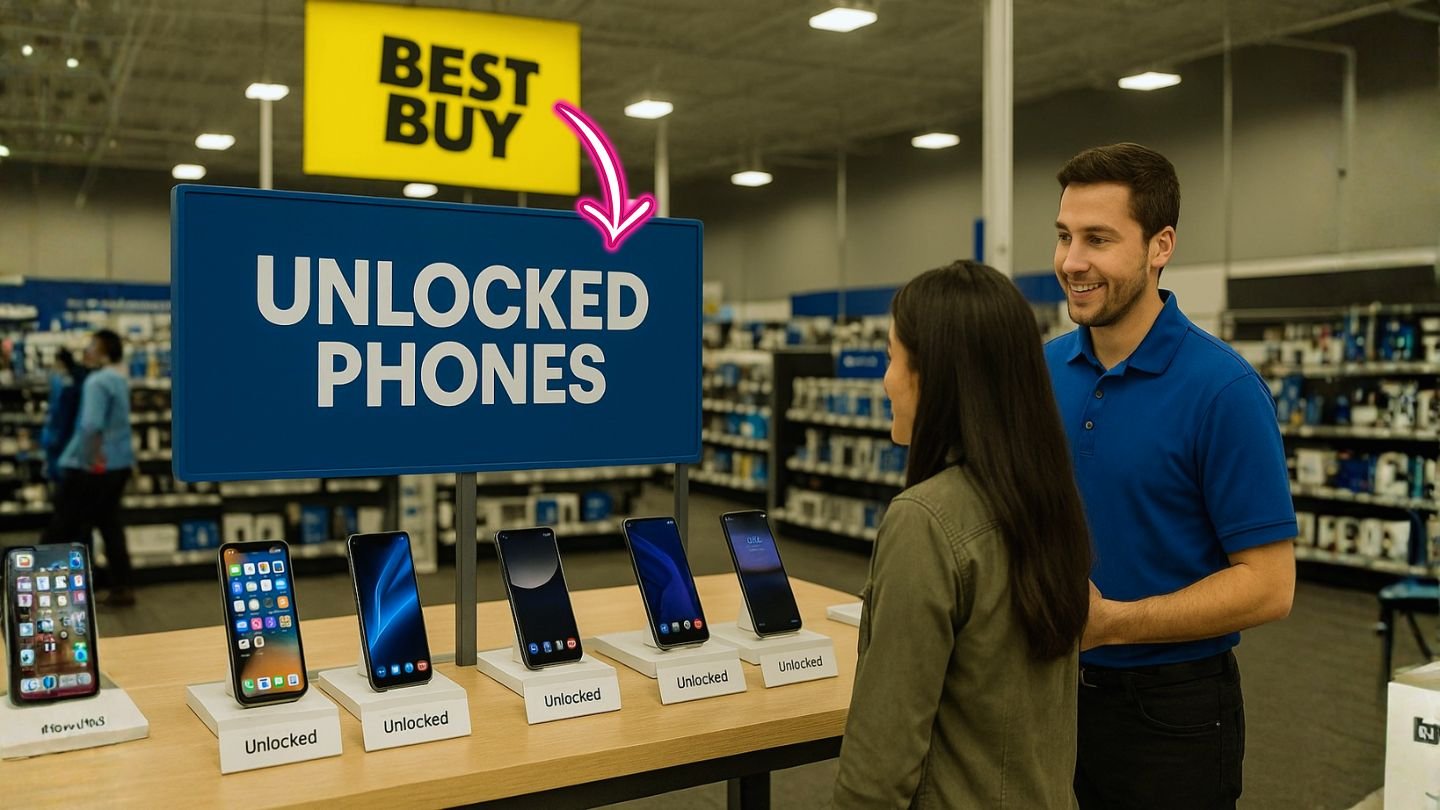
If you like saving money, switching carriers when it makes sense, and avoiding long contract headaches, unlocked phones from Best Buy are a smart move. You get freedom to choose your plan, freedom to travel, and freedom to upgrade on your terms.
In this guide, you’ll learn how to pick the right unlocked phone at Best Buy, how to verify carrier compatibility (including eSIM and 5G bands), how to hunt for deals (open-box and promos), and what to know about price matching, returns, and protection plans—so you walk out confident with the best value for your budget.
Best Buy carries a large, rotating catalog of unlocked phones from Apple, Samsung, Google, Motorola, OnePlus, and budget brands. You can shop the dedicated unlocked phones category and filter by screen size, storage, camera, and more, or browse brand-specific sections for iPhone, Galaxy, and Pixel models. It’s a straightforward way to compare plenty of options in one place.
Key Takeaways
- Unlocked = freedom and savings. Best Buy’s unlocked phones aren’t tied to a carrier, so you can switch to cheaper MVNO plans, use travel eSIMs abroad, and usually enjoy better resale value.
- Always verify compatibility. Before you buy, confirm LTE/5G bands, eSIM/dual-SIM support, and features like VoLTE and Wi-Fi Calling for your specific carrier to avoid activation headaches.
- Compare new vs. open-box. New is simplest, but open-box can deliver big savings if the condition and included accessories meet your needs. Always compare the exact model across both pages.
- Use policies to your advantage. Read Best Buy’s current Price Match and return rules, test everything within the return window, and keep packaging—small prep steps that protect your purchase.
Why “Unlocked” at Best Buy Is Worth It
An unlocked phone isn’t tied to a carrier. That means you can swap in different SIMs or eSIM plans, try a cheaper MVNO, or jump to a travel eSIM when you land abroad—no store visit needed. You also skip the long installment contracts that lock you in for years. Best Buy’s own overview explains the core benefits clearly: freedom to choose plans, no long service contracts, and easier international use. For most people, that’s exactly what you want from a modern smartphone.
Unlocked also tends to age better. If you want to resell later, an unlocked model usually draws more buyers. And if you’re a frequent traveler or a student going between countries, the ability to drop in a local SIM (or activate a local eSIM) can cut roaming costs drastically. You get flexibility today and resale value tomorrow—nice combo.
📖 Also Read: How to Use the Device Unlock App for T-Mobile & MetroPCS
Where to Start Shopping at Best Buy
Best Buy maintains two main paths you’ll use again and again:
- All Unlocked Phones – a master list you can filter by brand, price, storage, features, and more. You’ll usually find current-year flagships and solid mid-range picks here.
- Open-Box Unlocked Phones – returned or lightly used devices that pass inspection and are discounted. These are the sneaky best-value finds if you’re comfortable buying “like new.” You can sort by condition, check what’s available near you, and often save quite a bit.
Those two sections let you scan the full landscape quickly—new and open-box—then narrow down based on what matters most.
How to Choose the Right Best Buy Unlocked Phone (Step by Step)
Step 1: Lock Down Your Priorities
Most buyers juggle five things: budget, camera quality, battery life, performance, and long-term updates. Decide your top two priorities. If you shoot a lot of photos and videos, camera and storage lead. If you game or edit on the go, performance and cooling matter more. If you marathon TikTok and YouTube, battery life and fast charging jump to the front.
Step 2: Pick Your Platform (iPhone vs. Android)
- iPhone (iOS): Simple, consistent, with years of software support and strong resale value. Great for those already in Apple’s ecosystem (AirPods, Apple Watch, iCloud).
- Android (Samsung/Google/OnePlus/Motorola): Highly customizable with models at every price tier. Pixels lead in computational photography and clean Android; Samsung excels in displays and ecosystem extras; OnePlus prioritizes speed and charging; Motorola often wins at value.
Step 3: Confirm U.S. Carrier Compatibility (and MVNOs)
Unlocked ≠ universal. Before you buy, verify the model supports the bands your carrier (or MVNO) uses—especially if you’re on a smaller provider. For 5G, look for Sub-6 (nationwide) support at a minimum; mmWave matters only if you’re often in dense downtowns or arenas with mmWave coverage. On iPhones, U.S. models usually have strong carrier support; on Android, confirm bands for AT&T, T-Mobile, and Verizon networks, plus the MVNO you plan to use. If you expect to switch carriers, aim for models that are “fully compatible” across all three major networks.
Step 4: eSIM and Dual-SIM Readiness
Newer iPhones are eSIM-first in the U.S., and many Android phones now support dual-SIM (often nano-SIM + eSIM or eSIM + eSIM). That’s handy for work/personal numbers, or for cheap travel data. Make sure the phone explicitly supports the dual-SIM arrangement you want, and confirm your carrier’s eSIM activation process works with retail-unlocked devices.
Step 5: Storage and RAM
If you record 4K video or shoot RAW photos, start at 256GB. Casual users can live happily at 128GB if they offload to cloud. For RAM, iOS is efficient, so the base spec is usually fine; Android benefits from more—8GB feels like the sweet spot for multitasking longevity.
Step 6: Battery and Charging
Look for battery capacity (mAh) plus real-world endurance in reviews. Many Android phones now include fast charging; check the supported wattage and whether the charger is in the box. On iPhone, pay attention to MagSafe accessories and official charging speeds.
Step 7: Software Support Window
Pixels and iPhones typically promise lengthy OS/security updates; Samsung has also extended support on recent Galaxy lines. Longer support equals longer life and better resale.
📖 Also Read: How to Unlock MetroPCS Phones Not Eligible for Unlock
“Best” by Budget and Use Case (What to Look For)
Rather than a rigid “Top 10” that goes out of date fast, use these patterns to identify winners on Best Buy’s shelves:
Budget-Friendly Daily Drivers
You want smooth basics, big battery, decent camera in good light, and 5G that “just works.” Look for:
- 90Hz or 120Hz display (smoother scrolling)
- 5G Sub-6 support for AT&T/T-Mobile/Verizon
- 6GB–8GB RAM, 128GB storage
- Strong battery (5,000 mAh is common at this tier)
- Clean Android or light skins for smoother performance
Motorola and Samsung often shine here, with OnePlus offering performance value. Filter for “Unlocked,” set your price range, and scan for high user-ratings on Best Buy’s category page.
Mid-Range “Sweet Spot”
You want a great camera, fast performance, long updates, and still a sane price. Look for:
- Flagship-level main camera sensor (OIS helps)
- 120Hz OLED display
- Strong chipset (for example, Tensor/Premium Snapdragon/Apple)
- 8GB–12GB RAM, 128–256GB storage
- Multi-day battery with fast charging
- 4–7 years of security/OS support depending on brand
Mid-range Pixels and Galaxys are consistent picks; OnePlus and Motorola offer aggressive pricing and fast charging. Use Best Buy filters to isolate brand + storage + features, then compare.
Flagships for Creators and Power Users
You want the best camera in low light, pro-level video, top-tier performance, and premium displays. Look for:
- 48–200MP main sensors with OIS; excellent HDR; strong video (4K60+)
- Dedicated telephoto and ultrawide lenses (optical zoom beats digital)
- The latest Apple/Snapdragon/Tensor chip
- LTPO OLED with 1–120Hz variable refresh
- 256GB+ storage for ProRes/4K; 12GB+ RAM on Android
- Long OS/security support
Apple, Samsung, and Google flagships dominate here. Best Buy’s dedicated brand pages help you compare current flagships side by side.
Travelers and Students
Prioritize eSIM and dual-SIM, unlocked band coverage, and reliable battery. A mid-range Pixel or Galaxy with eSIM support plus a travel eSIM app is a winning combo. If you hop among MVNOs for savings, ensure broad band support across the Big Three.
📖 Also Read: All About iPhone eSIM: What It Is, How It Works, and How to Activate It
New vs. Open-Box at Best Buy: Which Makes More Sense?
New is simple: full box contents, untouched device, and straightforward returns within your window. If you’re giving a gift or want “day-one” perfection, buy new from the unlocked category.
Open-Box can be a steal. These phones are inspected and categorized (often as “Excellent,” “Satisfactory,” etc.). You’ll see condition notes and sometimes limited quantities by store. If you don’t mind a box that’s been opened—or the possibility of minor cosmetic signs—open-box can slash your cost. Best Buy’s Open-Box Unlocked section lets you filter availability and condition, and you can often pick up the same day.
Pro tip: Compare the open-box price to the current “new” and “sale” prices for that exact model to confirm the savings are real. Use the All Unlocked Phones and Open-Box pages in separate tabs and compare line by line.
Stretch Your Dollar: Price Match, Returns, and Policies
Price Match Guarantee: Best Buy’s Price Match Guarantee covers new items sold by Best Buy (some exclusions apply—like marketplace sellers, clearance, refurbished and open-box items). You can typically request one price match per identical item at the time of purchase. Read the fine print on Best Buy’s own policy page so there are no surprises.
Return & Exchange Basics: Best Buy’s return policy emphasizes items in like-new condition and complete with all major contents. “Activatable devices” like phones can have special windows and rules, so always check the current policy page before you buy, and keep the receipt and packaging.
Open-Box Considerations: Open-box phones usually follow the same posted return windows for their category, but verify details at checkout. The Open-Box listings will show local availability and condition; read carefully so you know exactly what you’re getting.
Deal-Hunting Tactics That Actually Work at Best Buy
Filter ruthlessly. Start with brand + storage + price. Then add camera features (OIS/telephoto), screen refresh rate, and year released. The unlocked category pages make filtering quick.
Compare open-box vs. new on the same model. If the discount is small, new may be worth it for gifts or peace of mind. If the discount is big, open-box is your friend.
Timing your buy. Big sale periods (holiday weekends, back-to-school, and late-year holiday season) often nudge unlocked prices down. Keep a short list and refresh the unlocked category and outlet pages.
Know what price match can—and can’t—do. Price match applies to new items from Best Buy (and specific competitors), with exclusions like open-box and refurbished. Ask before you buy and bookmark the official policy—rules do evolve.
Compatibility Checklist (Before You Check Out)
- Carrier + Bands: Confirm Sub-6 5G support (n41/n77 are common), LTE bands for your carrier, and any special bands you need for travel.
- SIM Type: Make sure the phone supports your plan type (physical SIM, eSIM, or dual-SIM).
- Wi-Fi Calling/VoLTE: If you rely on Wi-Fi calling or HD Voice, verify the phone supports these with your carrier.
- Software Support: Check promised update years—longer support = better value.
- Accessories: If the phone drops the charger, add one that supports the device’s max wattage.
- Return Window: Skim Best Buy’s current return policy for phones so you know your timeline.
Brand-by-Brand Buying Tips at Best Buy
Apple iPhone (Unlocked)
- Who it’s for: Anyone in the Apple ecosystem (AirPods, Apple Watch, Mac), creators who want reliable video, and users who value long OS support and resale value.
- What to check: Storage (go 256GB+ if you shoot ProRes or lots of 4K), eSIM setup with your carrier, and MagSafe accessories.
- Where to look: Best Buy’s unlocked iPhone selections live under Unlocked Cell Phones and brand pages.
Samsung Galaxy (Unlocked)
- Who it’s for: Display lovers, power users, and those who like Samsung’s ecosystem (Galaxy Buds, Watch, tablets).
- What to check: 120Hz LTPO screens on higher-tier models, long-term update promise, and S-Pen support on Ultra models.
- Where to look: The Unlocked Galaxy sections inside the unlocked category.
Google Pixel (Unlocked)
- Who it’s for: Camera fans who love computational photography and clean Android, plus long update windows.
- What to check: Night and HDR performance, on-device AI features, and cloud backup plans for photos.
- Where to look: Unlocked Pixel listings in Best Buy’s category and open-box sections (mid-range Pixel deals are common).
OnePlus & Motorola (Unlocked)
- Who it’s for: Value seekers who still want speed, big batteries, and fast charging. Motorola makes excellent budget daily drivers; OnePlus leans into performance and quick charging.
- What to check: Carrier band support (especially if you might switch), charging wattage, and RAM/storage combos.
- Where to look: Filter by brand in the All Unlocked Phones category and cross-check open-box.
Open-Box: How to Read the Listing Like a Pro
Open-box listings show condition (e.g., Excellent, Satisfactory), price, and pick-up options. Here’s how to evaluate quickly:
- Condition label: “Excellent” usually means it looks like new; “Satisfactory” may show minor wear.
- Accessories: Check if the charger/cable is included. If not, factor in the cost of a compatible charger.
- Price gap vs. new: If the savings are 10–15% or more, open-box is compelling. If it’s only 5%, you might prefer new.
- Local availability: Because open-box stock is store-specific, you might see different quantities by location—refresh if you’re willing to drive a bit.
- Return window: Confirm the current return policy and keep the receipt; take photos of condition on day one just in case.
Financing, Protection, and Accessories: What’s Worth It?
Financing: If you need monthly payments but don’t want a carrier contract, retailer financing can bridge the gap. Calculate total cost (including any fees) and compare against a cheaper MVNO plan you’ll use with the unlocked phone. Unlocked + low-cost plan often beats a carrier’s 36-month device lock and higher monthly bill.
Protection Plans: If you’re tough on phones—or you’re buying for a teen—device protection can be a lifesaver. Read the terms for accidental damage, battery replacements, and deductibles so you understand what’s covered and how claims work. (Plan specifics evolve; ask a Blue Shirt or check the policy details at checkout.)
Accessories: Add a case and tempered glass from day one. If your phone supports fast charging, get a certified charger that hits the supported wattage. For iPhones, consider a MagSafe charger and a quality USB-C cable; for Android, match the brand’s PD/fast-charge profile.
Switching to an Unlocked Phone the Smart Way
- Back up your old phone. Use iCloud/Google One or your favorite backup tool so your photos, chats, and settings move over smoothly.
- Activate eSIM or insert your SIM. Follow your carrier’s self-service steps. If you’re going dual-SIM, label each line (Work/Personal) and set default for data and calls.
- Set up Wi-Fi Calling and VoLTE. Make a test call and send yourself a photo over MMS to verify everything works.
- Update the OS and apps. New devices often ship with a prior update—install it right away for security and stability.
- Test the essentials in the return window. Camera, Bluetooth with your car, hotspot, 5G coverage in your usual spots—verify now, not later. If something’s off, you still have time to return or exchange under the posted policy.
Common Questions About Best Buy Unlocked Phones
Are unlocked phones at Best Buy truly carrier-free?
Yes—“unlocked” means the device isn’t tied to one carrier’s service. You can use a compatible SIM or eSIM from any supported provider. Always confirm the bands and features (VoLTE/Wi-Fi Calling) for your specific carrier.
Can I use a cheaper MVNO with a Best Buy unlocked phone?
Absolutely. That’s one of the biggest reasons to go unlocked: you can pair your phone with low-cost plans from MVNOs that run on major networks. Just check compatibility and coverage where you live.
Does Best Buy price match unlocked phones?
Best Buy has a Price Match Guarantee for new items sold by Best Buy, with exclusions like open-box and refurbished. Confirm details on the official policy page before purchase, as terms can change.
What’s the return policy for unlocked phones?
Best Buy’s posted policy requires like-new condition and the original major contents. “Activatable devices” like phones can have special windows, so always check the current policy page and keep your packaging and receipt.
Is open-box safe to buy?
If you read the condition notes, verify contents, and price-check against new, open-box can be a fantastic value. You’ll see what’s available near you on Best Buy’s open-box pages and can often pick up the same day.
A Simple Game Plan for 2025 Buyers
- Casual users: A solid mid-range Android (or a slightly older unlocked iPhone) will feel fast, take great photos in daylight, and last all day—without overspending.
- Power users & creators: Gravitate to current-gen flagships from Apple, Samsung, or Google for the best cameras, fastest chips, and longest support.
- Value hunters: Keep one tab on “All Unlocked Phones” and another on “Open-Box Unlocked Phones.” Compare the same model in both tabs—it’s the easiest way to confirm a real deal.
Bottom line: With a good checklist and a couple of saved bookmarks, Best Buy is one of the easiest places to buy an unlocked phone in the U.S. You’ll find plenty of choice, straightforward filters, and useful programs (price match, returns) as long as you understand the rules and read the current policy pages before you tap “Add to Cart.”


