Quick Answer
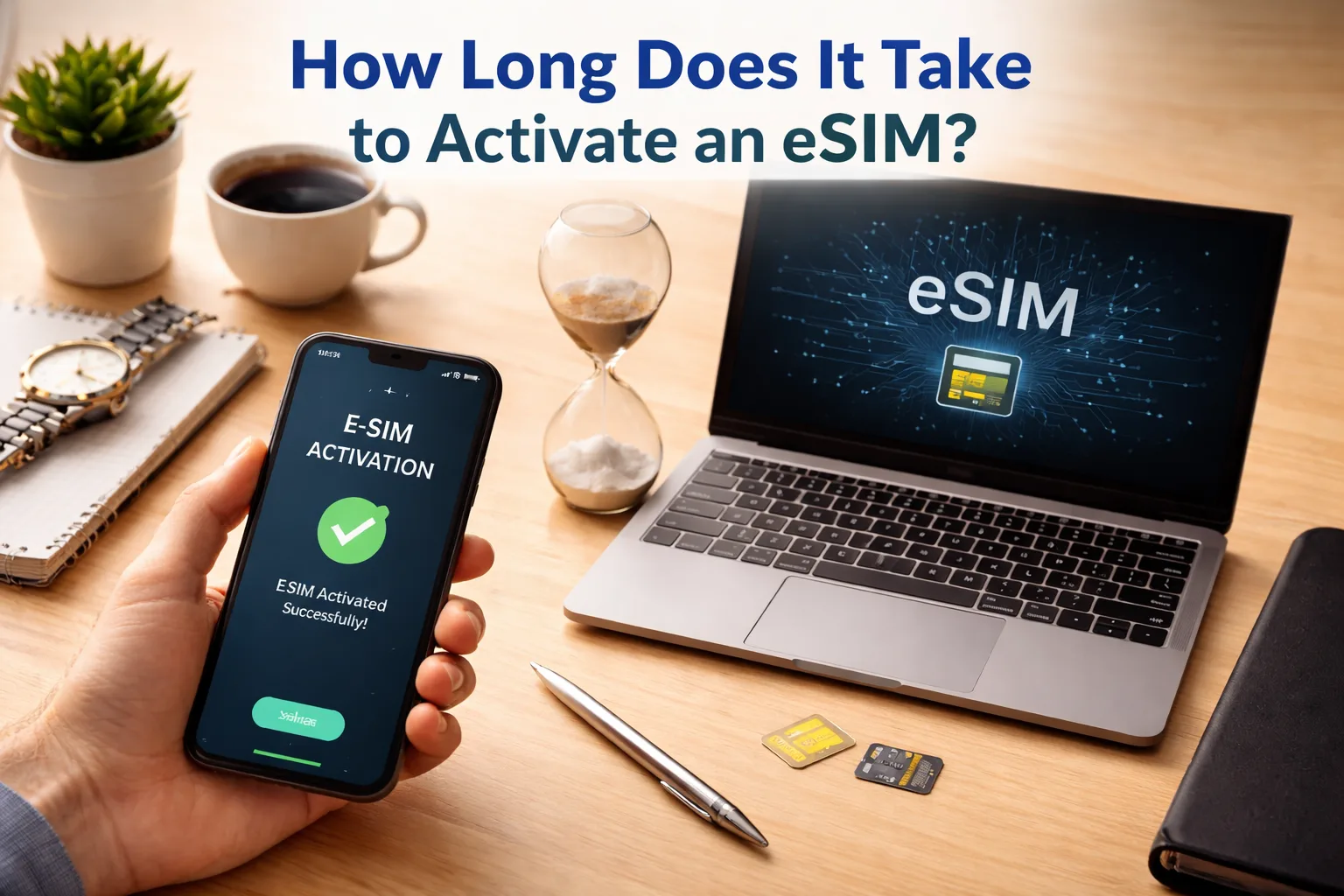
eSIM activation typically takes 2-5 minutes — but can stretch to 24 hours depending on the carrier, your device, and network conditions. Here’s the short version:
The eSIM Activation Process (Step by Step)
Before we talk timing, let’s break down what actually happens when you activate an eSIM. Understanding this makes it a lot easier to figure out where things might be getting stuck. The process has three distinct phases — and each one has its own speed bottleneck.
You buy a plan, and the provider generates an eSIM profile (QR code or direct download). With most travel eSIM apps, this happens instantly — you literally get the QR code within seconds of checkout. Domestic carriers might take a few minutes to generate the profile.
You scan the QR code or use the provider’s app to download the eSIM profile onto your device. This step requires a stable internet connection — Wi-Fi is recommended. The phone downloads the profile, stores it in the embedded SIM chip, and prepares it for activation. Most installs finish in under a minute.
This is where the actual “activation” happens. Your phone sends the profile credentials to the carrier, the carrier verifies and provisions the line, and your device registers on the network. This step is entirely on the carrier’s side — and it’s where most delays happen. Travel eSIMs often activate automatically when you arrive at the destination country.
Installation and activation are NOT the same thing. Installation is downloading the profile (needs Wi-Fi). Activation is the carrier provisioning the line (needs cellular network). With Saily travel plans, activation happens automatically when your phone connects to a local network at your destination.
How Long It Actually Takes (By Provider)
Here’s what real-world activation looks like across different types of eSIM providers. The experience varies significantly between travel eSIMs (which are designed for speed) and domestic carrier eSIMs (which often have more backend verification steps).
Travel eSIM Providers
These are built for “buy it at the airport, use it 5 minutes later” scenarios. They’re designed to be fast because travelers don’t have time to wait around. Most activate within minutes — the main variable is how quickly the local network at your destination registers your device.
Domestic Carriers (US)
Adding a new line is usually quick. Switching carriers with number porting is where things slow down. And if your device is still locked to a previous carrier? That can add up to 24 hours before you can even start the eSIM activation with the new carrier.
eSIM Provider Cards & Contact Numbers
Whether you’re going with a travel eSIM or a domestic carrier, here are the major providers with their typical activation times and how to reach them if you get stuck:
Travel eSIM Providers
Saily
2-5
/min typicalActivates on arrival at destination
- Backed by Nord Security
- One eSIM install for all 200+ destinations
- Auto-activates when phone hits local network
- Built-in ad blocker & web protection
- Plans from $1.99
- 24/7 support in 14+ languages
Airalo
2-10
/min typical200+ destinations, local & regional plans
- Largest travel eSIM marketplace
- Local, regional & global plans
- 5G supported where available
- New eSIM install per plan
- Plans from $4.00
- 24/7 customer support
Holafly
5-15
/min typicalUnlimited data across all destinations
- Unlimited data on every plan
- 200+ destinations covered
- 5G supported in select areas
- 24/7 live chat support
- Plans from $3.90/day
- Good for heavy data users
US Domestic Carriers
T-Mobile eSIM
2-10
/min new lineUp to 24 hrs for number porting
- Prepaid eSIM app for instant setup
- Connect to T-Mobile in minutes over Wi-Fi
- Supports Quick Transfer between iPhones
- Widest 5G network coverage
- Plans from $50/mo for home + mobile bundles
- T-Life app manages all SIM transfers
Verizon eSIM
2-10
/min typicalUp to 24 hrs for carrier switch + unlock
- Activate via My Verizon app or web
- Device must be unlocked first
- iPhone Quick Transfer supported (~90% success)
- QR code activation for Android
- Fastest 5G speeds available (mmWave)
- Up to 15 minutes for first network connection
AT&T eSIM
5-15
/new lineUp to 24 hrs for porting from other carriers
- Activate via myAT&T app or website
- ~90% Quick Transfer success rate (iPhone)
- QR code generated through your online account
- Prepaid & postpaid both supported
- Supports eSIM Carrier Activation on new iPhones
- AT&T can pre-assign eSIM at purchase
Why eSIM Activation Gets Delayed
If your eSIM is taking longer than expected, it’s usually one of these culprits. The good news? Most of them are fixable without contacting support.
eSIM Activation Time Comparison Table
Here’s a side-by-side look at activation timing across every major scenario — from the fastest travel eSIMs to the slowest carrier switches:
| Scenario | Typical Time | Max Time | iPhone | Android | Wi-Fi Needed? |
|---|---|---|---|---|---|
| Travel eSIM (Saily, Airalo) | 2-5 min | 10 min | ✓ Fast | ✓ Fast | Install only |
| New carrier line (no porting) | 2-15 min | 1 hour | ✓ Fast | Varies | Yes (recommended) |
| iPhone Quick Transfer | 2-5 min | 15 min | ✓ Optimized | N/A | Bluetooth + Wi-Fi |
| QR code activation | 1-5 min | 10 min | ✓ Fast | ✓ Fast | Yes |
| Carrier app activation | 5-10 min | 30 min | ✓ Good | ✓ Good | Yes |
| Number porting (same device) | 15 min – 2 hrs | 24 hours | Varies | Varies | Yes |
| Carrier switch + device unlock | 1-4 hours | 24+ hours | Slow | Slow | Yes |
| Android to iPhone transfer | 5-15 min | 30 min | iOS 26+ | Android 16+ | Wi-Fi + Bluetooth |
| Physical SIM → eSIM conversion | 2-5 min | 15 min | ✓ Built-in | Carrier-dependent | No (cellular OK) |
How to Speed Up eSIM Activation
If you want the fastest possible activation — or if things seem stuck — run through this checklist. It covers everything from pre-activation prep to mid-activation fixes.
Before You Activate
Update your phone’s OS. Seriously, do this first. Apple and Google regularly push updates that fix eSIM bugs and improve compatibility. On iPhone: Settings → General → Software Update. On Android: Settings → System → System Update.
Connect to strong Wi-Fi. A stable internet connection during the profile download prevents corrupted installs. Don’t rely on spotty airport Wi-Fi — if possible, install the eSIM before you leave home.
Confirm your device is unlocked. On iPhone: Settings → General → About → scroll to “Carrier Lock.” If it says “No SIM restrictions,” you’re good. If locked, contact your current carrier to unlock before attempting eSIM activation with a new provider.
If Activation Is Stuck
Toggle Airplane Mode on and off. This forces your phone to reconnect to available networks. It’s the single most effective quick fix for stuck activations — works about 70% of the time.
Restart your phone. A full restart clears temporary network caches and forces a fresh connection attempt. On iPhone: press volume + power until the “Slide to power off” slider appears.
Check your APN settings. If you see signal bars but can’t actually browse the internet, your phone might be using the wrong Access Point Name. Check with your eSIM provider for the correct APN values and update them manually.
Delete and reinstall the eSIM. If nothing else works, remove the eSIM profile from Settings → Cellular → Remove eSIM, then reinstall it by scanning the QR code again. Make sure you’re on stable Wi-Fi before reinstalling.
Install your eSIM while you still have Wi-Fi at home — you can do this days before your trip. The profile sits on your phone, ready to go. When you land, just turn on Data Roaming and it activates automatically. No scrambling for airport Wi-Fi needed.
Contact your provider’s support team. For T-Mobile, call 1-800-937-8997. For Verizon, call 1-800-922-0204. For AT&T, call 1-800-288-2020. Travel eSIM providers like Saily offer 24/7 in-app live chat support. Have your device model, OS version, and screenshots of your settings ready — it helps them troubleshoot faster.
Most iPhone eSIM activations complete within 1 to 5 minutes. iPhones — especially iPhone 14 and newer — have optimized eSIM processors that handle profile downloads and carrier verification quickly. If you’re using Quick Transfer from another iPhone, expect 2-5 minutes. If the screen shows “Activating” for more than 15 minutes, contact your carrier rather than restarting the process.
A stuck activation usually means the carrier’s backend is still processing your profile, or your phone lost its network connection during the registration step. Try toggling Airplane Mode on and off, then wait a few minutes. If it’s still stuck, restart your phone completely. In rare cases, carrier systems are under heavy load during peak hours — try again during off-peak times (early morning or late evening).
It depends on the step. The installation step (downloading the eSIM profile) requires an internet connection — Wi-Fi is strongly recommended for a stable download. The activation step itself (carrier provisioning and network registration) does NOT require Wi-Fi — it happens over the cellular network. With Saily travel eSIMs, you only need internet to install the profile. Activation happens automatically when you arrive at your destination.
Generally, iPhones activate slightly faster. Apple’s native eSIM support (especially on iPhone 14 and newer with eSIM-only design) is more optimized than most Android implementations. Android activation times can vary by manufacturer — Samsung Galaxy phones tend to be close to iPhone speeds, while some other brands may require extra authentication steps that add 2-5 minutes to the process.
Number porting (transferring your existing phone number from one carrier to another) is the slowest part of any eSIM activation. Typical timelines: adding a new line to an existing account takes 5-15 minutes. Porting a number from a different carrier takes anywhere from 2 to 24 hours, depending on both the old and new carrier’s processing speeds. During porting, your old carrier’s service may be temporarily interrupted.
Yes, there are several alternatives. Many carriers support eSIM Carrier Activation (the eSIM is pre-assigned when you buy the phone). iPhone supports Quick Transfer between devices. You can manually enter the SM-DP+ address and activation code in your phone’s settings. Some carriers also send an activation link instead of a QR code that you can tap on the device itself. Carrier apps (like the T-Life app or My Verizon) can also handle the full process digitally.
This is normal and usually resolves within 5-10 minutes. Travel eSIMs activate when they connect to a supported local network, and registration can be delayed by airport network congestion. Toggle Airplane Mode on and off to force a reconnect. Also confirm: the eSIM line is selected for mobile data, Data Roaming is turned ON, and your phone’s network selection is set to Automatic. If it’s still showing “No Service” after 15 minutes, restart your phone.
Yes. Update your phone’s OS before starting. Use strong Wi-Fi for the profile download. Make sure your device is unlocked. Activate during off-peak hours (early morning works best). For travel eSIMs, install the profile at home before your trip — so it’s ready to activate the moment you land. If activation seems slow, toggling Airplane Mode is the single fastest fix in most cases.
If it’s been more than 24 hours, something is genuinely wrong — this isn’t normal waiting time. Contact your carrier or eSIM provider’s support team immediately. Have your device model, OS version, IMEI number, and screenshots of your eSIM settings ready. They may need to reprovision the eSIM on their end or issue a new profile. In some cases, the fix is as simple as deleting the profile and reinstalling it with a new QR code.
Yes — if you have a physical SIM or another active eSIM in your phone, those will continue working normally during the new eSIM activation. Your existing calls, texts, and data won’t be interrupted. Just don’t close or cancel the activation process midway through, as this can corrupt the profile and require a full reinstall. Once the new eSIM is active, you can switch your mobile data line in Settings.