

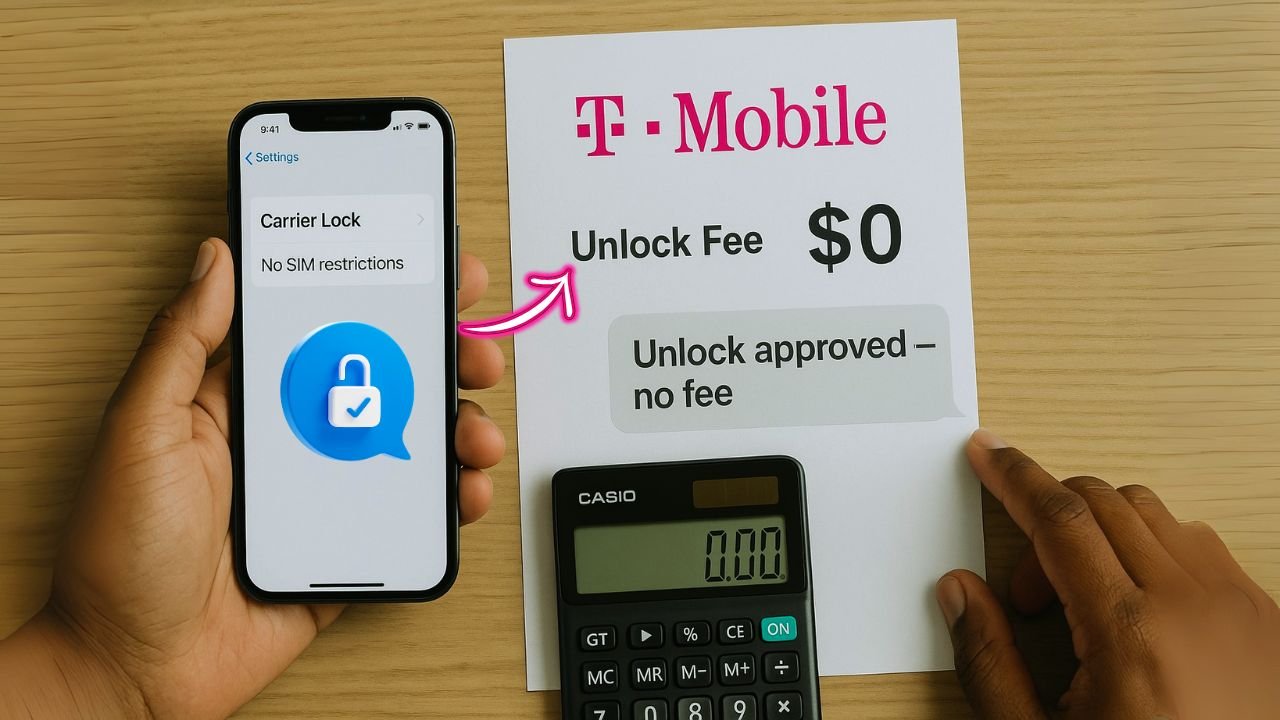
Unlocking a T-Mobile iPhone means your phone can use SIM cards from other carriers, not just T-Mobile. This network unlock gives you choice when you switch carriers or travel. It can save money on plans and roaming.
Here is the deal. If your device meets T-Mobile’s rules, the SIM unlock is free. No surprise fees from T-Mobile. You must have a phone bought from T-Mobile, no device payment left, active service for a set time, and an account in good standing.
Some models unlock automatically once you qualify. That usually finishes within two business days.
You can check status fast with T-Mobile’s IMEI number tool or live chat. Most people do not need to pay anyone else. Extra fees show up only if you use third-party services for phones that do not qualify.
Flexibility matters for work and travel, so knowing the rules helps you avoid delays and wasted cash. Follow the steps below to request a legal unlock the safe way, through official channels.
Key Takeaways
- You can request a free unlock from T-Mobile if the phone was sold by T-Mobile, is fully paid off, and has been active 40 days on postpaid or 365 days on prepaid.
- Third-party services often charge $20 to $100 or more. They can be risky and may affect your warranty.
- Phones reported lost, stolen, or blocked cannot be unlocked by T-Mobile, under any conditions.
- Most approved unlock requests finish in about two business days once T-Mobile verifies your IMEI number and account.
- Always run T-Mobile’s IMEI Status Check before paying a third party. It can save you money and stress.
What Does It Mean to Unlock a T-Mobile iPhone?
To unlock a T-Mobile iPhone is to remove the carrier lock so you can use it with other networks. It does not change your plan or your data. It only removes the SIM lock that keeps you on one carrier.
Only iPhones sold by T-Mobile and meeting eligibility criteria can be unlocked by T-Mobile. The phone must be paid off, and your account must be in good shape. Postpaid lines need 40 days of active use. Prepaid lines need 365 days.
Devices marked lost, stolen, or blocked are ineligible. Start by checking your device with T-Mobile’s IMEI status tool. You will need that IMEI number for any unlock request.
How Much Does It Cost to Unlock a T-Mobile iPhone?
If you qualify, T-Mobile unlocks your phone for free. If you do not qualify, third-party unlocking services may charge $20 to over $100. The price depends on the iPhone model, its status, and how fast you want it done.
Which T-Mobile iPhones Can Be Unlocked for Free?
You get a free unlock if your iPhone was bought from T-Mobile, is fully paid off, and has been active long enough. Postpaid devices need at least 40 days on the network. Prepaid devices need 365 days.
Phones listed as lost, stolen, or blocked cannot be unlocked by T-Mobile. Use the T-Mobile IMEI status check tool to confirm your standing. If you pass, contact customer support by phone or chat to start your unlock request. Most postpaid unlocks finish in two business days.
What Are the Fees for Third-Party Unlocking Services?
Some people turn to third-party services if they do not meet the official rules. Costs vary by provider and phone status.
| Service Type | Price Range (USD) | Time to Unlock | Notes |
|---|---|---|---|
| Standard Unlock | $20 – $50 | 1-5 days | Best for fully paid, clean IMEI devices |
| Fast Track/Express | $50 – $100 | Few hours to 24 hours | Costs more for faster turnaround |
| Blacklist Removal | $80 – $150+ | Up to a week | For blocked devices, high risk and often fails |
| Remote Software Unlock | $30 – $80 | 1-3 days | May affect warranty and reliability |
- Prices change with iPhone model, device history, and provider reputation.
- Be careful with services that demand full payment upfront without clear refund terms.
- Cheaper options can carry more risk, so check reviews before you pay.
- Avoid anyone promising an instant miracle unlock for a few dollars.
📖 Also Read: How To Unlock A Samsung Phone To Any Network For Free
Eligibility Requirements for a Free Unlock
Meeting T-Mobile’s rules is the key to a free network unlock. If your device and account meet the criteria, your request usually moves fast and clean.
Was the Device Purchased from T-Mobile?
Your iPhone must be sold by T-Mobile to qualify for a free unlock. Phones bought from other carriers or random sellers usually do not qualify with T-Mobile. This rule helps prevent fraud.
If your phone came as a gift but was originally bought from T-Mobile, it still counts. You will also need to clear any device payment balance and meet the active use timeline below.
Has the Financing Plan Been Fully Paid Off?
The device payment balance must be zero before T-Mobile will unlock the phone. That applies whether you paid in full at purchase or finished monthly payments over time.
If even a small amount is unpaid, the unlock request will be denied. Check your account dashboard or call support to confirm the phone shows paid in full.
How Long Has the Device Been Active on T-Mobile?
Time on the network matters. Postpaid iPhones must be active for at least 40 days. Prepaid iPhones must be active for 365 days.
This rule reduces fraud and quick flipping. If you swapped SIMs or opened a new line, ask support to confirm your active time, which is linked to your IMEI number.
Is the Device Reported Lost, Stolen, or Blocked?
Any phone listed as lost, stolen, or blocked cannot be unlocked by T-Mobile. That holds true even if it is paid off and has enough time on the network.
This policy protects owners and shuts down misuse. If your device has a bad status, you will need to resolve that first, or the request will not move forward.
📖 Also Read: Best Cheap Carrier-Unlocked Phones Under $200 in 2025
How Can I Check If My iPhone Is Eligible for Unlocking?
You can check eligibility in a few minutes. You only need your IMEI number, which is the unique ID for your phone.
How to Use T-Mobile’s IMEI Status Check Tool
The IMEI status tool gives you a quick yes or no on eligibility. Follow these steps:
- Dial \*#06# on your iPhone to see your IMEI number.
- Go to T-Mobile’s website and find the IMEI Status Check tool.
- Enter your IMEI carefully. One wrong digit can change results.
- See if your device was sold by T-Mobile or another carrier.
- Check if the device payment shows as paid off.
- Confirm your active time on T-Mobile meets the rule for your plan type.
- Look for any lost, stolen, or blocked flags in the report.
- Review the result. You will see if you can start an unlock request now.
- If anything is unclear, contact T-Mobile support for help or next steps.
How to Contact T-Mobile Customer Support for Unlock Info
If you want confirmation or have questions, support can check your status and guide you.
- Call 1-877-746-0909 and ask about unlocking your iPhone.
- Or use online chat on T-Mobile’s website if you prefer typing.
- Provide your IMEI number, found under Settings or by dialing *#06#.
- Ask if you meet eligibility criteria, such as paid off, active time, and clean status.
- Request written steps by email so you have a clear checklist.
- Confirm how long the unlock request should take.
- Stay signed in to your account in case they need extra info.
With your IMEI ready, you can get answers in minutes.
What Are the Steps to Unlock a T-Mobile iPhone?
Before you start, make sure your phone and account meet T-Mobile’s rules. Then submit an unlock request the right way for the fastest result.
How to Verify Unlock Eligibility
Use this quick checklist to confirm you are ready:
- Confirm the iPhone was sold by T-Mobile.
- Verify the device payment is fully paid off.
- Make sure the phone has been active 40 days on postpaid, or 365 days on prepaid.
- Check that the phone is not lost, stolen, or blocked.
- Find your IMEI in Settings > General > About, or dial *#06#.
- Use T-Mobile’s IMEI Status Check tool to validate your status.
- Contact T-Mobile support with your IMEI to confirm you are good to go.
If you pass every step, you can request a network unlock right away.
What Information Do I Need to Gather (IMEI Number)?
Your IMEI number is the key to the process. It is a 15-digit code that identifies your phone. T-Mobile uses it to confirm eligibility, device payment, and active time.
Find it in Settings under General and About, or dial \*#06#. Save it somewhere safe. You will need it for both T-Mobile and any third-party service.
📖 Also Read: Can You Use an Unlocked Phone on Any 5G Network?
How to Contact T-Mobile for Unlock Instructions
Once you meet the rules, contacting T-Mobile is simple. Have your IMEI handy and follow these steps:
- Call 1-877-746-0909 and request an iPhone unlock.
- Or start a chat on T-Mobile’s website for quick help.
- Share your IMEI number and confirm the phone was sold by T-Mobile.
- Ask if any service or activation items are still required.
- Run the IMEI status check before you call to save time.
- Confirm the device is not flagged as lost, stolen, or blocked.
- Write down any instructions they give you, or ask for an email.
- Keep your account info close in case they need to verify identity.
Following these steps keeps your unlock request moving without delays.
How Does the Automatic Unlock Process Work?
Some iPhones unlock on their own after you meet the account requirements. It feels quick once you cross the last checkpoint.
What Are Postpaid Devices and Remote Unlocks?
Postpaid devices are on plans you pay at the end of the month. If you still owe on the phone or have a contract, the device may stay locked until those items are cleared.
With a remote unlock, T-Mobile sends a change to your phone through the network. You do not need to visit a store. Newer iPhones often support this, as long as the account checks out and the device payment is finished.
How Long Does Automatic Unlocking Take?
After T-Mobile confirms eligibility and you provide your IMEI, most automatic unlocks finish within two business days. Postpaid devices need at least 40 days of active service. Prepaid devices need 365 days.
If the device is flagged lost, stolen, or blocked, the process will stop. Meet all account requirements first for the fastest result.
When Should I Consider Third-Party Unlocking Services?
If T-Mobile denies your request or the phone is ineligible, you might look at third-party options. Weigh cost, risk, and timing before you decide.
Can Third-Party Services Unlock Ineligible Devices?
Some services claim they can unlock phones that do not meet carrier rules. They may use software, special SIM tools, or back-end requests. Costs rise for tricky cases, and success is not guaranteed.
These methods can fail, and phones can get relocked. Data loss is possible. Some methods may affect your warranty or violate Apple terms. Proceed with care.
What Are the Costs and Risks of Third-Party Services?
Third-party costs often range from $20 to $100 or more. Price depends on model, device history, and how fast you want it done. Many providers charge extra for rush jobs.
Risks include scams, poor data handling, and privacy issues. Even after an unlock, you might face network problems or future update issues. Always research the provider, read current reviews, and confirm refund policies.
Conclusion
Unlocking a T-Mobile iPhone is often free through T-Mobile if you qualify. Meet the account requirements, clear your device payment, and confirm active time. Then submit your unlock request with your IMEI number. Many requests finish within two business days.
If you do not qualify, third-party services may help, but they add cost and risk. In the United States, carrier unlocking is legal under federal law, yet policies can vary by country, so check local rules. For most people, the official route is the safest, cheapest path to a clean network unlock.
FAQs
1. How much does it cost to unlock a T-Mobile iPhone?
Unlocking a T-Mobile iPhone is usually free if you meet the company’s requirements. If you don’t qualify, third-party services might charge anywhere from $20 to $50, sometimes more.
2. What are the main requirements for unlocking my T-Mobile iPhone?
Your device must be fully paid off and not reported as lost or stolen. Also, your account should be in good standing with no overdue bills.
3. Can I unlock my phone myself or do I need help?
You can request an unlock directly through T-Mobile’s website or customer service line; they’ll guide you step by step. If that feels like climbing Everest without boots, some shops offer help for a fee.
4. Will unlocking my T-Mobile iPhone affect its warranty or performance?
Nope, unlocking your phone won’t void your warranty or slow down your device at all; it just lets you use other carriers’ SIM cards when traveling or switching providers.


