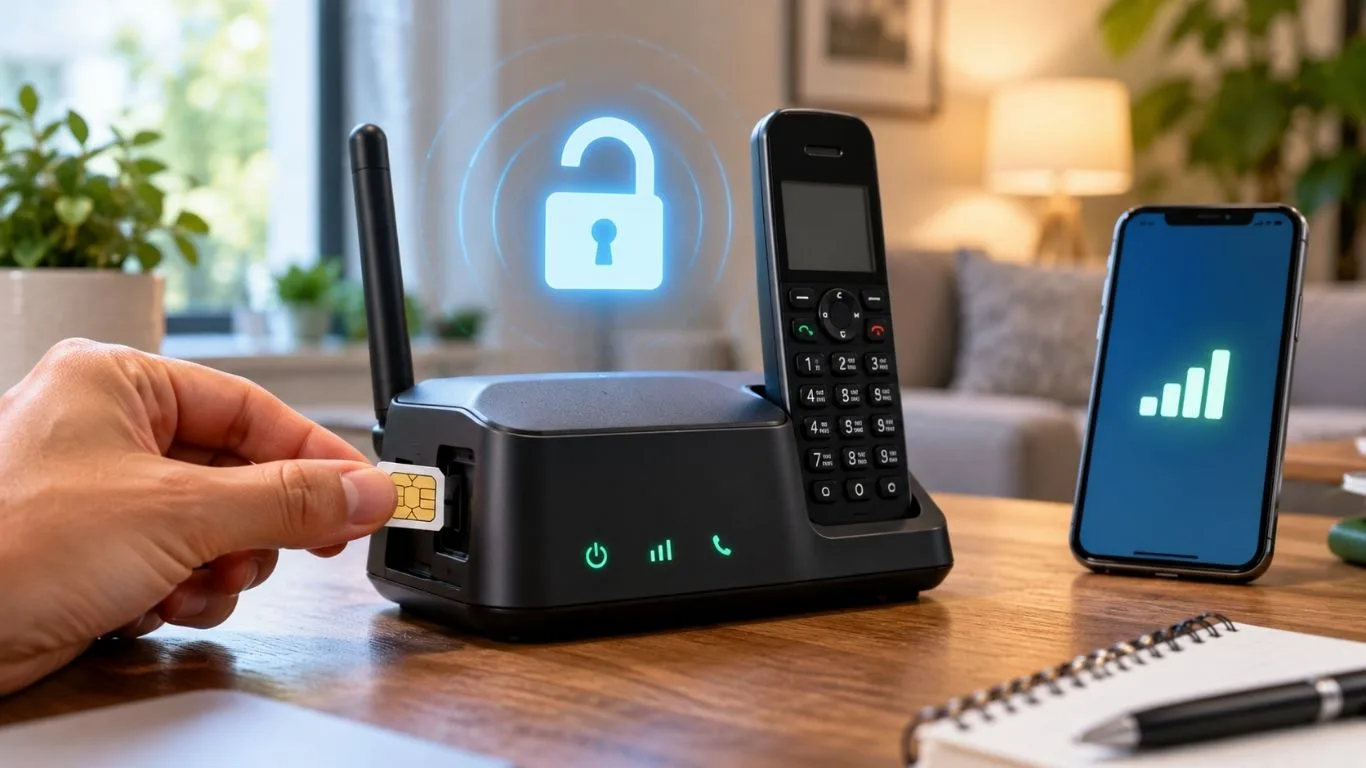
Ask Straight Talk to confirm that your home phone base is unlockable and meets its service rules. Then request the unlock and check whether your new carrier accepts the model.
Key Takeaways
Quick Answer
Start with the Straight Talk Device Unlock Portal or call 1-877-430-2355 with your base’s model and IMEI or serial number. Ask whether the unit is unlockable, which service requirement applies, and how to complete the request. The published cellphone policy does not establish that every wireless home base can be unlocked.
Can You Unlock a Straight Talk Wireless Home Base?
You need a model-specific answer from Straight Talk. A wireless home base is different from a smartphone, so smartphone unlock steps may not work on it.
Straight Talk describes its home phone product as a wireless voice service used with a corded or cordless telephone. The base connects to a cellular network, while your household phone connects to the base.
A carrier unlock removes a software restriction that prevents a device from being activated with another carrier. It does not add new radio bands, update old hardware, or make every plan compatible.
That means two questions need separate answers: Can Straight Talk unlock the base? Will your next provider accept it?
For example, a used base might work on Straight Talk but fail another provider’s activation check. That failure alone does not prove the base is locked. It could be an unsupported model or a device that lacks the provider’s required calling features.
Also check your goal. If you only want to keep your home phone number, you may be able to transfer it to a new provider using different equipment.
Straight Talk Unlocking Requirements in 2026
For covered cellphones activated January 20, 2026, or later, the published Verizon Value policy allows an unlock request after 365 days with paid, active service. Straight Talk is a covered brand.
The policy’s wording matters. It refers to cellphones, so do not assume it guarantees unlocking for every home phone base.
For an earlier activation, have support confirm the rule tied to the device’s original activation date and underlying network. Do not use an old 60-day rule without checking which policy applies.
Buying the equipment outright also does not, by itself, prove that the service requirement has been met.
Before paying for more service, ask Straight Talk to confirm these details:
| What to check | Why it matters |
|---|---|
| Exact model | Establishes whether an unlock process exists |
| Original activation date and network | Helps identify the applicable policy |
| Qualifying paid service | Shows whether the service requirement is met |
| Next carrier’s acceptance | Helps you avoid unlocking unusable equipment |
Ask for an eligibility date based on the device’s account records. If service expired during ownership, ask how that gap affects the calculation.
Find Your Model, IMEI, or Serial Number
Look for the identification sticker on the bottom or back of the base. Depending on the model, information may also appear beneath a removable cover or on the original activation card.
An IMEI is normally 15 digits. Older equipment may use an MEID or another serial-number format instead. Straight Talk’s older home phone service guide, for example, identifies the serial number beside MEID DEC on the back of the device.
Write down the model separately from the device number. Do not substitute a SIM card number, Wi-Fi password, or product barcode.
Keep a clear photo of the label for your records, but avoid posting the full identifier publicly.
How to Unlock a Straight Talk Home Phone: Step by Step
Step 1: Check the Base’s Current Service
Before requesting an unlock, check whether the base powers on, shows a signal, and can make a normal call with its current service.
If it already fails on Straight Talk, note the symptoms. An expired plan, weak signal, damaged cable, or failed activation can look like a lock problem.
Do not start by changing settings or swapping SIM cards. Establish what works first so you can describe the problem clearly.
Step 2: Open the Official Device Unlock Portal
Visit the Straight Talk Device Unlock Portal on a computer or smartphone.
Follow the available prompts using the identifier requested. Save any result or message you receive.
If the site does not recognize the base, contact support. An unrecognized number does not tell you whether the unit is already unlocked, ineligible, or unsupported by the online checker.
Use the official portal rather than relying on a seller’s claim that the equipment is “ready for any carrier.”
Step 3: Request a Model-Specific Review
Call 1-877-430-2355, preferably from another phone so you can troubleshoot the base during the call. Straight Talk lists this number on its official contact page.
You can also ask the unlocking department at 1-888-442-5102 to check eligibility or review an unlocking request.
Use a direct question:
“I have a Straight Talk wireless home phone base, model [model]. Can this exact unit be carrier-unlocked? Which service rule applies, and is the unlock eligible, requested, or completed?”
Ask whether the process requires a remote update, a code, or another model-specific procedure. Get the expected completion time and a case number.
Step 4: Follow the Instructions for Your Exact Model
Follow only the instructions Straight Talk provides for your base.
If support confirms a remote process, ask whether the original SIM must remain installed and whether the unit needs active service, power, and cellular coverage. Restart it only when instructed.
If support provides a code, ask exactly where and how to enter it. Do not assume a connected telephone keypad uses the same process as a smartphone.
A factory reset is not a substitute for a carrier unlock. Also avoid repeated guesses at PINs or codes.
Step 5: Confirm Completion Before Switching
Contact Straight Talk again if the stated completion time passes without confirmation.
Ask whether the unlock was completed for the exact identifier you submitted. “Eligible” means the device qualifies; “requested” means the process has started. Neither confirms completion.
Keep the confirmation with your case number. Then follow the receiving carrier’s activation instructions.
A successful call on Straight Talk still does not show that another provider can activate the base. That requires a separate compatibility and service check.
Will an Unlocked Home Base Work With Another Carrier?
An unlock does not guarantee that a home base will work on Verizon, AT&T, T-Mobile, or another provider. Network technology and device support can still limit its use.
Give the new provider the exact model and IMEI or serial number before buying a SIM or plan. Ask specifically about wireless home phone voice service.
A general smartphone compatibility result may not answer whether the provider supports a home base. Likewise, a data-only SIM does not establish that household calling will work.
Ask whether the device supports the provider’s radio bands and required voice technology, including Voice over LTE, or VoLTE. Straight Talk’s network guidance explains that devices without required VoLTE support can lose calling service. Unlocking does not add that feature.
For a used unit, also ask whether the identifier is accepted for activation. A device restriction and a compatibility problem require different solutions.
If the new provider cannot confirm support, compare the cost of its approved equipment before spending money on the old base.
What to Do If the Unlock Request Fails
The Portal Does Not Recognize the Device
Recheck the number against the label and confirm which identifier the form requests.
If it still fails, ask support to review the device manually. Have the original activation card, account details, and purchase record available if requested.
Support Says the Base Is Not Eligible
Ask for the exact reason. Is the issue insufficient qualifying service, a device restriction, or a model that cannot be unlocked?
If more service is needed, get a specific eligibility date. If the model is unsupported, paying for extra months may not help. Confirm that point before refilling solely for an unlock.
The Base Has No Service After Switching
Ask the receiving carrier to verify the SIM, plan, device acceptance, and voice setup. Also check power, signal strength, and the telephone cable.
For the ZTE Z723EL, the manufacturer’s guide recommends allowing one to two minutes after startup and checking reception when there is no dial tone. That is troubleshooting advice, not proof of a carrier lock.
Keep Your Home Phone Number When Switching
Unlocking equipment and transferring a number are separate tasks.
If your main goal is to keep the number, ask the new provider whether it can transfer your Straight Talk home phone line. Confirm what account number, transfer PIN, and other details it needs.
Use Straight Talk support if your base cannot receive verification texts. Do not move its SIM into a smartphone just to obtain a code unless support confirms that procedure.
Keep the existing line active while the receiving provider processes the transfer. Ask both providers how the transfer affects your remaining service and account.
Once the switch is complete, test incoming calls, outgoing calls, and voicemail. Check any new emergency-address setup with the provider; use ordinary calls for testing.
Yes, eligible Straight Talk cellphones can be unlocked through the official request process. Covered phones activated January 20, 2026, or later require 365 days of paid, active service. For earlier activations, check which policy applies. If you have a wireless home base, ask Straight Talk to confirm whether your exact model supports unlocking.
For a carrier unlock, use Straight Talk’s official portal and follow its approved instructions. If you mean keeping an Android phone’s screen unlocked at home, open Settings → Security & privacy → More security & privacy → Extend Unlock, enter your PIN, and configure Trusted places. Menu names vary by device. Extend Unlock affects the screen lock; it does not remove a carrier restriction.
Sign in to the Straight Talk My Account app, open the menu, and select Line Lock. Choose your line and follow the prompts to disable it and complete verification. Straight Talk may require a 30-minute wait before a blocked transaction can proceed. Line Lock protects your phone number and is separate from the device’s carrier lock.
Visit the Straight Talk Device Unlock Portal. You can also review the published rules at tfwunlockpolicy.com or call 1-888-442-5102 for an eligibility check. Have your device’s IMEI, MEID, or serial number ready.
You can submit an unlock request yourself through the carrier’s official tools and follow any instructions it provides. The device must qualify, and the carrier must approve the unlock. Changing SIM cards, resetting the device, or disabling its screen lock does not remove the carrier restriction. After unlocking, confirm that your next provider supports the device.