
TL;DR — Quick Answer
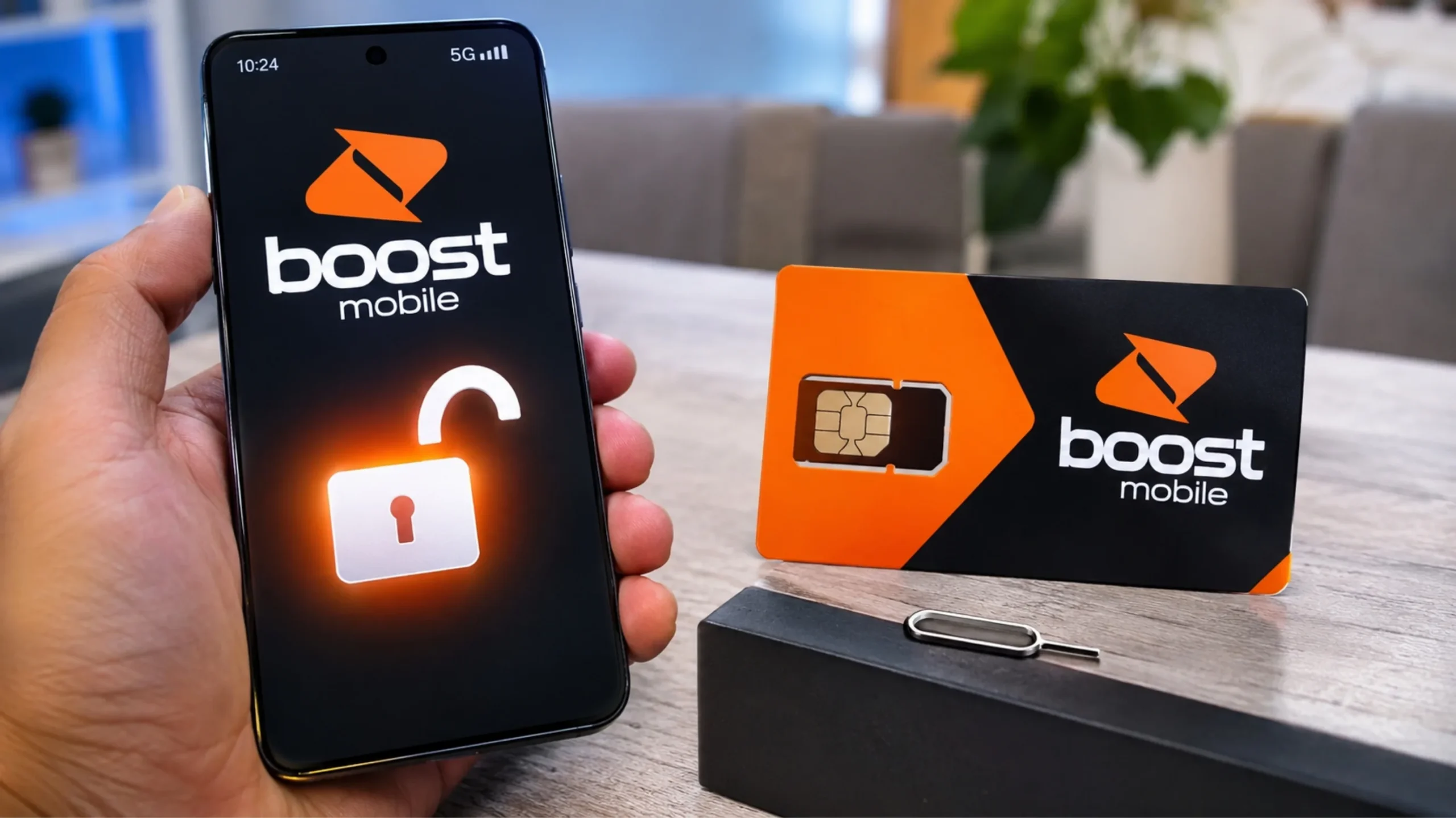
Boost Mobile unlocks prepaid phones automatically 1 year (365 days) after activation, as long as your account is in good standing. Postpaid phones unlock once your device financing is fully paid off. Unlocking is always free through Boost — call 833-50-BOOST (833-502-6678) to check or request your unlock.
And here’s the twist: Boost no longer runs its own 5G towers. In November 2025, it shut down its own network and moved everyone to AT&T’s network (while keeping its own 5G “core”). Good news — an unlocked Boost phone from the last few years is already AT&T-band friendly, which makes switching carriers easier than ever.
If you searched “how to unlock a Boost Mobile phone now that it runs its own 5G network,” you’re working off slightly old news — and that’s exactly why we wrote this guide. Boost did build its own 5G network. Then, in one of the biggest telecom shake-ups in years, it shut that network down and moved to AT&T’s towers.
The confusing part? None of that changed the unlock rules — but it changed a lot about what your unlocked phone can do and which carriers it will play nicely with. In this guide, we’ll walk you through the current unlock policy, the exact steps to get it done, and what the network switch means for your next carrier move. No fluff, no sketchy “unlock code” sellers — just the real process.
What Actually Happened to Boost’s Own 5G Network?
Quick history so the rest of this guide makes sense. Boost’s parent company (EchoStar, formerly DISH) spent years building America’s “fourth” 5G network from scratch. It got real coverage live and even served customers on it. Then the money and regulatory pressure caught up.
- August 2025: EchoStar agreed to sell a huge chunk of its 5G spectrum (the 3.45 GHz and 600 MHz bands) to AT&T for about $23 billion.
- November 2025: Boost shut down its own radio network and moved all customers onto AT&T’s towers, while keeping its own cloud-based 5G core running behind the scenes. The industry calls this a “hybrid MVNO.”
- 2026: The transition is complete. If you’re a Boost customer today, your signal comes from AT&T’s network — same plans, same SIM, new towers underneath.
Phones Boost sold in recent years were built to work on Boost’s own network and partner networks — which means they support the LTE/5G bands that AT&T (and usually T-Mobile) use. Once unlocked, your phone has more realistic carrier options in 2026 than a Boost phone did five years ago.
Boost Mobile Unlock Policy in 2026: Do You Qualify?
Boost’s rules are simple on paper but trip people up in practice. Per the official Boost Mobile unlocking policy, here’s who qualifies and when:
| Situation | When Your Phone Unlocks | Automatic? | Cost |
|---|---|---|---|
| Prepaid device (bought from Boost) | 1 year (365 days) after initial activation, with payment/usage requirements met | Yes ✓ | Free |
| Postpaid / financed device | After the financing plan is fully paid off | Usually — confirm with Boost | Free |
| Deployed U.S. military | On request, before the normal waiting period | No — call to request | Free |
| Former customer in good standing | Once the original eligibility rules are met | No — contact support | Free |
| Phone from another carrier | Boost cannot unlock it — contact the original carrier | N/A | — |
The clock runs on active service. If your account lapses or gets suspended for non-payment, you can lose your place in line. Keep the line active for the full year on the original account if you want the automatic unlock to fire on schedule.
How to Unlock Your Boost Mobile Phone: Step by Step
Log in to your Boost account (app or website) and check when your device was first activated. Prepaid phones become eligible at the 365-day mark. If you financed the phone, check your remaining balance — a paid-off device is an unlockable device.
Dial *#06# on your phone, or find it under Settings → About Phone. This 15-digit number identifies your device. Boost support will ask for it, and you’ll also need it if you want to verify unlock status with a new carrier later.
Eligible prepaid phones are unlocked automatically around the one-year mark. If your date has passed and nothing has happened, don’t wait around — call Boost at 833-50-BOOST (833-502-6678) and ask them to process the unlock manually. Have your account PIN, phone number, and IMEI ready.
Most modern phones unlock remotely — no code to type in. Restart your phone after Boost confirms. On many Android models you can check Settings → Connections → More networks or look for a “Network unlock” status. iPhones show “No SIM restrictions” under Settings → General → About → Carrier Lock.
The only true test: pop in a SIM (or activate an eSIM) from a different carrier and try calls, texts, and data — not just signal bars. Because Boost now runs on AT&T’s network, an AT&T-based SIM is the most likely to “just work,” but most recent Boost phones handle T-Mobile-based carriers fine too.
Switching Carriers After You Unlock?
833-50-BOOSTWhat the AT&T Switch Means for Your Unlocked Phone
This is the part most unlock guides skip. Unlocking removes the software lock — but your phone’s hardware bands decide where it actually works well. The network change reshuffled that math:
Best-case scenario.
Usually smooth.
Check before you switch.
Great for travel.
Boost vs. Other Prepaid Carriers: Unlock Policies Compared
Wondering how Boost’s one-year wait stacks up? Here’s the honest picture — Boost has one of the longer prepaid unlock timelines among major U.S. brands:
| Carrier | Prepaid Unlock Wait | Automatic Unlock? | Network Used (2026) |
|---|---|---|---|
| Boost Mobile | 365 days of active service | Yes | AT&T (hybrid MVNO) |
| Metro by T-Mobile | ~180 days | On request / device unlock app | T-Mobile |
| Cricket Wireless | ~6 months of active service | On request | AT&T |
| Mint Mobile | Sells phones unlocked / short waits | Mostly N/A | T-Mobile |
| Total Wireless | ~60 days (post-2024 policy) | Varies | Verizon |
If carrier freedom matters to you, buying an unlocked phone from the manufacturer or a retailer often beats a carrier-locked deal — you skip the waiting game entirely. Carrier-locked phones only make sense when the discount is big enough to be worth the one-year commitment.
Unlock Not Working? Common Problems and Fixes
1. “I passed 365 days but my phone is still locked”
Automatic doesn’t always mean instant. Give it a couple of business days past your anniversary date, then call 833-50-BOOST with your IMEI and ask a rep to push the unlock manually. Ask for a case or reference number so you can follow up.
2. “Boost says it’s unlocked, but the new SIM won’t work”
Restart the phone with the new SIM inserted, update carrier settings when prompted, and manually select the network under mobile network settings. If data works but calls don’t (or vice versa), the issue is usually APN settings — grab the correct APN values from your new carrier’s support page.
3. “I bought a used Boost phone and it’s locked”
This one’s tough. Unlock eligibility is tied to the original account’s service history, not to you. If the previous owner never hit 365 days of active service, Boost generally can’t unlock it for you. Always check unlock status before buying a used phone.
4. “My phone was already unlocked for international travel”
Heads up: Boost’s policy says a device that was already unlocked by request (for example, for travel) won’t be re-processed by the automatic one-year unlock. If you’re unsure of your status, confirm with support directly.
Boost unlocks eligible phones for free, and modern Boost devices unlock remotely — there’s usually no code to enter at all. Paid unlock sites charging $15–$40 have poor success rates on recent devices and some are outright scams. If a site promises an “instant” Boost unlock, walk away.
Know Your Rights: Unlocking Is Legal (and Should Be Free)
Carrier unlocking of your own eligible device is fully legal in the U.S. Carriers follow voluntary industry commitments to unlock devices once contract or payment terms are met, and the FCC’s cell phone unlocking guide is a great plain-English resource on what you’re entitled to as a consumer.
Two rights worth remembering:
- Unlocking doesn’t void your warranty. It’s a carrier policy action, not a hack or a jailbreak.
- Boost can’t charge you to unlock an eligible device. If anyone asks for money to unlock a Boost phone, it isn’t Boost.
Not Sure Which Carrier or Internet Plan Fits Next?
UNLIMITED PHONE PLANSPrepaid Boost phones unlock automatically about 1 year (365 days) after activation, as long as the account stayed active and in good standing. If you call to request an unlock after becoming eligible, processing typically takes anywhere from a few minutes to a couple of business days.
Generally, no. The main exception is deployed U.S. military personnel, who can call 833-50-BOOST and request an international SIM unlock early. For everyone else, the one-year active service requirement stands — early termination or partial usage doesn’t shortcut it.
No. Unlocking an eligible device through Boost is completely free. Any website or service charging money for a “Boost unlock code” should be treated with suspicion — most recent Boost phones unlock remotely without any code at all.
No. Boost shut down its own radio network in November 2025 after its parent company EchoStar sold key spectrum to AT&T. Boost now operates as a “hybrid MVNO” — it keeps its own cloud-based 5G core, but your actual signal comes from AT&T’s towers.
AT&T-based carriers are the safest bet, since your phone already runs on AT&T’s network. T-Mobile-based carriers usually work too, because Boost sold phones built for T-Mobile bands for years. Verizon is the most restrictive — always run your IMEI through Verizon’s compatibility checker first.
On iPhone: Settings → General → About → Carrier Lock — “No SIM restrictions” means unlocked. On Android: check network settings for an unlock status, or simply insert a SIM from another carrier and see if it registers for calls and data. You can also call Boost with your IMEI and ask directly.
No. Boost can only unlock devices sold by Boost. If your phone came from AT&T, T-Mobile, Verizon, or anyone else, you’ll need to go through that original carrier’s unlock process, since the lock belongs to them.
Unlocking and number porting are two different things. You can port your number to a new carrier anytime with your account number and transfer PIN — but if your phone is still locked, you’ll need a new device (or wait for unlock eligibility) to actually use that number on the new network with your current phone.
This guide is for general information only and reflects Boost Mobile’s publicly available unlocking policy and network status as of August 2026. Carrier policies, timelines, and network arrangements can change without notice — always confirm your specific eligibility directly with Boost Mobile at 833-50-BOOST before making a purchase or switching decisions.
Unloky may receive compensation when you call the numbers listed on this page. This does not affect our editorial recommendations. Boost Mobile, AT&T, T-Mobile, Verizon, and all related marks are trademarks of their respective owners.