TL;DR — The Honest Quick Answer
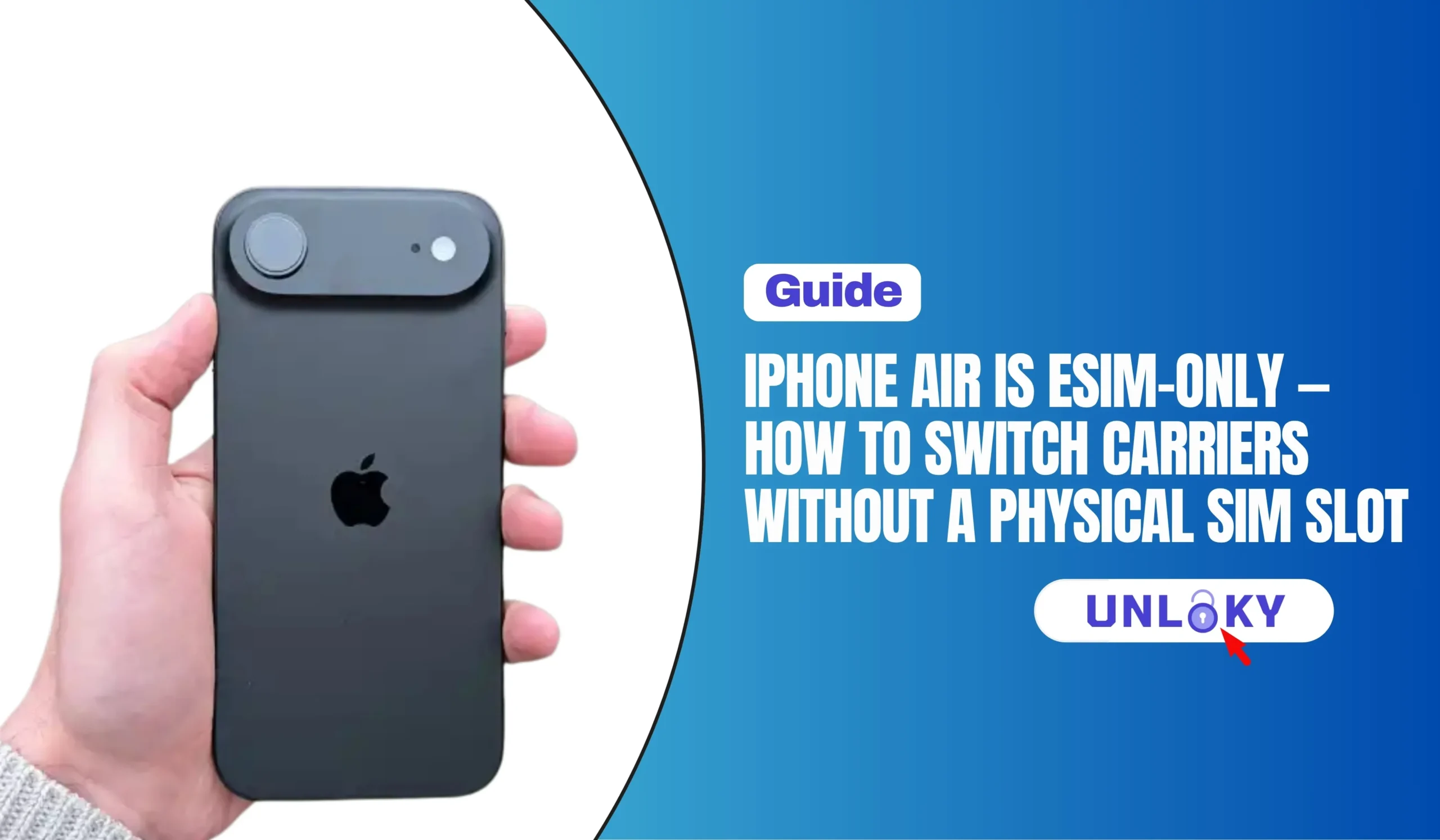
The iPhone Air has no SIM tray in any country — it is the first iPhone that is eSIM-only worldwide. Switching carriers still works exactly the same way, you just do it in software instead of with a plastic card.
To switch: pick a carrier that supports eSIM, get your account number and transfer PIN from your current provider, sign up with the new carrier, then activate the new line under Settings → Cellular → Add eSIM (scan a QR code, use the carrier’s app, or tap the activation link). Your old line stops working the moment the port completes — usually in 15 minutes to a few hours.
Keep this in mind: the Air stores up to eight eSIM profiles and runs two at once, so you can install a new carrier before cancelling the old one and switch between them with a tap.
What “eSIM-only” actually means on the iPhone Air
An eSIM is a chip soldered onto the phone’s logic board. Instead of slotting in a card that already holds your carrier’s credentials, the phone downloads those credentials as a profile over the internet. The account, the number, and the plan are all identical — only the delivery method changed.
Apple has been heading this way for years. US iPhones dropped the tray with the iPhone 14 in 2022, while models sold abroad kept a nano-SIM slot alongside eSIM. The iPhone Air is the first model to go eSIM-only everywhere in the world — there is no regional variant with a tray, not in the UK, not in India, not in Bangladesh, not anywhere.
That includes markets where eSIM was historically rare. Apple worked with China Unicom to launch the Air with eSIM in mainland China, where carriers had not traditionally supported eSIM on iPhone, and buyers there must visit a China Unicom store for ID verification before activation.
You lose the ability to borrow a friend’s SIM card or grab a tourist SIM at an airport kiosk. You gain the ability to sign up with a new carrier at 2 a.m. from your couch, without waiting for shipping or driving to a store.
eSIM-only vs. physical SIM: what actually changes
| Task | With a SIM tray | On iPhone Air (eSIM only) |
|---|---|---|
| Activate a new carrier | Wait for a card in the mail or visit a store | Scan a QR code or tap a link — live in minutes |
| Keep two lines active | 1 nano-SIM + 1 eSIM | 2 eSIMs active, up to 8 profiles stored |
| Move your line to a new phone | Pop the card out, put it in | eSIM Quick Transfer, or a fresh QR from the carrier |
| Use a local SIM abroad | Buy a card at the airport | Buy a travel eSIM online before you fly |
| Lend your line to another phone | Easy — move the card | Not possible without carrier involvement |
| Phone dies / screen broken | Move the card to a backup phone | Carrier must re-issue the profile |
| SIM-swap theft risk | Card can be physically removed | Lower — profile can’t be pulled out |
Storage and dual-line limits reflect Apple’s current specs for the iPhone Air.
Before you switch: a five-minute checklist
Confirm the phone is unlocked
Check the new network at your address
Get your account number and transfer PIN
Match your billing name and ZIP exactly
Check for a device balance
Move your 2FA off SMS first
Cancelling releases the number, and once it’s released you usually can’t port it. Always start the port from the new carrier’s side and let them pull the number over. Your old account closes automatically when the port lands.
How to switch carriers on the iPhone Air, step by step
All three major US networks plus most prepaid brands now handle eSIM entirely online. Apple maintains a country-by-country list of carriers offering eSIM service on iPhone — check yours there before you pay anything.
You need four things: the phone number, your old account number, the transfer PIN, and the billing ZIP code on the old account. Screenshot them.
Enter your IMEI or EID if asked (dial *#06# to see both). Select “transfer my number” rather than “give me a new number.”
Open Settings → Cellular → Add eSIM. You’ll either scan a QR code the carrier emailed you, tap an activation link, or finish inside the carrier’s app. Give it a label like “T-Mobile” so you can tell profiles apart later.
Most ports finish within 15 minutes to 4 hours; cross-network ports can occasionally take up to a day. Keep the old line installed and active while you wait — you’ll still get calls on it until the switch flips.
Call a friend, send an SMS to a different network, and load a webpage with Wi-Fi off. Then check that iMessage and FaceTime show the right number under Settings → Apps → Messages → Send & Receive.
Settings → Cellular → tap the old plan → Delete eSIM. Do this last. Deleting a profile is not always reversible, and some carriers charge to re-issue one.
Because the Air runs two eSIMs at once, you can install a prepaid line from the network you’re curious about, run it as your data line for a week, and only port your real number over if the coverage holds up. That’s the single biggest advantage eSIM-only gives you over a SIM tray.
Moving your existing line onto a new iPhone Air
Switching devices is a different job from switching carriers. If you’re keeping your plan and just moving to the Air from an older iPhone, use eSIM Quick Transfer. It moves your phone number from your previous iPhone to your new one without contacting your carrier, and can also convert a physical SIM to an eSIM.
On the Air: Settings → Cellular → Add eSIM → Transfer From Nearby iPhone, then approve the prompt on the old handset. Both phones need Bluetooth on and recent iOS versions. With iOS 26 you can transfer more than one number during setup, and when the plan activates on the new iPhone, the old SIM deactivates.
| Where you’re coming from | Method | Carrier call needed? |
|---|---|---|
| Older iPhone with eSIM | Quick Transfer (Bluetooth, device to device) | Usually no |
| Older iPhone with a nano-SIM | Convert to eSIM, then Quick Transfer | Sometimes |
| Android phone | Cross-platform transfer on supported carriers, otherwise a new QR code | Often yes |
| Old phone lost, dead, or already sold | Carrier re-issues the profile after ID verification | Yes |
| Brand-new line, no port | Sign up online, install QR or use carrier app | No |
Apple notes that with iOS 26, some carriers and phone makers support transferring a SIM from Android to iPhone or the other way around, and if that fails you need to contact your carrier. Cross-platform is the shakiest path, so plan for a QR code fallback if you’re leaving Android.
Quick Transfer needs the old iPhone powered on and unlocked to authorize the move. Once you erase it or hand it to a trade-in kiosk, your only route is a carrier re-issue — which means ID checks, hold music, and sometimes a fee.
Travel: the part where eSIM-only actually wins
With a tray, going abroad meant pulling your home SIM out and losing your own number for the trip. On the Air you keep your primary line active for calls and texts and add a second, data-only eSIM for the country you’re visiting. Both run at the same time; you pick which one handles cellular data in Settings → Cellular.
Buy the travel profile before you fly, while you still have Wi-Fi, and don’t install it until you land. Apple’s own eSIM setup guide walks through adding a second plan and labeling each line.
Global travel eSIM apps
Local carrier eSIM
Your carrier’s roaming pass
Apple’s documentation states that only the China-market iPhone Air model can install an eSIM profile from a mainland China carrier — Airs bought elsewhere cannot. If you’re travelling there with a non-China Air, arrange international roaming from your home carrier before you go.
When an eSIM won’t install: quick fixes
“Unable to Add Cellular Plan”
“Cellular Plan Not Compatible”
Port stuck for hours
No service after activation
iMessage stuck on the old number
Ran out of profile slots
Not sure which carrier fits your coverage and budget?
Call 855-696-0156Available daily · No obligation · Free plan comparison
Should you avoid the iPhone Air because it’s eSIM-only?
For most people in countries with mature eSIM support, no. Activation is faster, you can hold two lines without a tray, and a profile can’t be popped out by a thief. Apple says eSIM is supported by more than 500 carriers worldwide, including AT&T, T-Mobile, and Verizon, so the coverage question is largely settled in the US, Canada, the UK, the EU, and most of Asia.
It’s a genuinely worse fit if you swap your line between phones often, keep a spare handset for emergencies, travel through regions where prepaid eSIM is still scarce, or rely on a small regional carrier that hasn’t switched eSIM on. In those cases an iPhone 17 model bought outside the US, which still ships with a nano-SIM tray, remains the more flexible buy. You can cross-check any carrier’s status on the GSMA’s eSIM resources before you commit.
Key takeaways
- The iPhone Air has no SIM tray in any market — it’s Apple’s first globally eSIM-only phone.
- Switching carriers works the same as always: port-in details → sign up → install eSIM → test → delete the old profile.
- Never cancel the old plan first. Let the new carrier pull the number across.
- Two active eSIMs and eight stored profiles mean you can test a network before you commit.
- Quick Transfer needs the old iPhone working and in your hands — don’t trade it in early.
- Mainland China and a few smaller carriers remain the real edge cases worth checking in advance.
No. There is no tray and no port for one — the eSIM chip is soldered to the logic board. Any product marketed as a “SIM adapter” for the Air is either for a different model or a scam. Your only path is an eSIM profile from a carrier that supports one.
Not if you port it properly. Your number lives on your carrier account, not on the SIM or eSIM. Give the new carrier your old account number, transfer PIN, and billing ZIP, and they’ll move the number over. You only lose a number if you cancel the old account before the port completes.
Installing the eSIM profile takes about two minutes. The number port is the slow part — commonly 15 minutes to 4 hours for prepaid and same-network moves, occasionally up to 24 hours when the two carriers use different back-end systems. Postpaid business accounts can take longer.
Yes. The Air stores up to eight eSIM profiles and keeps two active simultaneously. A typical setup is your main carrier for calls and texts plus a second line for data, work, or travel. You choose which line handles data and which is your default for calls in Settings → Cellular.
You can’t move the profile yourself, so contact your carrier. After ID verification they’ll re-issue the eSIM to your replacement phone by QR code or carrier activation. Most major carriers do this for free; some smaller ones charge a re-provisioning fee. Report a stolen phone immediately so the line can be suspended.
Plans are priced the same either way at the major carriers, and eSIM activation is usually free — you’re actually skipping the SIM card fee some carriers charge. Travel eSIMs are separate purchases, but they’re typically far cheaper than daily international roaming passes.
Yes, though it’s less automatic. Cross-platform transfer works on some carrier and manufacturer combinations under recent OS versions; otherwise you contact your carrier, they deactivate the iPhone profile, and they issue a new QR code for the Android device. Do this while both phones are still in your possession.
Most of the big ones do — prepaid brands from the major networks and popular MVNOs have supported eSIM activation on iPhone for several years now. A handful of very small regional MVNOs still mail physical SIMs only, which makes them unusable on the Air. Confirm eSIM support on the carrier’s own site before you sign up, not from a third-party list.
This guide is for general information only. Carrier eSIM policies, activation methods, porting timelines, and device support change frequently and vary by country and plan type. Always confirm details directly with your carrier and with Apple’s current support documentation before switching. FreeISPInfo is an independent resource and is not affiliated with Apple or with any carrier mentioned. Phone numbers listed connect you to a plan comparison service; availability and offers may vary.