Quick Answer
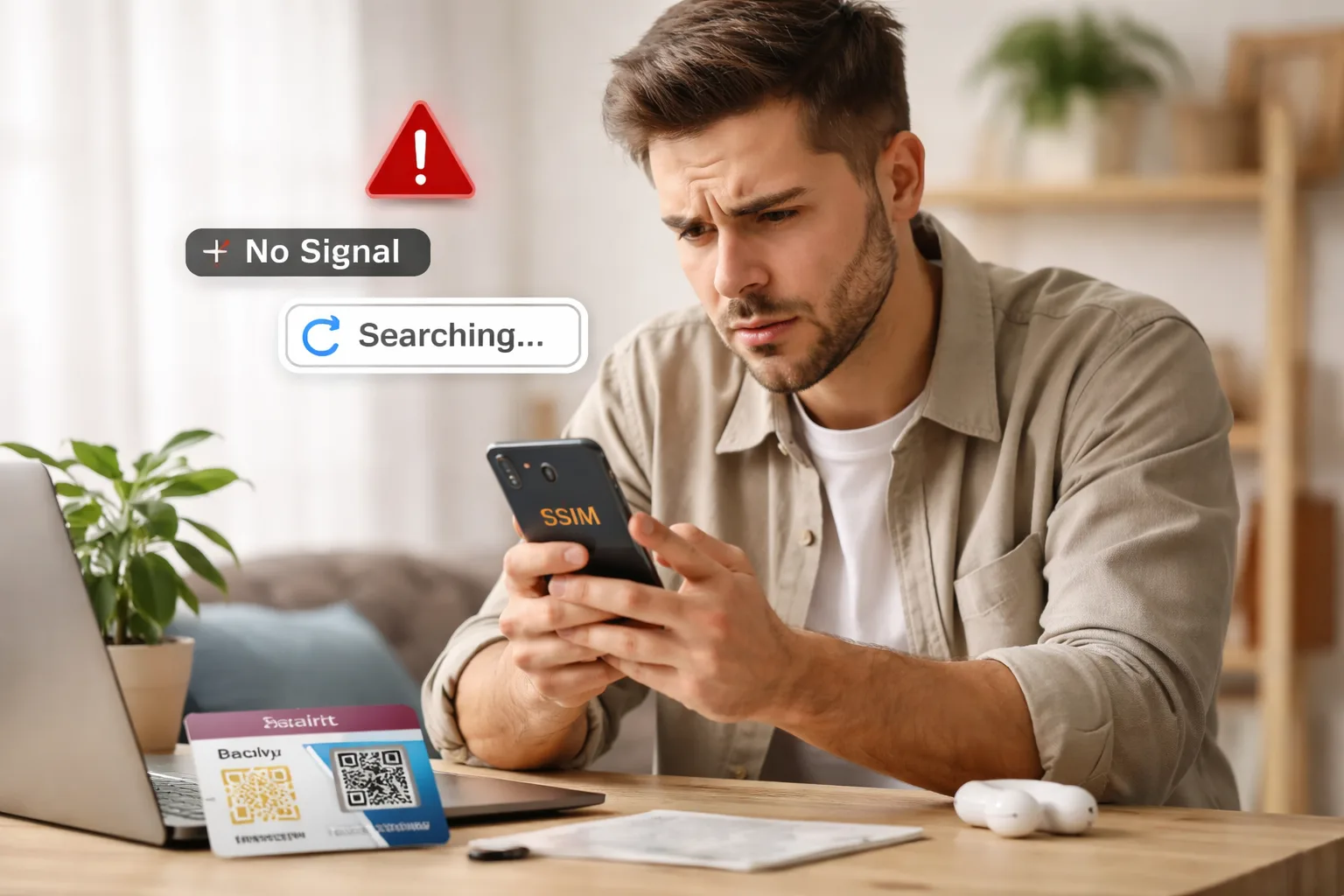
So you bought a Saily eSIM, you’re standing in a foreign country, and your phone has zero internet. Frustrating, right? Trust me, you’re not alone—this is one of the most common travel tech headaches in 2026.
Here’s the good news: nine times out of ten, it’s a simple settings issue that takes about 30 seconds to fix. Saily (backed by NordVPN’s parent company, Nord Security) is actually a solid eSIM service. But like any eSIM provider, things can go sideways if your phone isn’t configured correctly or if there’s a coverage gap.
I’ve been testing travel eSIMs for the past two years, and I’ve run into every possible eSIM headache you can imagine. In this guide, I’ll walk you through exactly why your Saily eSIM isn’t working, how to fix it step-by-step, and the best alternatives to consider if Saily just isn’t cutting it for your trip.
Why Is Your Saily eSIM Not Working?
Before you panic or start rage-Googling, let’s figure out what’s actually going wrong. Most Saily eSIM issues fall into one of these categories:
Not all phones have eSIM capability. Even within the same model line, certain region-specific or carrier-locked variants ship without eSIM support. iPhones from the XR/XS onward support eSIM, but phones purchased in Mainland China, Hong Kong, or Macau may have limited functionality.
This is the #1 culprit. Your phone might be defaulting to your physical SIM for data instead of your Saily eSIM. Even if the eSIM is installed and active, the system may still route everything through the regular SIM card.
Sometimes the eSIM activation stalls partway through, or your phone didn’t properly switch the eSIM line to “on” afterward. This is especially common when WiFi is unstable during setup.
You might be in an area without coverage from Saily’s partner carrier. Or your phone picked the wrong local network manually. Airport networks can also be overloaded when you first land.
If you bought your phone on a contract, it might be locked to your home carrier. Carrier-locked phones will refuse to activate third-party eSIMs like Saily, even if the hardware supports it.
The Access Point Name (APN) settings might not have been set automatically. Also, check if your eSIM plan has expired or you’ve used up all your data — your connection gets suspended once the limit is reached.
How to Fix Saily eSIM Not Working (Step by Step)
Alright, let’s actually fix this thing. Work through these steps in order — most people get their connection back within the first three steps.
Before anything else, double-check that your exact phone model can run an eSIM. Go to Saily’s list of compatible devices in the app or check your phone’s settings. On iPhone: Settings → Cellular → if you see “Add eSIM” it’s supported. On Android: Settings → Connections → SIM Manager → look for an eSIM option.
This fixes the problem for most people. On iPhone: go to Settings → Cellular → Cellular Data → select Saily. Then make sure Data Roaming is turned ON. On Samsung/Android: open SIM Manager → Mobile Data → select Saily. Set Preferred Network Type to 4G/LTE and Network Selection to Automatic.
The classic “have you tried turning it off and on again” — but it genuinely works. Turn on airplane mode, wait 15-20 seconds, then turn it off. This forces your phone to re-scan for available networks and often kicks the eSIM into action.
A full restart clears cached network states. On iPhone: hold volume + power button → slide to power off → wait 30 seconds → power back on. On Android: press and hold the power button → restart. Give it a full minute after reboot before checking connectivity.
Open the Saily app and keep it open for up to 5 minutes — this should automatically configure APN settings on Android. If the Saily APN still isn’t showing, contact Saily support for the correct APN details for your destination. iOS typically handles APN automatically once the eSIM profile is downloaded.
Sometimes your physical SIM and eSIM clash. Pop out your physical SIM, restart your phone, and test the eSIM on its own. If it works fine without the physical SIM, you know there’s a dual-SIM conflict that needs adjusting in your settings.
If nothing else works, this is the nuclear option. On iPhone: Settings → General → Transfer or Reset iPhone → Reset → Reset Network Settings. On Android: Settings → General Management → Reset → Reset Network Settings. Warning: this wipes all saved WiFi passwords, so have them handy.
Outdated iOS or Android versions can cause eSIM compatibility issues. Apple and Google regularly release updates that fix eSIM-related bugs. Always update before you travel — don’t wait until you’re abroad with no WiFi to discover you need a software update.
If you’ve tried everything and your eSIM still won’t connect, reach out to Saily’s customer support. They offer 24/7 live chat directly through the Saily app and email support via their help center. Note: Saily does not offer phone support — chat and email only.
If your Saily eSIM was already successfully installed once, do NOT try to install it again on the same or different device. You’ll get an error message because that eSIM profile has already been used. Instead, contact Saily support — they can assist with reinstallation or issue a new profile.
AT&T: 1-800-331-0500
Best Saily eSIM Alternatives (If It’s Not Working for You)
Look, sometimes Saily just isn’t the right fit. Maybe the coverage is spotty in your destination, the speeds aren’t great, or you’ve had one too many connection headaches. No shame in switching — here are the best alternatives in 2026:
Airalo
World’s First eSIM Store · 200+ Countries
$3.50
/month1GB / 7 days
- 200+ countries & regions covered
- Local, regional, and global eSIM plans
- Discover+ Global plans include calls & SMS
- Hotspot tethering supported
- Airmoney loyalty rewards program
- Easy app-based installation (no QR code needed)
- No unlimited data plans on most local eSIMs
- No live chat — AI chatbot + email only
Holafly
Unlimited Data in 200+ Destinations
$6.00
/monthunlimited data
- Unlimited data with ALL plans (no caps)
- 200+ destinations worldwide
- 24/7 multilingual customer support
- Regional & global plans available
- Flexible duration (1 to 90 days)
- Easy setup — download and go
- No calls or SMS support
- Hotspot limited to 1GB/day
- Speeds can be inconsistent in some areas
Nomad eSIM
Budget-Friendly eSIM for Travelers
$3.00
/month1GB / 7 days
- Coverage in 170+ countries
- Some of the lowest prices in the market
- Local & regional eSIM plans
- Simple app-based setup
- Data top-up available
- Smaller coverage than Airalo & Saily
- No unlimited plans
- Customer support can be slow
Saily vs Alternatives: Head-to-Head Comparison
Here’s how Saily stacks up against the top eSIM providers on the things that actually matter when you’re traveling:
| Feature | Saily | Airalo | Holafly | Nomad |
|---|---|---|---|---|
| Destinations | 200+ | 200+ | 200+ | 170+ |
| Starting Price | $2.69/1GB | $3.50/1GB | $6.00/day | $3.00/1GB |
| Unlimited Data | Select destinations | ✗ Not available | ✓ All plans | ✗ Not available |
| 5G Support | ✓ Where available | ✓ Where available | ✓ Where available | ✓ Where available |
| Calls & SMS | ✗ Data only | Global plans only | ✗ Data only | ✗ Data only |
| Hotspot / Tethering | ✓ Yes | ✓ Yes | 1GB/day limit | ✓ Yes |
| Security Features | ✓ VPN, ad block, web protection | ✗ None built-in | ✗ None built-in | ✗ None built-in |
| Subscription Plan | Saily Ultra $59.99/mo | ✗ No | ✓ Monthly tiers | ✗ No |
| 24/7 Live Chat | ✓ In-app | ✗ AI chatbot | ✓ Yes | ✗ Email only |
| Phone Support | ✗ Not available | ✗ Not available | ✓ Available | ✗ Not available |
| Refund Policy | Within 14 days (unused) | Within 30 days (unused) | Case-by-case | Case-by-case |
| Best For | Privacy-focused travelers | Broad coverage needs | Heavy data users | Budget travelers |
AT&T: 1-800-331-0500
Boost: 1-888-211-4727
When Should You Switch Away From Saily?
Saily is a genuinely good eSIM service — it’s got competitive pricing, solid security features (thanks to the NordVPN DNA), and 24/7 support. But it’s not perfect for everyone. Here’s when you should consider an alternative:
Saily covers 200+ countries, but some remote or rural areas have poor partner carrier coverage. If you’re traveling off the beaten path, Airalo often has broader regional coverage options.
Saily only offers unlimited data in select destinations. If you’re a digital nomad or content creator who burns through data, Holafly’s unlimited plans across all destinations are a better fit.
Saily is data-only — no phone number, no voice calls, no texts. If you need a real phone number for your trip, Airalo’s Discover+ Global plan includes calls and SMS capabilities.
The Bottom Line
If your Saily eSIM stopped working, there’s a 90% chance you can fix it yourself using the steps above. The most common fix is simply selecting Saily as your data line and enabling data roaming — takes about 15 seconds.
But if you’re consistently having issues, don’t force it. Airalo is the best all-around alternative (widest coverage, solid app, loyalty rewards). Holafly wins if you need unlimited data and don’t want to worry about GB limits. And Saily is still great if you value built-in security features like VPN, ad blocking, and web protection that other providers simply don’t offer.
Our advice? Download 2-3 eSIM apps before your trip. They’re free to install, and having a backup plan means you’ll never be stranded without internet in a foreign country.
There are a few possible reasons. You might have used up all your data allowance — once you hit the limit, the connection gets suspended. Your plan might have expired, or you may have moved to an area without coverage from Saily’s partner network. Try toggling airplane mode, check your remaining data in the Saily app, and make sure data roaming is still enabled in your settings.
No, Saily does not offer phone support. They provide 24/7 live chat support exclusively through the Saily mobile app, plus email support via their help center. Most users report that the live chat is responsive and helpful. If your issue requires visual guidance, the chat format actually works well since agents can send screenshots and step-by-step instructions.
No, you need an unlocked phone to use any eSIM service, including Saily. If your phone is locked to a specific carrier (AT&T, Verizon, T-Mobile, etc.), you’ll need to contact them and request an unlock first. In the US, most carriers will unlock your phone for free once you’ve paid off the device or met their unlock requirements. Call your carrier before your trip — Verizon: 1-800-937-8997, AT&T: 1-800-331-0500, T-Mobile: 1-800-746-0949.
First, make sure you have a stable WiFi or mobile internet connection during activation. Check that you have free eSIM slots on your device (delete unused eSIM profiles if needed). If you’ve already installed this specific eSIM before, don’t try to install it again — you’ll get an error. Instead, contact Saily support. Also try disabling any VPN services, ending active phone calls, and if the app-based installation fails, try using a QR code or manual setup instead.
On Samsung and Android devices, go to SIM Manager → Mobile Data and make sure Saily is selected. Then check that Preferred Network Type is set to 4G/LTE and Network Selection is on Automatic. Open the Saily app and keep it open for a few minutes to let it auto-configure APN settings. If still not working, try restarting your phone and resetting network settings from your phone’s General Management menu.
Both are excellent. Saily is marginally cheaper across most destinations and comes with unique security features (VPN, ad blocker, web protection) that Airalo doesn’t offer. Saily also has better live chat support (24/7 human agents vs. Airalo’s AI chatbot). However, Airalo has broader regional coverage — its Europe plan covers 42 countries vs. Saily’s 35, for example. Airalo also offers calls and SMS on its global plans, which Saily doesn’t. For most travelers, either works great — pick based on your specific destination and whether you need security features or broader coverage.
Yes, Saily offers refunds for unused eSIM plans within their refund policy window (typically 14 days). If you’ve purchased a plan but the eSIM simply won’t activate or connect despite troubleshooting, contact their live chat support through the app. Multiple user reports confirm that Saily is generally responsive about issuing refunds for legitimate connectivity issues. Make sure you haven’t activated the plan yet, as activated plans may be harder to refund.
No. Saily offers data-only plans — you won’t get a phone number, and you can’t make regular voice calls or send SMS. However, you can use apps like WhatsApp, FaceTime, Messenger, or Google Voice over your data connection for calls and messages. Your primary SIM phone number will still work for receiving calls as long as your device supports dual SIM and both lines are active.
No. Saily offers data-only plans — you won’t get a phone number, and you can’t make regular voice calls or send SMS. However, you can use apps like WhatsApp, FaceTime, Messenger, or Google Voice over your data connection for calls and messages. Your primary SIM phone number will still work for receiving calls as long as your device supports dual SIM and both lines are active.
Last updated March 2026. Prices, coverage, and features are based on current provider information and may vary by location and plan. Always check each provider’s website for the latest details. We are not affiliated with Saily, Airalo, Holafly, or any eSIM provider mentioned in this article — we’re here to help you make an informed choice. If you need help unlocking your phone, call your carrier directly: Verizon (1-800-937-8997), AT&T (1-800-331-0500), T-Mobile (1-800-746-0949).